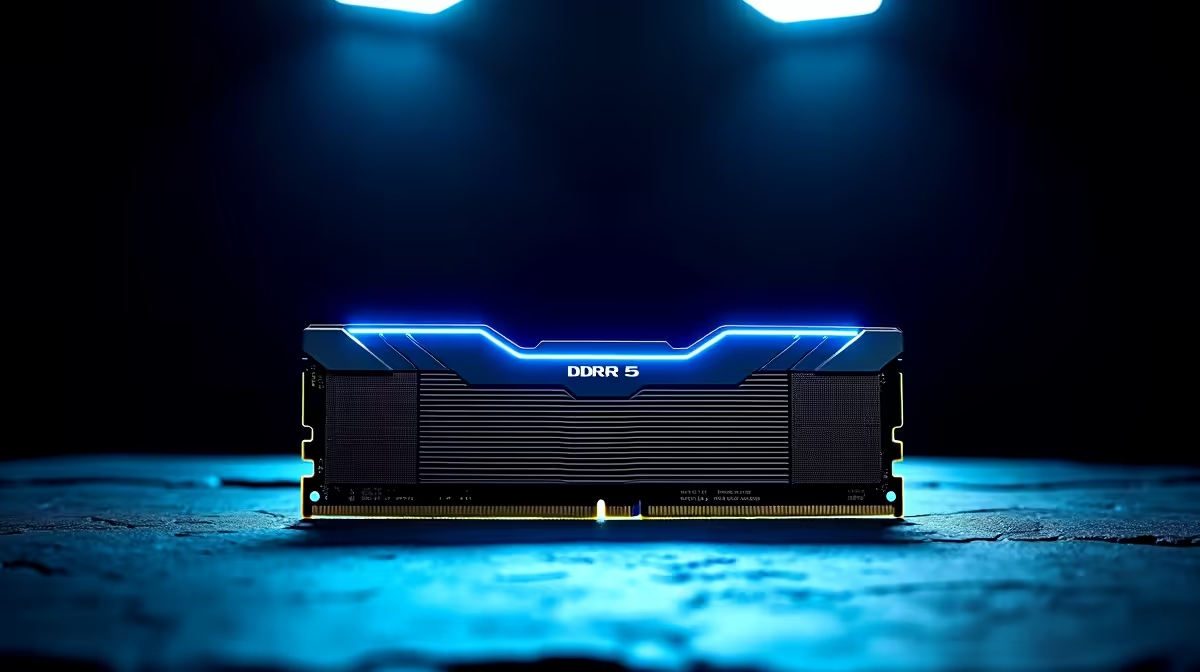
Stuttering during a final-circle firefight in Warzone? That split-second freeze isn't just bad luck; it's often your hardware hitting a bottleneck. Across South Africa, savvy gamers are realising the fix isn't just a new graphics card. They're discovering why upgrading to DDR5 with new CPUs is the key to unlocking truly fluid performance. This powerful combination delivers more than just higher numbers—it provides a smoother, more responsive gaming experience. ⚡
So, What's the Big Deal with DDR5 Anyway?
Think of your PC's memory (RAM) as a highway for data. DDR4 was a solid highway, but DDR5 is the N1 after a major upgrade: more lanes, higher speed limits, and smarter traffic flow. It offers significantly higher bandwidth, meaning your CPU gets the data it needs to render frames much, much faster.
For you, the gamer, this translates to:
- Higher Average FPS: More frames for a smoother picture.
- Improved 1% Lows: This is the big one. It drastically reduces those annoying micro-stutters that get you eliminated.
- Faster Loading Times: Less time staring at loading screens and more time playing.
This new memory standard is foundational to the best gaming PC deals on the market right now, setting a new baseline for performance.
The CPU Handshake: A Match Made in Silicon
Here’s the crucial part: you can't just plug DDR5 RAM into any old motherboard. DDR5 requires a modern platform with a compatible memory controller, which is built directly into the CPU. This is why a simple RAM stick swap isn't possible; the upgrade to DDR5 is tied directly to your CPU choice.
Essentially, new-generation processors from both Intel and AMD are designed to speak the language of DDR5.
- Team Blue: Intel's 12th Gen and newer CPUs brought DDR5 support to the mainstream. You can find these powerhouses in our range of all Intel PC deals.
- Team Red: AMD's Ryzen 7000 series and newer processors are built exclusively for the DDR5 platform, making it a core part of their performance strategy. Check out our all AMD Ryzen PC deals to see them in action.
Choosing to upgrade your CPU and memory together ensures perfect synergy, eliminating data bottlenecks for good. 🚀
Pro Tip: Find the Sweet Spot
When picking a DDR5 kit, aim for speeds between 5600MHz and 6400MHz with the lowest CL (CAS Latency) rating your budget allows. This is the current sweet spot for gaming, offering a fantastic price-to-performance ratio without diminishing returns.
Real-World Gains: Beyond the Benchmarks
Numbers on a chart are one thing, but how does this feel in-game? Imagine you're commanding your squad in Helldivers 2, explosions rocking the screen, while also streaming to your friends on Discord. An older system might buckle under the pressure. A modern PC with DDR5 and a new CPU, however, handles this multitasking effortlessly.
This extra bandwidth is also a massive advantage for content creators and professionals. Editing 4K video, rendering complex 3D models, or compiling code happens noticeably faster. These demanding tasks, often found in high-end Workstation PCs, benefit hugely from the DDR5 ecosystem. Of course, your graphics card is still king for raw frame rates, whether you're running one of the latest NVIDIA GeForce gaming PCs or a rig powered by Team Red's finest from our AMD Radeon gaming PCs selection.
Is the DDR5 Upgrade Right for Your Budget? 🔧
Let's talk Rands. A full platform upgrade—CPU, motherboard, and DDR5 RAM—is an investment. While prices have become much more competitive, it's a bigger leap than buying a single component.
So, how do you make the jump without breaking the bank?
- Entry-Point: Many excellent budget gaming PCs still use DDR4 to deliver incredible value, making them a great starting point.
- The Smart Move: Often, the most cost-effective way to get into the new ecosystem is with one of our pre-built PC deals. We handle the compatibility and component matching, giving you a balanced, ready-to-dominate machine.
- Price Brackets: Whether you're looking for powerful PCs under R20k or a top-tier beast from our selection of PCs above R20k, there's a DDR5-ready option that fits your needs and sets you up for years of future gaming. ✨
Ready for the DDR5 Advantage?
Stop letting old hardware dictate your kill-death ratio. A purpose-built DDR5 machine is your ticket to smoother frame rates and a more responsive experience. Explore our range of powerful DDR5 gaming PCs to find the perfect rig to dominate your favourite titles.