Quick Answer
For low-latency online gaming, a desk doesn't change your ping, but the right desk supports the gear that does. Buy in this order: a stable surface at least 120cm wide and 60cm deep for full mouse sweeps, then cable management to run a wired Ethernet line cleanly, then a monitor arm. A solid gaming desk runs about R1,500 to R4,000 locally.
Must-have first: a stable, big-enough surface
Low-latency play needs room for wide, low-sensitivity mouse movements without hitting the edge, so the first buy is a surface at least 120cm wide and 60cm deep on a frame that doesn't wobble during fast flicks. A wobbly desk transmits every keyboard and mouse jolt, which throws off aim more than people realise. A R1,500 to R4,000 desk with a steel frame and a wide top is the foundation; everything else hangs off it. Get this right before spending on accessories.
Nice-to-have: clean cabling for a wired connection
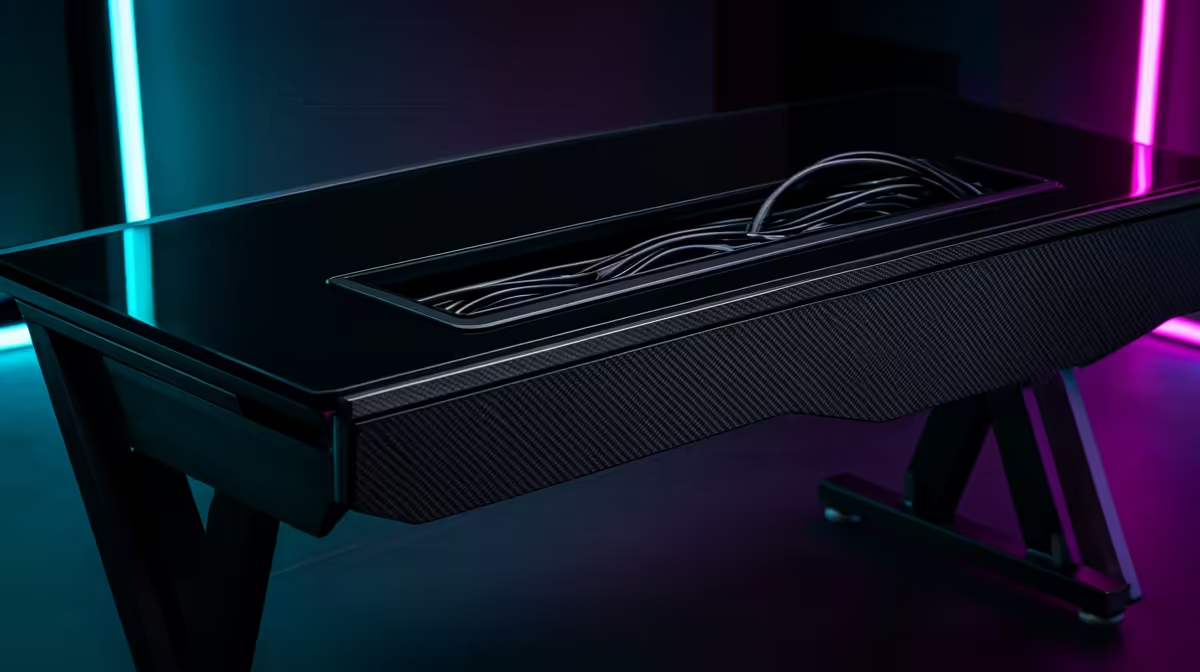
Your ping comes from the connection, and a wired Ethernet line beats Wi-Fi jitter, so the next priority is cable management that lets you run a network cable neatly from router to desk. A cable tray or sleeve keeps the Ethernet line, monitor cable and peripheral leads tidy and out of the way. After that, a monitor arm frees desk space and lets you set the screen at the right distance for fast reactions. Buy the surface, then the cabling, then the arm, in that order, so the desk actually serves low-latency play.
FAQ
Does a gaming desk affect my ping?
No. Ping comes from your internet connection and the game server, not the desk. A good desk helps indirectly by supporting a stable surface and clean routing for a wired Ethernet line, which beats Wi-Fi jitter.
How wide should a desk be for online gaming?
At least 120cm wide and 60cm deep, so you have room for wide, low-sensitivity mouse sweeps without hitting the edge. A stable steel frame matters too, since a wobbly desk throws off fast aim.
What's the first desk upgrade for competitive play?
A stable, big-enough surface. After that, cable management for a tidy wired Ethernet run, then a monitor arm to set the screen at the right distance. Accessories come after the surface is solid.
wired Ethernet line through a cable tray to your desk and set your monitor an arm's length away, so a stable surface and a wired link both work in your favour for fast play.