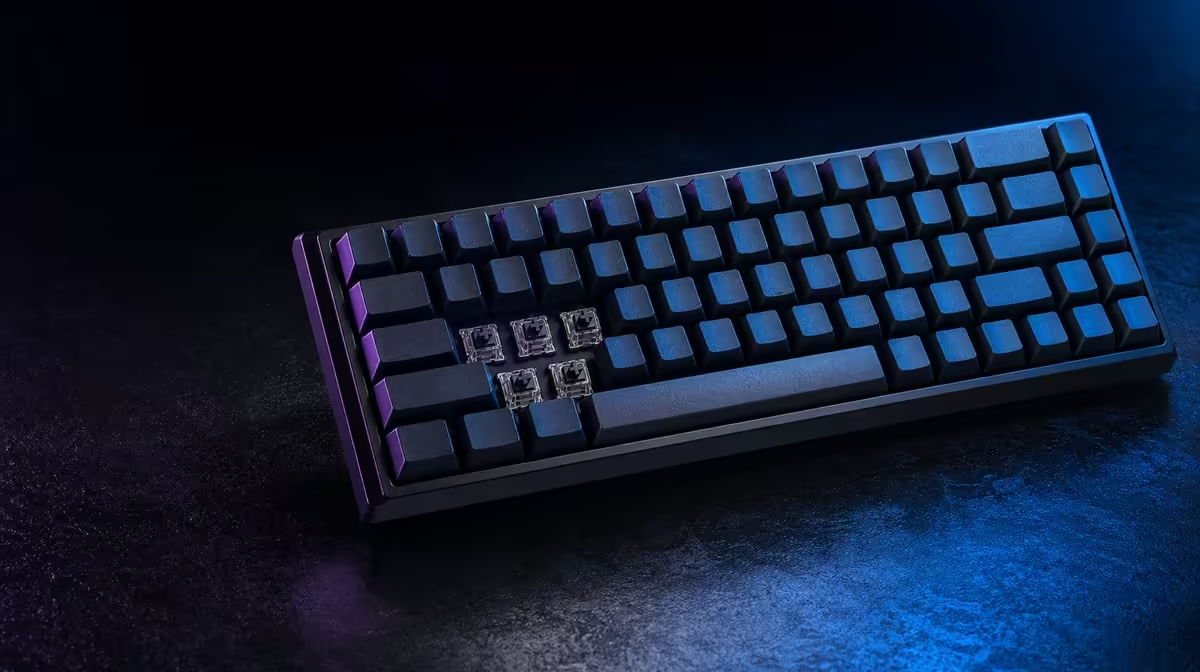
A hard ceiling is useful when it keeps optional specifications from outranking daily control. Gaming-keyboard features to prioritise under R3,000 begin with layout, reliable registration, comfortable switches and support; the category must be checked for current qualifying products without assigning a price to an unnamed model.
Quick Answer
Keep every candidate at or below R3,000 using current listed prices, then require the right layout, dependable key combinations and suitable switch feel. Add PBT caps, hot-swap, RGB software or 8kHz only when the qualifying keyboard remains inside the ceiling and the feature solves a measured need.
💰 Hold the line with a dated shortlist
Record current category prices on the same day and remove any model above R3,000. This guide cannot identify a qualifying product without checking its live listing.
Keep the ceiling separate from optional accessories. Add a wrist rest or replacement caps only when they form part of the immediate plan and total them visibly.
Record whether delivery or another checkout cost changes the final total. Apply the same treatment across every candidate so the cap remains fair.
Keep a small contingency instead of spending exactly to the limit. A required cable or desk item should not force the setup beyond R3,000 unexpectedly.
Do not stretch the cap for one exciting feature. If the full setup exceeds the boundary, compare another board or remove the optional requirement.
Name the outcome: a keyboard for a certain desk, game pattern and work routine. "Most features below R3,000" is not a useful target.
Write weekly hours for games and typing. The more frequent role should receive more influence when switch feel or layout creates a trade.
Separate "must have", "useful" and "preference". The R3,000 ceiling should fund the first group before lighting style or speculative future customisation.
Start the current comparison in Evetech's Logitech gaming-keyboard range.
⌨️ Gate the essential controls
Measure the occupied desk and choose the layout by number-pad, navigation and mouse-room use. A narrow case can outperform a larger feature list for low-sensitivity play.
Test linear, tactile or clicky feedback through repeated inputs and typing. Exact force and travel vary within each group.
Use a full session and note weaker fingers. A mechanism that feels fine on one key can cause fatigue across modifiers and a long document.
Check room sound. A clicky board can be ruled out by colleagues, family or a microphone before optional scoring begins.
Confirm the key combinations used by the target game. Reliable registration and release belong above lighting or a maximum polling figure.
Test outside the game first, then in a training environment. This separates hardware input from an incorrect binding.
Check software compatibility when remaps or profiles are required. The keyboard needs to remain understandable in a clear default state.
Make sure the utility supports the exact board, not merely the brand. Model-level controls can vary.
Review support and warranty access at purchase. A South African buyer can value a straightforward local service path over an unused premium feature.
Keep the receipt and product information. A low purchase price is weakened when a later fault has no clear support route.
Check whether the original keycaps and switches already meet the need. Buying immediate replacement parts can turn an apparently qualifying board into an over-budget project.
Compare qualifying models in Evetech's gaming-keyboard category.
🧩 Rank upgrades after the basics
Hot-swap earns space in the budget for a user planning compatible switch repair or controlled experiments. Socket format and careful handling still matter.
PBT can add texture and resistance to shine, while legend method, wall design and fit remain separate quality questions.
Double-shot legends can add character durability, but shine-through lighting and cap compatibility still need their own checks.
Examine large stabilised keys. A premium material does not help when space or Shift returns poorly on the complete board.
An 8kHz option needs a stable high-frame PC and a controlled comparison with a lower rate. Do not sacrifice switch comfort for a subtle untested timing benefit.
Monitor CPU load and frame times during that comparison. Keep the lower setting if high reporting disrupts the complete game.
RGB software can highlight controls or manage profiles. Confirm model-level support and keep effects readable.
Value macros only for legitimate, compliant actions that remain easy to disable. Complexity can create maintenance rather than performance.
Give each feature weekly-use points. Daily comfort should outweigh an advanced mode opened once during setup.
Add configuration time as a cost. A shared PC may benefit more from reliable defaults than a complex profile library.
Ask who will maintain those profiles. A feature should not receive full value when nobody plans to keep it organised after updates.
📊 Select the lowest qualifying complete fit
Create pass/fail columns for cap, layout, switch control, registration and operating support. Remove failures before scoring extras.
Mark unknown product details rather than estimating them. Return to the current listing or documentation for an answer.
Remove boards with essential unknowns until the information is established. Optimistic assumptions should not help a candidate pass.
Use a simple evidence column linking each fact to the current product page or documentation. The table should show why a board qualifies instead of relying on memory.
Compare the next cheaper qualifying board and state what the extra spend changes. If no recurring problem is solved, keep the lower option.
Use an acceptance checklist after purchase: correct layout, reliable combinations, comfortable full-session typing, supported profiles and stable game behaviour.
Repeat that checklist before any return window or support deadline ends where applicable to the purchase. Early evidence is easier to act on than a vague later complaint.
Test both default and customised states. A keyboard should pass ordinary input before macros, lighting or high polling are given credit.
Refresh the shortlist if buying is delayed. Models, prices and availability can change while the under-R3,000 rule remains.
Preserve the original dated table. Future reviews can update facts while retaining the decision method and learning from unused features.
The final selection should fit into one sentence: it stays within R3,000 on the checked date, passes every core control gate and adds one or two features used regularly.
Keep the rejected options and reasons. When current prices move, the shortlist can be refreshed without repeating every layout and switch assessment.
Check Evetech's accessories best sellers as a wider current reference and review availability at decision time.
Frequently Asked Questions
What should an under-R3,000 keyboard get right first?
It should fit the desk, retain required keys, register real game combinations and feel comfortable.
When is hot-swap support worth including under the cap?
When compatible repair or a defined switch experiment matters and the complete keyboard remains within budget.
Should PBT keycaps take priority over switch comfort?
Usually not. Switch control affects every press, while cap material is one part of surface quality and longevity.
Who can justify an 8kHz keyboard within this budget?
A competitive player prepared to prove stable registration and frame delivery on the intended PC.
How should RGB software be assessed before purchase?
Confirm exact model support, operating compatibility and whether profiles solve a real use.
Can the category title identify a qualifying product price?
No. Current individual listings must be checked to see which products are at or below R3,000.
What local factor belongs in the South African shortlist?
Current warranty and support access should be considered alongside replacement compatibility.
Keeping the keyboard budget below R3,000?
Check current Evetech gaming-keyboard prices, enforce the ceiling and let daily control outrank optional extras.