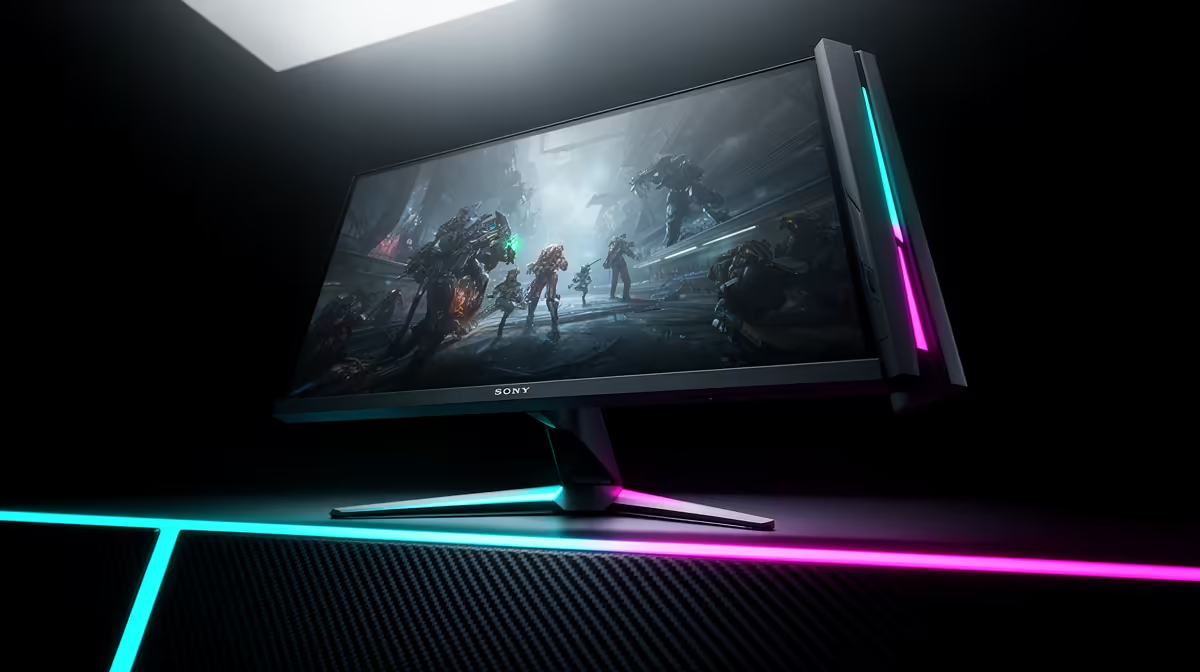
Picture this: you’ve just unboxed your glorious new gaming monitor. The colours are popping, the refresh rate is buttery smooth... until you spot it. A tiny, dark dot that won't go away. A dead pixel. Suddenly, that investment feels risky. Don't panic! Understanding your gaming monitor warranty in South Africa is your ultimate power-up, turning potential buyer's remorse into total peace of mind. Let's dive in. 🇿🇦
Navigating Your Gaming Monitor Warranty in South Africa
Before you even plug in your new screen, it's smart to understand the protective shield it comes with. In South Africa, your warranty isn't just a sticker on a box; it's a promise backed by both the manufacturer and the Consumer Protection Act (CPA). This act provides a baseline of protection, but the manufacturer's warranty often offers more specific, and sometimes better, terms for gamers.
Most warranties last between one to three years. They are designed to cover manufacturing defects… things that go wrong with the hardware that aren't your fault. Knowing the specifics of the gaming monitor warranty for your chosen brand can save you a massive headache down the line, whether you're buying entry-level or high-end PC monitors.
What's Typically Covered by Your Warranty? 🛡️
So, what does that piece of paper actually protect you from? While policies differ slightly between brands like Dell, Samsung, or ASUS, most warranties cover a standard set of hardware failures.
Key Coverage Points:
- Dead or Stuck Pixels: This is a big one. Most brands have a specific policy, often requiring a minimum number of dead pixels (e.g., 3-5) before they’ll approve a replacement. A single dead pixel might not be covered, so always check the fine print. This is especially crucial for high-resolution displays, where pixel perfection is paramount on premium 5K and 4K monitors.
- Hardware Malfunctions: If your monitor simply won't turn on, the buttons stop working, or the ports fail, you're almost certainly covered. This includes internal power supply issues or faulty circuit boards.
- Backlight Bleed & IPS Glow: This can be a grey area. Severe backlight bleed (uneven light around the edges of the screen) is often covered, but minor cases might be considered normal for the technology.
Dead Pixel Detective 💡
Before you panic, run a proper test. Visit a website like JScreenFix or EIZO's monitor test. These sites cycle through solid colours (red, green, blue, black, white), making any dead, stuck, or lit pixels stand out instantly. Take a clear photo if you find any, as you'll need it for your warranty claim.
Common Exclusions: What Your Warranty Won't Cover
A warranty is for defects, not accidents. It's vital to know what isn't covered to avoid a nasty surprise when you try to make a claim.
- Accidental Damage: Spilled your Coke? Cat knocked the screen off your desk? Unfortunately, that's on you. Physical damage, cracks, and liquid damage are standard exclusions. This is why careful handling is so important, especially for speciality screens like immersive curved monitors which can be more awkward to move.
- Power Surges: A power-restoration surges that fries your monitor's electronics is typically not covered. We can't stress this enough: invest in a good quality surge protector. It's a small price to pay to protect your gear.
- Cosmetic Issues: Minor scratches on the bezel or stand that don't affect performance usually aren't covered.
The RMA Process: Claiming Your Warranty Step-by-Step 🔧
Okay, so you've found a legitimate fault. What's next? The process is called an RMA (Return Merchandise Authorisation), and it's pretty straightforward if you follow the steps.
- Confirm the Fault: Double-check that it's not a simple issue. Try a different cable (HDMI/DisplayPort) and plug the monitor into another computer to rule out a GPU or software problem.
- Gather Your Documents: Find your original invoice from Evetech. This is your proof of purchase and the key to your claim.
- Contact Us First: As the retailer, Evetech is your first point of contact. We’ll guide you through the initial steps and help determine if the issue falls under warranty. We'll then facilitate the process with the manufacturer or their local service agent.
- Follow the Instructions: You'll be given an RMA number and instructions on how to package the monitor for assessment or repair. For specific products like portable monitors, ensure you include all the original cables and accessories.
Understanding the South African monitor warranty guide makes you a smarter buyer. It's not just about the specs and the price; it's about the long-term support and value you get with your purchase. A good warranty means you can focus on hitting your shots, not worrying about your screen. When you're browsing the latest gaming monitors, always factor in the warranty period and policy.
Ready for a Visual Upgrade?
A great warranty provides peace of mind, letting you focus on the win. Armed with this knowledge, you can confidently choose a screen that's built to last. Explore our incredible PC monitor deals and find the perfect display to dominate your game.