


Starfield Max Settings on RTX 5070: Complete Guide
Starfield Max Settings on RTX 5070. Tested & verified settings for best FPS and visual quality on SA hardware budgets.
Read moreMaster your gaming mouse battery life with our expert guide. From understanding power-hungry polling rates to choosing 90-hour endurance gear, we help you stay in the game longer without constant charging. 🖱️⚡
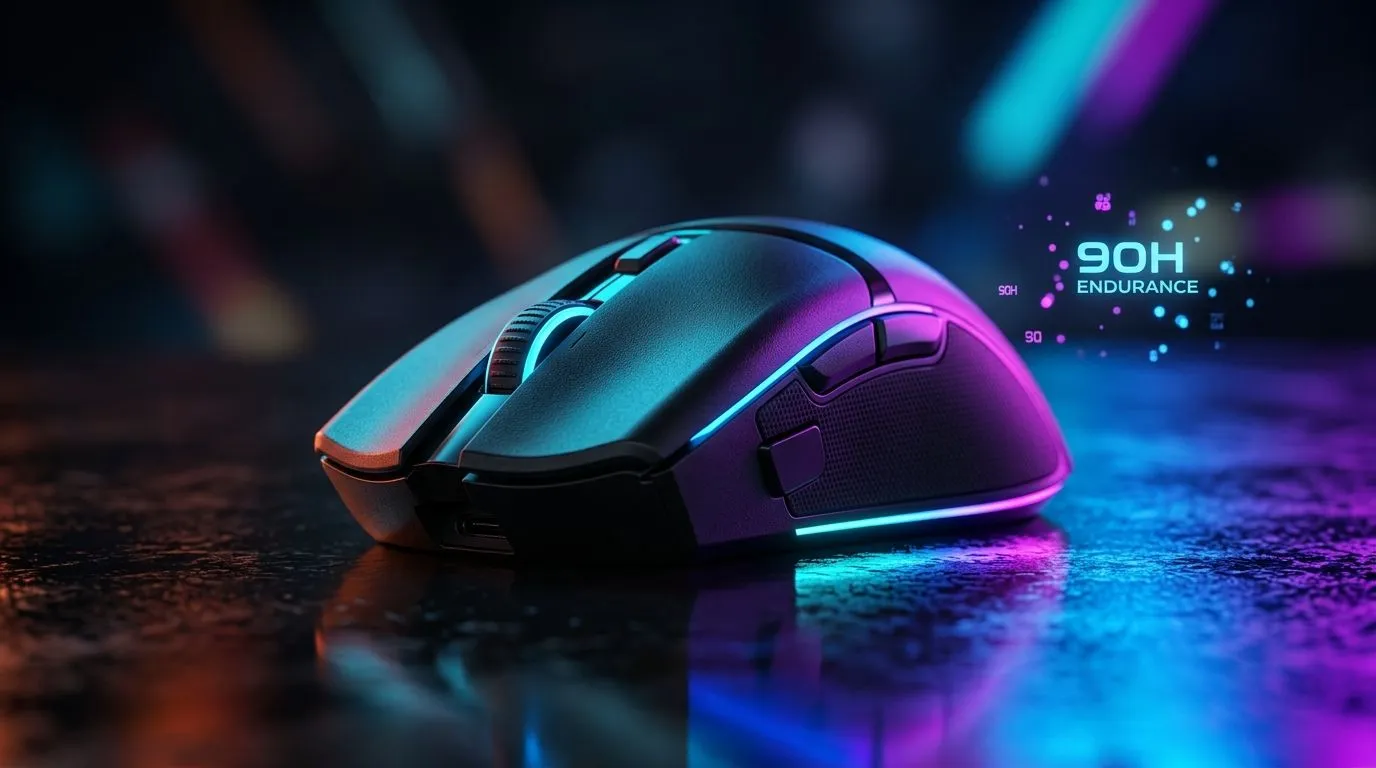
If your mouse dies mid-raid, you don’t just lose time... you lose momentum. 🔋 In South Africa, where load shedding and long gaming sessions are real life, battery life isn’t a “nice to have”. It’s part of your setup.
This guide walks you through what affects Gaming Mouse Battery Life: A Complete Guide to Endurance, how to judge claims, and how to stretch runtime without sacrificing clicks or control.
Battery life depends on more than just the cell size. Here’s the practical breakdown. ⚡
Higher polling rates (like 1000Hz) reduce input latency, but they can increase power use. If you’re mostly browsing or working between matches, lowering polling rate can help. For gaming, many players run 1000Hz only when it matters.
RGB is the loudest battery “thief” on many models. Turn it down, switch to a static colour, or use a “breathing” mode. If your mouse has onboard profiles, set a “Gaming” profile with minimal effects.
Most modern wireless mice use either:
If your mouse supports a charging dock or low-power standby, using those modes can noticeably improve real endurance.
A mouse used daily for hours will always drain faster than a mouse used briefly. Surface too matters indirectly. If your sensor frequently struggles (cheap pads, poor lighting for optical sensors), you may end up with more movement changes and higher workload.
Marketing numbers often assume ideal settings. Instead of betting on vague claims, compare what’s listed and what’s controllable.
many wireless mice, battery life drops most when RGB is set high and polling rate is maxed. Create two profiles: one for ranked (performance settings), and one for desk time (lower polling, no animations). This avoids “all day” battery waste while keeping your game settings ready.
When you’re comparing models, prioritise these:
If a listing doesn’t provide meaningful battery runtime details, treat the numbers as uncertain and focus on charging convenience instead.
Wireless is awesome, until you realise you need a plan for downtime. The good news: modern charging is easier than most people think.
If you want a “never worry” setup, consider a wired mouse. No battery anxiety, stable performance, and simple plug-and-play.
Wireless mice can be incredibly consistent, but you should know how charging works on your model:
For people who game late, charging while you unwind between matches can prevent “dead mouse” moments.
Let’s match endurance to how you actually play.
If you play long ranked sessions, prioritise mice with:
If you alternate between gaming and work, you can usually extend runtime by using lower power settings when you’re not in-game.
If you’re shopping with a hard budget, the “best” endurance is the one you can afford without compromise. Sometimes the smarter buy is a model that hits your performance needs and comes up on a deal.
Batteries age faster with heat and poor charging habits. Even if modern cells are robust, good habits help.
Also, consider extras that make life easier:
Before you choose a mouse, run this quick checklist:
When your mouse survives the session, you stop thinking about it... and start aiming better.
Ready to Find Your Perfect Match? The Mac vs Windows debate is complex, but for maximum power, choice, and value in South Africa, Windows is hard to beat. Explore our massive range of laptop specials and find the perfect machine to conquer your world.
Most modern wireless gaming mice last between 40 to 90 hours of active use, depending on the polling rate, RGB lighting settings, and sensor efficiency.
Yes, RGB lighting is a major contributor to battery drain. Turning off or dimming your mouse's LED lights can significantly extend your total battery endurance.
You can extend battery life by reducing the polling rate, turning off RGB lighting, using power-saving modes, and ensuring your mouse firmware is updated.
Yes, a higher polling rate like 4000Hz or 8000Hz requires more frequent data transmission, which consumes significantly more battery power than standard 1000Hz settings.
Rechargeable mice are generally lighter and more eco-friendly, while AA models offer the convenience of instant power swaps, which is great for long-term reliability.
Many high-end wireless gaming mice now feature 90-hour endurance or more, often utilizing specialized low-power sensors to maximize uptime between charges.
Starfield Max Settings on RTX 5070. Tested & verified settings for best FPS and visual quality on SA hardware budgets.
Read more
When Will the RTX 6090 Launch in South Africa Detailed answer with SA data, expert analysis & practical recommendations for local buyers.

Top Valorant Settings for RTX 5070: FPS Optimisation picks evaluated on performance, value & SA availability with current Rand pricing from Evetech.

RDNA 3.5 Graphics in Ryzen AI 400? Can You Game. Plain-English explanation of what it means, why it matters & how it affects your buying decisions in SA.

GPU Price Index : December Report. Current stock data & price tracking for SA buyers. See what is available and where prices are heading.

Core i5-14600K + B760 + RTX 5060 Build Under. Full parts list, Rand pricing & expected performance. Build confidently with SA-available components.

RX 7600 Apex Legends at 4K: FPS Benchmark. Real-world benchmark data, FPS numbers & performance analysis. What SA gamers can actually expect.

RX 7900 XTX GTA 6 at 4K: FPS Benchmark & Optimal. Real-world benchmark data, FPS numbers & performance analysis. What SA gamers can actually expect.

Head-to-head comparison of RTX 5070 vs RX 9070 XT: Gaming Performance for SA gamers. Performance benchmarks, Rand pricing & which delivers better value.

GPU Setup Guide Gamers. Clear setup instructions with SA-specific considerations, troubleshooting tips & recommended components.

Top RTX 5090 Under R12000 picks evaluated on performance, value & SA availability with current Rand pricing from Evetech.

Call of Duty Warzone 2 Settings on RX 7600. Real-world benchmark data, FPS numbers & performance analysis. What SA gamers can actually expect.

GTA 6 Settings on RTX 5070 Ti: Performance. Real-world benchmark data, FPS numbers & performance analysis. What SA gamers can actually expect.