


Starfield Max Settings on RTX 5070: Complete Guide
Starfield Max Settings on RTX 5070. Tested & verified settings for best FPS and visual quality on SA hardware budgets.
Read moreGaming mouse connectivity types dictate your performance. We break down the differences between wired USB, 2.4GHz wireless, and Bluetooth to help you find the perfect match for your playstyle. 🖱️⚡
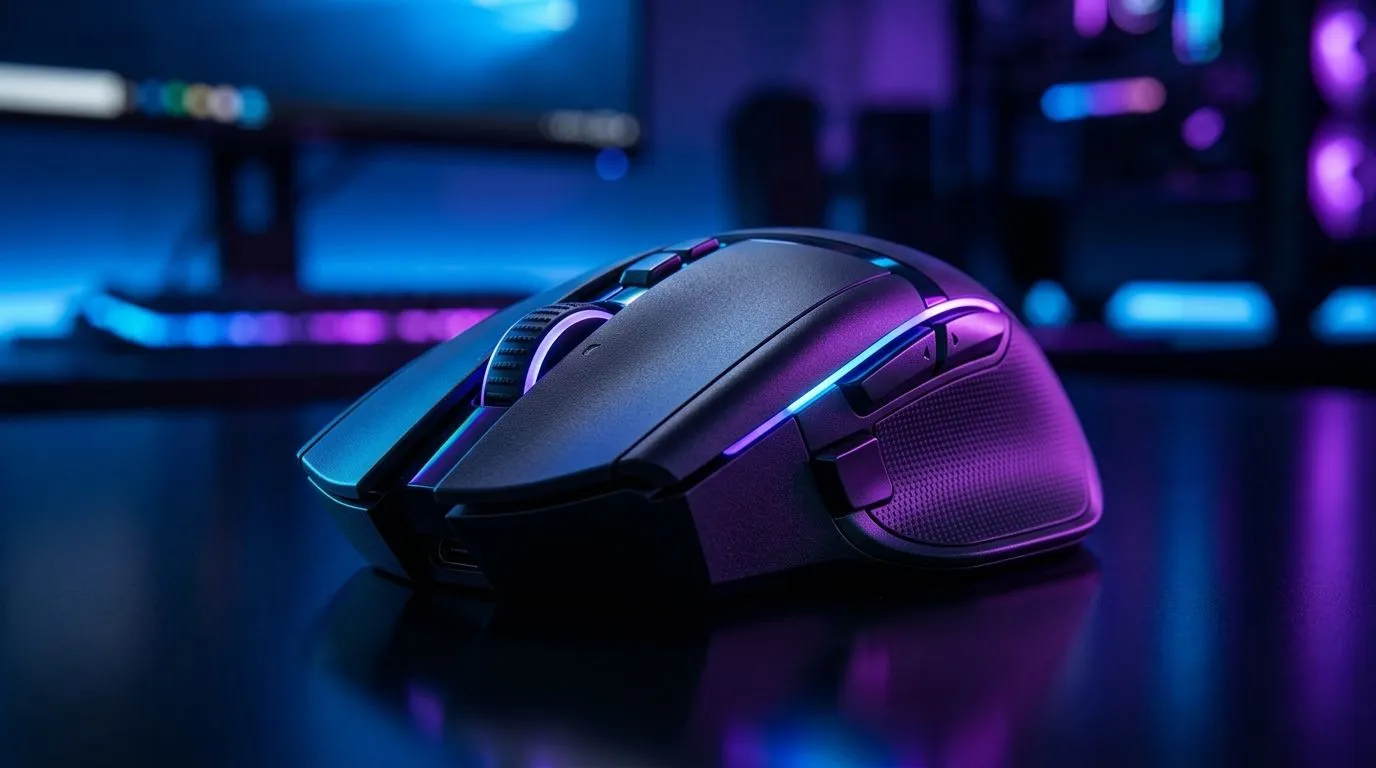
South African gamers know every millisecond counts in a heated match. Choosing the right gaming mouse connectivity can make or break your precision and responsiveness. Wired, 2.4GHz wireless, or Bluetooth options each have pros and cons that affect gameplay and convenience. Let’s unpack the differences so you can pick a mouse that fits your setup and style perfectly — and stay one step ahead.
Wired mice remain a popular choice among competitive gamers here in SA. Their direct USB connection offers ultra-low latency and consistent power without worrying about batteries. This supreme reliability is why many esports pros stick with wired models.
If you prefer zero lag and uninterrupted sessions, explore Evetech’s curated wired gaming mouse selection. These mice excel for fast reflexes and precise tracking.
Want to cut the cord but don’t want to sacrifice speed? 2.4GHz wireless gaming mice use a dedicated USB dongle that reduces input delay drastically compared to standard Bluetooth. South African gamers favour this connection for balanced performance and freedom of movement, especially when gaming from the couch or switching between desk and laptop setups.
Notably, you can find great options in Evetech’s wireless mouse range with reliable connectivity and long battery life, perfect for those marathon gaming sessions.
Bluetooth mice shine in portability and ease of use — no dongle needed, just pair with laptops or tablets. However, Bluetooth’s slightly higher latency and potential interference can impact competitive gaming. For casual gamers or those prioritising minimal desk clutter, Bluetooth can work well.
Browse through mouse accessories at Evetech to upgrade your setup and improve wireless stability no matter which connection you choose.
When using wireless mice, keep your USB dongle close and avoid obstacles. This reduces signal drops and latency, giving a smoother game.
When choosing between these connectivity types, also look at DPI and polling rates. Wired and 2.4GHz mice typically support high polling rates (1000Hz) providing consistent input every millisecond. Bluetooth mice can have lower polling rates, impacting responsiveness.
For a deeper look at performance metrics and more models, check out Evetech’s gaming mouse deals with top brands and prices in ZAR.
Whether it’s a tournament or casual play, your gaming mouse's connection impacts precision, lag, and endurance. Wired is king for reliability; 2.4GHz offers flexibility with speed, and Bluetooth suits convenience seekers. Understanding these trade-offs helps you invest smartly and game confidently.
For a wide variety of well-priced, high-performance gaming mice to match your style, visit Evetech and equip yourself properly for your next session.
Grab Your Ideal Gaming Mouse Today Ready for flawless clicks and zero lag? Shop now at Evetech for performance that leaves lag in the dust.
Yes. 2.4GHz wireless offers significantly lower latency and higher polling rates, making it the standard for competitive gaming compared to Bluetooth.
Wired gaming mice provide the most consistent connection with virtually zero input lag, making them a reliable choice for professional esports players.
Bluetooth mice are fine for casual gaming, but they lack the speed and stability of 2.4GHz wireless or wired connections due to lower polling rates.
Polling rate is how often a mouse reports its position to your PC. A higher polling rate ensures smoother, more accurate tracking during fast-paced gameplay.
Most modern wireless gaming mice use rechargeable lithium-ion batteries that charge via USB-C, eliminating the need for disposable batteries.
Bluetooth is excellent for travel as it connects directly to laptops without requiring a USB dongle, though it is less responsive for high-end gaming.
Starfield Max Settings on RTX 5070. Tested & verified settings for best FPS and visual quality on SA hardware budgets.
Read more
When Will the RTX 6090 Launch in South Africa Detailed answer with SA data, expert analysis & practical recommendations for local buyers.

Top Valorant Settings for RTX 5070: FPS Optimisation picks evaluated on performance, value & SA availability with current Rand pricing from Evetech.

RDNA 3.5 Graphics in Ryzen AI 400? Can You Game. Plain-English explanation of what it means, why it matters & how it affects your buying decisions in SA.

GPU Price Index : December Report. Current stock data & price tracking for SA buyers. See what is available and where prices are heading.

Core i5-14600K + B760 + RTX 5060 Build Under. Full parts list, Rand pricing & expected performance. Build confidently with SA-available components.

RX 7600 Apex Legends at 4K: FPS Benchmark. Real-world benchmark data, FPS numbers & performance analysis. What SA gamers can actually expect.

RX 7900 XTX GTA 6 at 4K: FPS Benchmark & Optimal. Real-world benchmark data, FPS numbers & performance analysis. What SA gamers can actually expect.

Head-to-head comparison of RTX 5070 vs RX 9070 XT: Gaming Performance for SA gamers. Performance benchmarks, Rand pricing & which delivers better value.

GPU Setup Guide Gamers. Clear setup instructions with SA-specific considerations, troubleshooting tips & recommended components.

Top RTX 5090 Under R12000 picks evaluated on performance, value & SA availability with current Rand pricing from Evetech.

Call of Duty Warzone 2 Settings on RX 7600. Real-world benchmark data, FPS numbers & performance analysis. What SA gamers can actually expect.

GTA 6 Settings on RTX 5070 Ti: Performance. Real-world benchmark data, FPS numbers & performance analysis. What SA gamers can actually expect.