

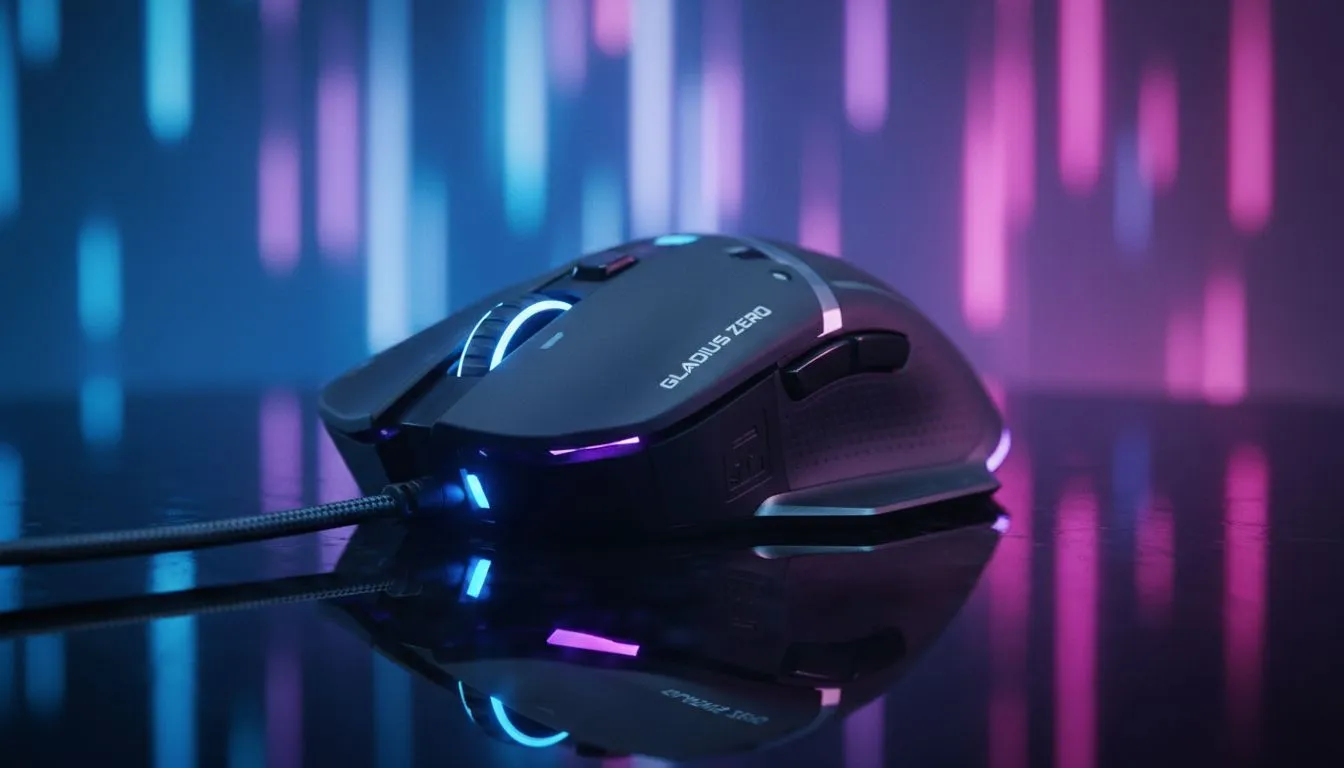
Gaming Mouse Optical Sensor: Benefits of Precise Sensors
South African gamers know the difference between a lucky shot and a clean flick. If your crosshair skips, jitter or feels mushy, the sensor is often the culprit. Read on for clear, practical tips to pick a mouse that translates every micro-movement into on-screen precision — whether you play CS2, Warzone, or grind esports ladders. 🎯
Optical Sensor Benefits: why precision matters
A high-quality optical sensor improves tracking, reduces prediction errors, and gives consistent DPI scaling. That matters in low-sense play where tiny adjustments win duels. Want hands-on options? Browse Evetech’s full gaming mouse selection to compare sensors used across models.
Gaming Mouse Optical Sensor: Benefits of precise sensors for different playstyles
Different genres need different sensor traits. FPS players prioritise raw tracking and low latency; MOBAs and RTS players benefit from smooth acceleration and consistent lift-off distance. If you’re shopping on a budget but still want quality, check current gaming mouse deals — Evetech lists bargains in ZAR that still use reputable sensors. ⚡
Practical setup tips and ergonomics
Pair sensor choice with weight, cable, or wireless performance. If cordless is your preference, look through the curated wireless mice range. Wired fans should compare latency and build options in the wired mouse range. Small tweak: update firmware and use a quality mousepad for consistent surface tracking.
Pro Tip ⚡
Keep polling rate at 1000Hz only if your mouse and USB port handle it consistently. For many players, 500Hz is a sweet spot that lowers CPU load while keeping responsiveness.
Accessories, keys and complete rigs
A precise sensor pairs well with reliable switches and macro mapping. If you’re also upgrading your keyboard, the cheapest options still worth buying are listed in Evetech’s budget keyboard guide. Prefer brand filters? See Razer options here or Glorious boards here. Want wireless keys? Find those here. Prefer wired? This filter helps wired keyboards.
Looking for extras that keep tracking immaculate? Explore mouse accessories — skates, feet and dedicated pads make a measurable difference. 🔧
Final thoughts for South African buyers
Choose a sensor that matches your aim style, check polling and lift-off behaviour, and factor in local ZAR pricing and warranty. Try demos where possible and read Evetech listings for clarity on specs. Want a tailored recommendation? Start with Evetech’s curated mouse pages and deals to compare models and prices.
Ready to Find Your Perfect Match? The Mac vs Windows debate is complex, but for maximum power, choice, and value in South Africa, Windows is hard to beat. Explore our massive range of laptop specials and find the perfect machine to conquer your world.











