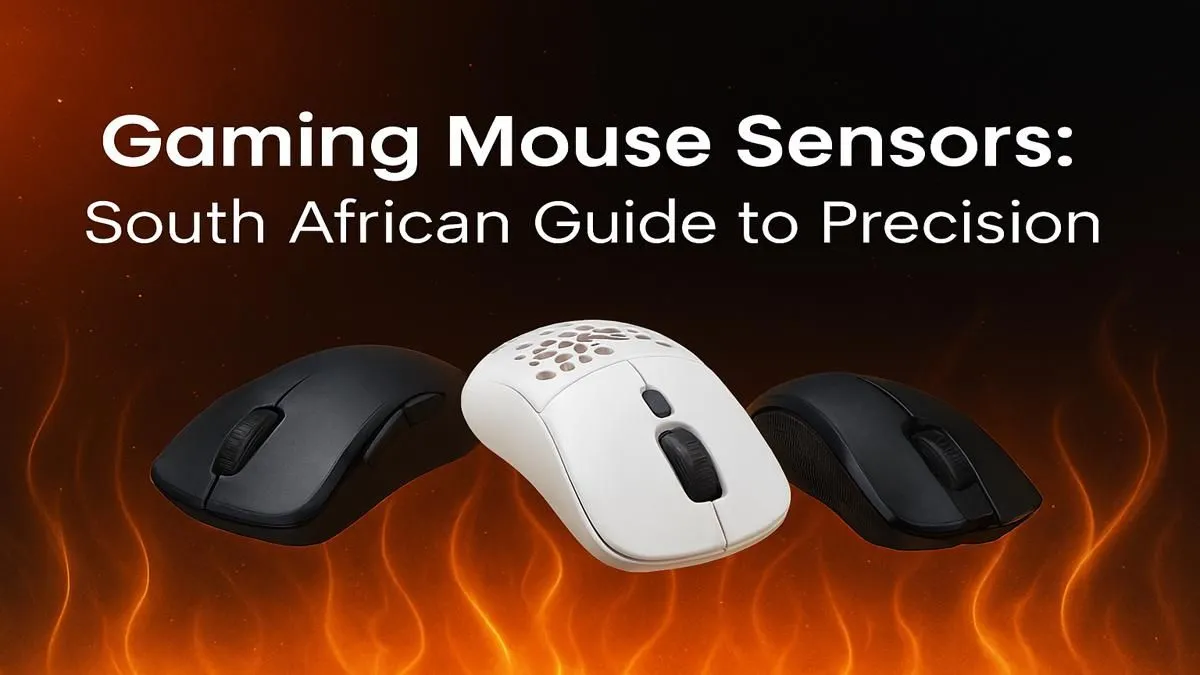
You line up the perfect headshot... click... and your crosshair sails past the target. Sound familiar? Before you blame your ISP or your team, look down at your hand. That little device is your digital weapon, and its performance hinges on one tiny, crucial component: the sensor. This gaming mouse sensor guide is your bootcamp for achieving pro precision right here in South Africa, breaking down the tech that separates a good player from a great one. 🚀
What Exactly is a Gaming Mouse Sensor?
Think of the sensor as the eye of your mouse. It sits on the underside, rapidly taking thousands of pictures of the surface beneath it every second. By comparing these pictures, it calculates the direction and speed of your movement, translating your real-world hand motion into digital action on screen.
For years, the debate was "Optical vs. Laser". Today, the battle is largely over. Modern optical sensors, especially those from top manufacturers like PixArt, offer flawless, 1:1 tracking without the acceleration or jitter issues that could plague older laser sensors on certain surfaces. For gaming, an optical sensor is the undisputed king.
Decoding the Specs: The Keys to Pro Precision
When you browse for a new mouse, you'll see a lot of numbers. This part of our mouse sensor guide will help you understand what truly matters for hitting your shots.
DPI (Dots Per Inch): More Isn't Always Better
DPI measures how sensitive your mouse is. A higher DPI means the cursor moves further on screen for a smaller hand movement. While manufacturers love to advertise massive 20,000+ DPI numbers, it's mostly marketing. Most professional esports players use a much lower DPI, typically between 400 and 1600.
Why? Lower DPI allows for more precise, deliberate movements, making it easier to track targets and make micro-adjustments. A crazy-high DPI can make your aim feel twitchy and uncontrollable.
Find Your Perfect eDPI ⚡
Your true sensitivity is a combination of your mouse DPI and your in-game sensitivity setting. This is called 'eDPI' (effective DPI). To calculate it, simply multiply the two values (e.g., 800 DPI x 2.0 in-game sens = 1600 eDPI). This allows you to compare your aim settings with others, even if they use a different DPI.
Polling Rate (Hz): Your Mouse's Reflexes
Polling rate, measured in Hertz (Hz), is how often your mouse reports its position to your computer. The standard for gaming mice today is 1000Hz, meaning it sends an update every 1 millisecond. This provides a smooth, responsive feel.
Newer mice are pushing this to 4000Hz or even 8000Hz. While technically faster, the real-world benefit is minimal for most players and can use more CPU resources. For 99% of gamers in South Africa, 1000Hz is the perfect sweet spot for pro precision.
Lift-Off Distance (LOD): For the Flick-Shot Masters
LOD is the height at which the mouse sensor stops tracking when you lift it off the mousepad. If you're a low-sensitivity player who frequently lifts and repositions your mouse to make large turns or flick shots, a low LOD is critical. A high LOD would cause the cursor to drift as you lift the mouse, throwing off your aim completely. ✨
Beyond the Sensor: Building Your Complete Battlestation
A fantastic mouse sensor is a huge advantage, but it’s only one piece of the puzzle. To truly optimise your setup, your other peripherals need to be just as responsive.
Your mouse’s precision is best felt when paired with one of the best gaming keyboard deals on the market, ensuring every command is registered instantly. For those just starting their PC gaming journey or looking for an all-in-one upgrade, our keyboard and mouse combos offer incredible performance and value.
The real enthusiasts know that customisation is key. Dialling in your ideal feel might mean experimenting with different keyboard switches or adding a splash of personality with custom keycaps. And for those marathon gaming sessions, protecting your wrists with ergonomic wrist rests is non-negotiable. Ultimately, all these peripherals are powered by your core rig, and you can find everything from graphics cards to affordable gaming keyboards and PC components to complete your ultimate build.