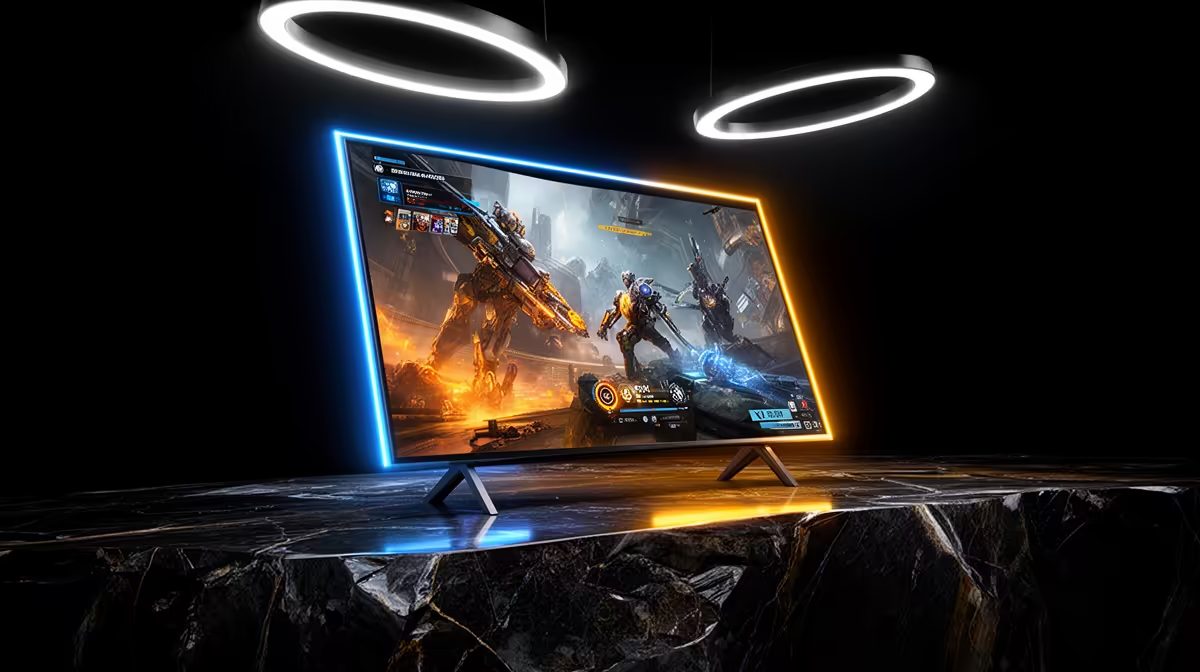
Gaming on a TV vs a monitor comes up constantly when SA gamers plan a build, so here is the honest read.
Quick Answer
The direct answer: For SA gamers, a monitor beats a TV for competitive play thanks to lower input lag (1-5ms vs a TV's 10-20ms in game mode) and higher refresh. A big OLED TV wins for couch and single-player gaming at 4K 120Hz. Choose by where and how you play.
Matching the display to your setup
Sit at a desk for competitive play? Game from the couch on a console or story titles? Pick a monitor. A TV with game mode and HDMI 2.1 fits better. Check input lag specs and enable game mode whichever you choose. Plan around it now and you will not be rebuilding next year. That detail decides whether the spend pays off.
Why a monitor suits desk gaming
Monitors offer the lowest input lag, higher refresh rates up to 240Hz+, and a size that fits a desk at arm's length. For competitive shooters that responsiveness is decisive. They also tend to cost less per Hz than a comparable TV. Treat it as a checklist item, not an afterthought. This is the part that shapes real-world satisfaction.
When a TV is the better choice
For couch gaming, a large 4K 120Hz OLED TV delivers a cinematic single-player experience with stunning contrast. Modern TVs add game modes and HDMI 2.1 for low-lag console and PC play. Screen size and immersion are where the TV shines. This is the detail that does not show on a product page. Treat it as the deciding factor, not a footnote.
Should you buy gaming on a TV vs a monitor?
For most South African gamers, gaming on a TV vs a monitor only makes sense when it matches the parts you already own and the way you actually play. Shortlist two options, check they fit, and pick the one with the best value and support. A balanced setup always beats overspending on one component. This is where a little planning saves real money down the line. That detail decides whether the spend pays off.
FAQ
What refresh rate do I need for competitive gaming?
144Hz or higher on a monitor gives the smooth motion competitive play rewards. TVs top out around 120Hz, which suits single-player but less so ranked esports. Get this right and the rest of the build falls into place. In practice this is where the value is won or lost.
Do TVs have too much input lag for gaming?
Modern TVs in game mode reach 10-20ms, fine for most play but still above a monitor's 1-5ms. For twitch shooters a monitor remains the responsive choice. South African gamers tend to overlook this until the build is done. For SA buyers, that is the line that matters.
Can I use a TV as a PC monitor?
Yes, especially a 4K 120Hz TV with HDMI 2.1 and game mode. Just sit far enough back for the size and enable game mode to cut input lag. For SA buyers this is the practical detail that decides value. This is the part that shapes real-world satisfaction.
Pro Tip
Whichever you choose, enable game mode - it strips out the picture processing that adds input lag, the single biggest factor in how responsive gaming feels. Compare two or three options so you buy with confidence.