

Storage Specs Explained for Beginners
Storage Specs Explained for Beginners. Plain-English explanation of what it means, why it matters & how it affects your buying decisions in SA.
Read moreGPU warranty South Africa: Know what voids cover in 2025, how the CPA 6‑month guarantee applies, and what proof speeds up an RMA. Learn safe limits for OC, BIOS flashes, mining, and mods. ✅🔎
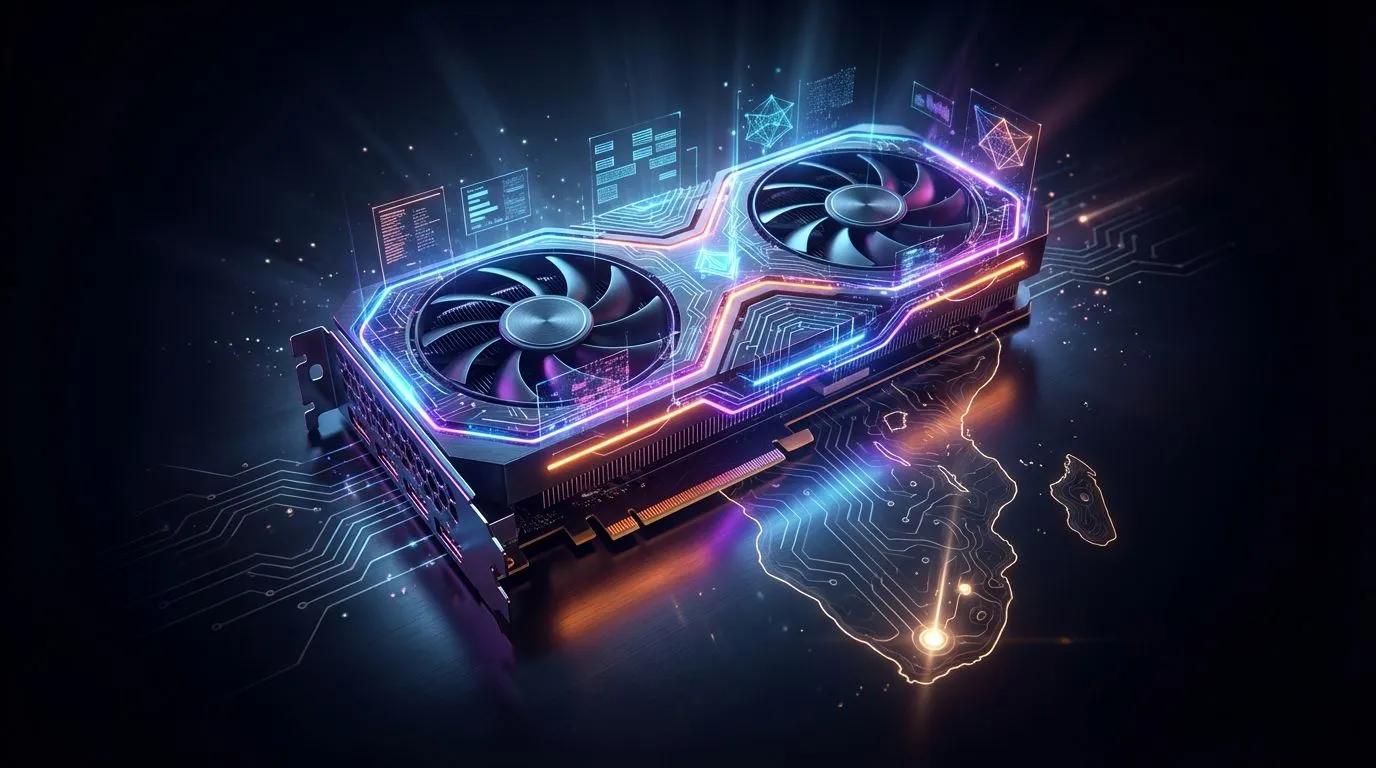
You’ve just dropped thousands of Rands on a shiny new graphics card. It’s the heart of your rig, pushing pixels in glorious 4K. Then, one day... black screen. Your heart sinks. Is the warranty void because you tweaked the fan curve? Or repasted the cooler? Understanding your GPU warranty in South Africa isn’t just paperwork; it’s about protecting a massive investment. Let’s clear up the myths and facts so you can game with peace of mind. ✨
First, let's get one thing straight: your GPU warranty in South Africa primarily covers manufacturer defects. This means if a memory chip fails or a capacitor pops through no fault of your own, you're generally covered. The warranty period (usually 1-3 years) starts from your date of purchase from a registered reseller like Evetech.
However, the terms aren't identical across all brands. The policy for high-end NVIDIA GeForce GPUs might have subtle differences compared to AMD's Radeon lineup or even the newer Intel Arc graphics cards. Always check the specific manufacturer’s terms, but the big rules of what to avoid are mostly universal.
Many PC enthusiasts live in fear of voiding their warranty for basic maintenance. The good news? Some common practices are safer than you think.
That "Warranty Void if Removed" sticker? It often carries less weight than you'd think. In many regions, manufacturers can't deny a claim simply because you opened the shroud to perform maintenance, like replacing old thermal paste. The key condition is that you don't cause any damage during the process. If you scratch the PCB or crack the GPU die... that's on you. A careful repasting to lower temps is usually fine.
Using official software like MSI Afterburner or AMD Adrenalin to apply a mild, stable overclock is standard practice. Manufacturers expect this. They build their cards with some headroom. Problems arise when you push voltages to dangerous levels (overvolting) or use modified firmware to bypass safety limits, leading to component failure.
Before you even open the box, take a quick video of the unboxing process. Make sure to capture the sealed anti-static bag and the physical condition of the card, especially the PCIe connector and I O plate. If you ever need to make a warranty claim, this visual proof that the card arrived without physical damage can be incredibly helpful.
While some things are flexible, certain actions are a guaranteed way to get your warranty claim denied. Think of these as the cardinal sins of GPU ownership.
This is the most common reason for a voided GPU warranty in South Africa. It’s also the most straightforward. If the card has been dropped, has a bent bracket, a chipped PCB corner, or shows signs of liquid damage, the warranty is gone. This includes damage from poor installation, like snapping the PCIe retention clip or cracking the die by over-tightening the cooler. These are all things that are considered user-inflicted.
This goes beyond just repasting. If you get out a soldering iron, attempt to replace a capacitor, or install a custom water block that requires permanent changes to the card, you're on your own. Flashing a custom VBIOS from another model or a modified one to unlock higher power limits is also a major red flag for service centres and will almost certainly void your graphics card warranty. Even some professional workstation cards, built for reliability, are subject to these same rules.
This is a tricky one. Using a GPU for cryptocurrency mining itself doesn't automatically void the warranty. However, running a card 24/7 at high temperatures can cause premature failure of components like fans and memory modules. Technicians can often spot the tell-tale signs of this extreme wear and tear, and may deny the claim on the grounds of misuse. It's crucial to ensure proper cooling if you use your card for intensive, round-the-clock workloads. Protecting your warranty will be just as important for upcoming powerhouses like the RTX 5060 as it is today. 🚀
The bottom line? Treat your graphics card with respect. Handle it carefully, ensure it's well-cooled, and think twice before making any irreversible physical or software modifications.
Ready to Upgrade with Confidence? A solid warranty starts with a trusted seller. At Evetech, every graphics card comes with a full manufacturer's warranty, backed by our local support. Explore our massive range of graphics cards and find the perfect GPU to power your next adventure.
Physical damage, liquid ingress, tampered serials, third‑party repairs, BIOS flashing, and misuse often void coverage under manufacturer terms.
Basic OC via vendor tools is usually fine, but overvolting, shunt mods, or crashes from unstable OC can void warranty. Check AIB policy.
Mining alone rarely auto‑voids, but heat‑stressed or modified cards can. Keep temps, logs, and proof of purchase for a smoother GPU RMA South Africa.
Breaking warranty stickers or damaging screws/labels can void it. Use approved kits; waterblock mod warranty rules vary by brand.
Yes, unofficial or modded BIOS flashes typically void coverage. Restore stock firmware before RMA and provide proof of purchase.
The CPA gives a 6‑month implied warranty for defects on new goods; after that, brand terms apply. Ask your retailer about GPU RMA South Africa steps.
Proof of purchase, serial number, clear fault description, and photos help. Missing invoices or altered serial labels can delay or deny warranty.
Dusting is fine. Repasting or pad swaps may void warranty if seals break or parts are damaged; warranty sticker tamper is a common denial reason.
Storage Specs Explained for Beginners. Plain-English explanation of what it means, why it matters & how it affects your buying decisions in SA.
Read more
Will RDNA 5 Use the Same Silicon as the Next. Plain-English explanation of what it means, why it matters & how it affects your buying decisions in SA.
Read more
Google Workspace on Mac: Drive, Docs, Sheets and. Everything you need to know with SA pricing, step-by-step instructions & expert recommendations.
Read more
Back-to-School Parent Guide: Storages. Everything you need to know with SA pricing, step-by-step instructions & expert recommendations.
Read more
to Esports Tournaments. Everything you need to know with SA pricing, step-by-step instructions & expert recommendations.
Read more
Easter Storage Buying Guide. Hand-picked gift ideas at every budget tier. SA pricing & Evetech availability included.
Read more
AMD RX 9050 XT: Rumoured Specs, Price & Release. SA-focused analysis with local pricing data, real-world insights & actionable buying advice.

Can RTX 4080 Super Run AI Workloads for SA Developers Detailed answer with SA data, expert analysis & practical recommendations for local buyers.

Can RTX 4090 Run AI Workloads for SA Developers Detailed answer with SA data, expert analysis & practical recommendations for local buyers.

Top Settings for Intel Arc B580 at Ultrawide 1440p picks evaluated on performance, value & SA availability with current Rand pricing from Evetech.

RTX 4060 CS2 Low Settings at 1080p: FPS Results. Real-world benchmark data, FPS numbers & performance analysis. What SA gamers can actually expect.

Visual Artifacts: Possible GPU Issue Issue #1. Diagnosis steps, proven fixes & when to seek professional help. SA-specific support info included.

Can the RTX 4090 Handle 1440p 144Hz Gaming. Performance testing verdict with real data & practical recommendations for SA buyers.

Top ASUS GPU Under R15000 picks evaluated on performance, value & SA availability with current Rand pricing from Evetech.

GTA 6 Max Settings on RTX 5070. Tested & verified settings for best FPS and visual quality on SA hardware budgets.

Cyberpunk 2077 Max Settings on RTX 5080. Tested & verified settings for best FPS and visual quality on SA hardware budgets.

Starfield Max Settings on RTX 5070 Ti. Tested & verified settings for best FPS and visual quality on SA hardware budgets.

Top RTX 5090 Under R5000 picks evaluated on performance, value & SA availability with current Rand pricing from Evetech.