Quick Answer
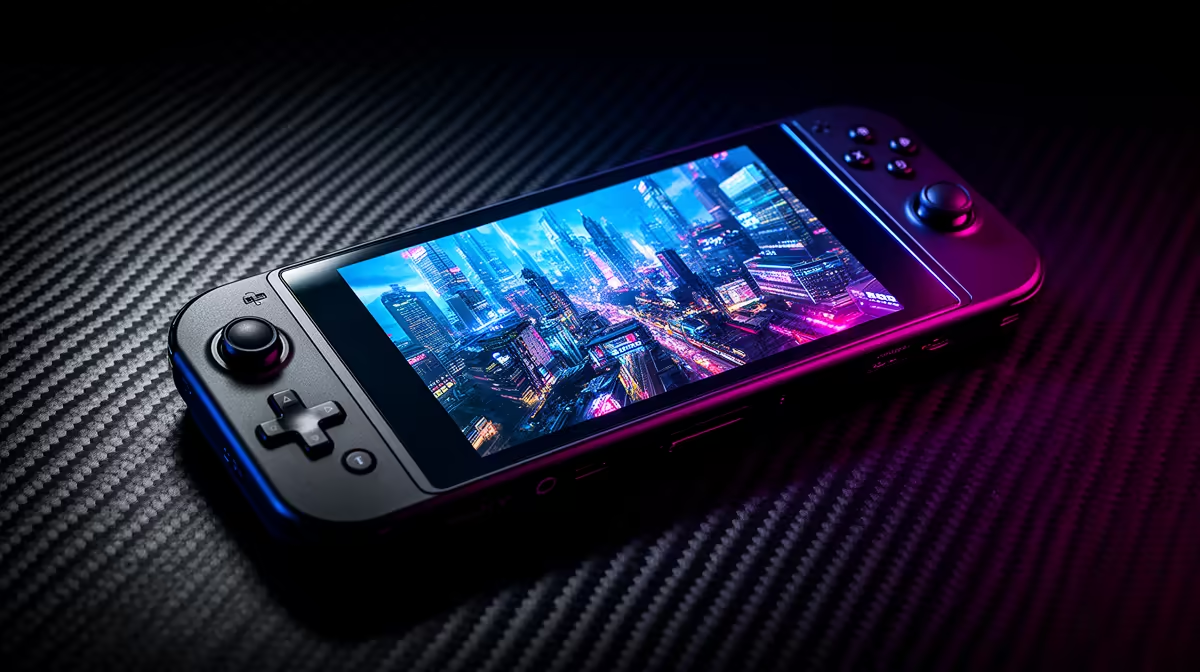
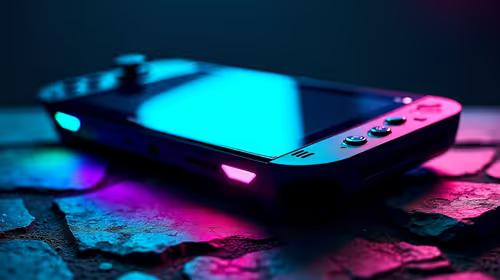
GTA 5 runs at a steady 35-45fps at 800p medium on the Steam Deck OLED, with around 2 to 2.5 hours of battery at those settings. Capping to 40fps and lowering a few options pushes battery toward 3 hours. The Steam Deck OLED sits around R12,000-R14,000 at Evetech.
Best GTA 5 Settings on the Steam Deck OLED
Set the resolution to 800p, most options to Normal, MSAA off, and grass to Normal; this holds 35-45fps comfortably. The biggest battery saver is a 40fps cap with a 40Hz refresh, which smooths frame pacing and cuts power draw. Drop advanced extended distance scaling to about 50% to recover frames in busy downtown traffic without a visible hit on the small screen. A microSD card or a 1TB SSD upgrade gives room for several large installs, handy when you keep a rotating library on the device. Lowering screen brightness a notch is the simplest extra way to stretch battery on a long flight without touching in-game settings.
Battery and Tuning for Long Sessions
At 800p medium uncapped, expect roughly 2 to 2.5 hours. Capping to 40fps at 40Hz and trimming reflections extends that toward 3 hours. Use the Deck's TDP limiter at 12-15W for a good balance of battery and performance. For long trips, lower the brightness and cap frame rate; for couch play, dock it and run higher settings on the TV where battery is not a concern.
FAQ
What FPS does GTA 5 get on the Steam Deck OLED?
A steady 35-45fps at 800p medium settings. A 40fps cap with 40Hz refresh smooths the frame pacing and improves battery life noticeably.
How long does the battery last for GTA 5?
About 2 to 2.5 hours at 800p medium uncapped, rising toward 3 hours with a 40fps cap, lower brightness and a 12-15W TDP limit.
What settings should I change first for GTA 5 on the Deck?
Cap to 40fps at 40Hz, set MSAA off, and drop extended distance scaling to about 50%. Those give the best balance of frames, battery and visuals.
5 on the Steam Deck OLED, cap to 40fps at 40Hz and set a 12-15W TDP limit. That smooths frame pacing and pushes battery toward 3 hours.