


AIO Liquid 240mm Setup and Configuration: Complete Tutorial
AIO Liquid 240mm Setup and Configuration. Clear setup instructions with SA-specific considerations, troubleshooting tips & recommended components.
Read moreUnlock the power of handheld gaming PC desktop mode! 🎮 In 2025, devices like the ROG Ally and Legion Go are viable workstations. Discover the best docks, peripherals, and tips to replace your tower with a portable powerhouse.
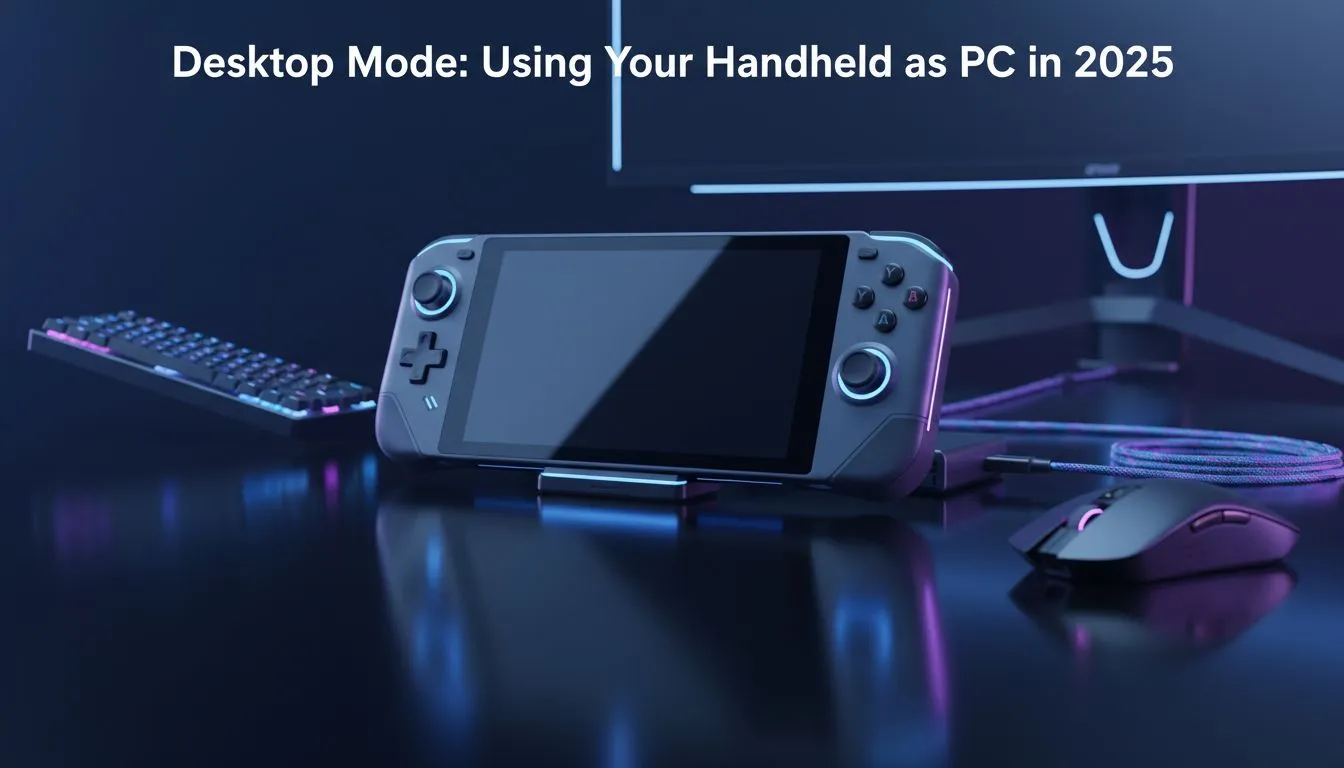
Gone are the days when portable gaming meant sacrificing power or staring at a pixelated screen. In 2025, the line between a console and a workstation has blurred completely. Imagine crushing a Call of Duty match on the Gautrain, then arriving home, plugging in a single USB-C cable, and finishing your spreadsheet or video edit on a 27-inch monitor. This is the reality of the modern handheld gaming PC desktop mode.
The technology driving these devices has matured rapidly. We aren't just talking about glorified mobile phones anymore; these are legitimate Windows machines shrunk down to fit in your backpack.
Whether you are a student in Stellenbosch needing one device for lectures and LANs, or a professional wanting to declutter your desk, the versatility is unmatched. By simply adding a dock, a mouse, and a keyboard, you transform your portable unit into a productivity beast.
However, not all devices handle the transition the same way. The current generation of handheld gaming consoles offers different strengths when docked.
To get a true desktop experience, you need to look at the specific features of the big three players available in South Africa.
If your "desktop mode" occasionally involves using the device's own screen as a secondary monitor, size matters. The Lenovo handhelds, specifically the Legion Go, shine here. With a massive 8.8-inch display and detachable controllers that turn into a vertical mouse, it is practically designed for this hybrid lifestyle.
For those who prioritise software integration and a compact form factor that doesn't hog desk space, the ASUS range remains a top-tier choice. The ROG Ally series uses the Armory Crate software to seamlessly switch power profiles when plugged in, ensuring you get maximum wattage to the APU without overheating.
While AMD has dominated this space, the MSI handhelds bring Intel Core Ultra technology to the table. The MSI Claw’s standout feature for desktop users is Thunderbolt 4 support. This allows for massive bandwidth, meaning you can hook up external GPUs (eGPU) easier than on many rival platforms, turning your handheld into a 4K-capable rig.
You have the console, but to make the handheld gaming PC desktop mode viable, you need the right peripherals.
When docked to a larger monitor, use AMD RSR (Radeon Super Resolution) or Intel XeSS. Set your game resolution to 720p or 900p, and let the software upscale it to your monitor's native 1080p or 1440p. You get higher frame rates without the visual muddying of standard scaling.
For the average South African gamer looking to stretch their ZAR, absolutely. Instead of buying a R25,000 laptop and a R15,000 console, a high-end handheld setup covers both bases for a fraction of the combined cost. It is the minimalist dream with maximalist performance.
Ready to Build Your Hybrid Setup? Whether you need the raw power of the Legion Go, the versatility of the ROG Ally, or the connectivity of the MSI Claw, we have the tech to power your lifestyle. Shop our full range of Handheld Gaming Consoles and take your gaming anywhere, anytime.
Absolutely. Since devices like the ROG Ally and Legion Go run Windows 11, they function exactly like a laptop when connected to a monitor and keyboard.
You need a USB-C docking station with power delivery (PD), an external monitor via HDMI or DisplayPort, and a mouse and keyboard setup.
Yes, in desktop mode, the Steam Deck can drive dual monitors if you use a compatible dock with multiple display outputs like MST hubs.
Yes, the MSI Claw uses Intel Core Ultra processors, which are excellent for multitasking and productivity apps in handheld gaming PC desktop mode.
No, modern handhelds use pass-through charging when docked, meaning the device runs directly from the wall power once the battery is full.
While supported, a 1080p or 1440p monitor is recommended to maintain smooth performance without overworking the handheld's GPU.
AIO Liquid 240mm Setup and Configuration. Clear setup instructions with SA-specific considerations, troubleshooting tips & recommended components.
Read more
Setting Up DDR5 64GB Kit. Tested & verified settings for best FPS and visual quality on SA hardware budgets.
Read more
Overwatch 2 Setup Guide Gamers. Clear setup instructions with SA-specific considerations, troubleshooting tips & recommended components.
Read more
R and RStudio on Mac: Data Science Setup Guide. Clear setup instructions with SA-specific considerations, troubleshooting tips & recommended components.
Read more
NVIDIA Broadcast Setup with GPU: Streamer Guide. Clear setup instructions with SA-specific considerations, troubleshooting tips & recommended components.
Read more
Core Ultra 7 265K Temperature Guide: Normal Range. Complete product range with SA pricing, key specs & recommendations for different budgets.
Read more
AMD RX 9050 XT: Rumoured Specs, Price & Release. SA-focused analysis with local pricing data, real-world insights & actionable buying advice.

Can RTX 4080 Super Run AI Workloads for SA Developers Detailed answer with SA data, expert analysis & practical recommendations for local buyers.

Can RTX 4090 Run AI Workloads for SA Developers Detailed answer with SA data, expert analysis & practical recommendations for local buyers.

Top Settings for Intel Arc B580 at Ultrawide 1440p picks evaluated on performance, value & SA availability with current Rand pricing from Evetech.

RTX 4060 CS2 Low Settings at 1080p: FPS Results. Real-world benchmark data, FPS numbers & performance analysis. What SA gamers can actually expect.

Visual Artifacts: Possible GPU Issue Issue #1. Diagnosis steps, proven fixes & when to seek professional help. SA-specific support info included.

Can the RTX 4090 Handle 1440p 144Hz Gaming. Performance testing verdict with real data & practical recommendations for SA buyers.

Top ASUS GPU Under R15000 picks evaluated on performance, value & SA availability with current Rand pricing from Evetech.

GTA 6 Max Settings on RTX 5070. Tested & verified settings for best FPS and visual quality on SA hardware budgets.

Cyberpunk 2077 Max Settings on RTX 5080. Tested & verified settings for best FPS and visual quality on SA hardware budgets.

Starfield Max Settings on RTX 5070 Ti. Tested & verified settings for best FPS and visual quality on SA hardware budgets.

Top RTX 5090 Under R5000 picks evaluated on performance, value & SA availability with current Rand pricing from Evetech.