


AIO Liquid 240mm Setup and Configuration: Complete Tutorial
AIO Liquid 240mm Setup and Configuration. Clear setup instructions with SA-specific considerations, troubleshooting tips & recommended components.
Read moreHDMI 2.1 vs DisplayPort 2.1: Clear, practical comparison to help you pick the right standard for ultra high-refresh gaming — bandwidth, latency, and cable advice included 🎮🔌
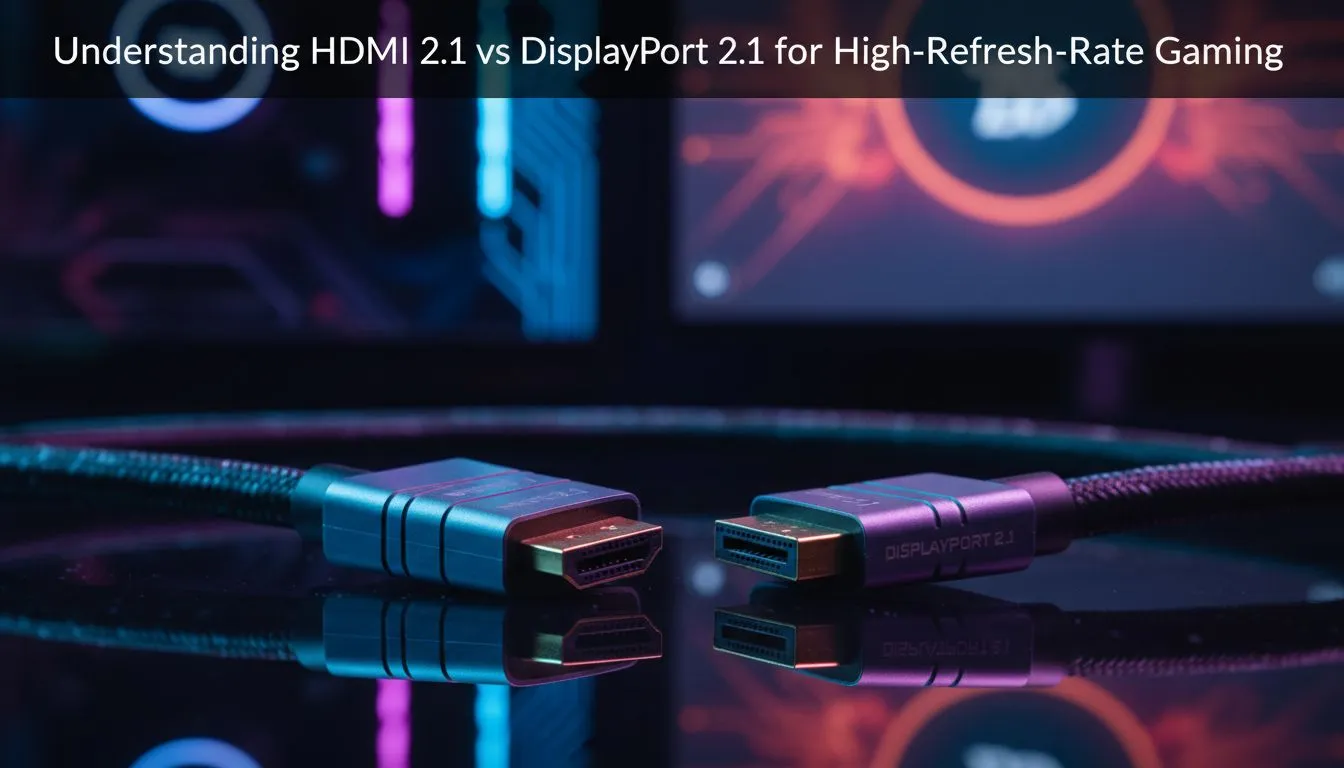
South African gamers demand crisp visuals and silky-smooth frame rates. When chasing the best high-refresh gaming experience, the choice between HDMI 2.1 vs DisplayPort 2.1 can feel tricky. Both support ultra-high bandwidths and speedy data transfers, but subtle differences affect your gameplay, especially on modern 4K or 8K rigs. Ready to find out which tech matches your gaming style and setup?
HDMI 2.1 and DisplayPort 2.1 both ramp up from previous standards to support up to 10K resolution and refresh rates beyond 120Hz. HDMI 2.1 pushes a maximum bandwidth of 48 Gbps, allowing 4K at 120Hz or 8K at 60Hz with HDR. DisplayPort 2.1 leaps further with up to 80 Gbps, handling 4K displays at ultra-high refresh rates and even multiple monitors seamlessly.
For South African gamers who prefer curved or portable monitors, understanding these specs helps you pick the right cable to unlock peak performance. Check out some curved monitors and portable monitors that maximise these new standards.
HDMI 2.1 is more widespread and found in most 4K TVs and gaming consoles, which is perfect if you also use your setup for media or console gaming. It supports Variable Refresh Rate (VRR) and Auto Low Latency Mode (ALLM), cutting input lag and screen tearing—crucial for competitive shooters and fast-paced titles. It’s ideal if your monitor or TV supports it natively.
DisplayPort 2.1 offers more bandwidth, which means it can handle higher refresh rates at 4K and beyond without compression. That’s a boon for enthusiasts running ultra-wide or multi-display rigs native to PC gaming setups. The technology also supports adaptive sync standards and offers better daisy-chaining of monitors, perfect if you’re investing in high-end gaming monitors or multiple screens.
Explore gaming monitors and 5K & 4K monitors tailored to these tech specs.
HDMI 2.1 is your go-to for console or TV use, while DisplayPort 2.1 shines on powerful multi-monitor PC rigs. Always match cable to device ports for optimal refresh rates and colour accuracy.
Budget and availability are real factors. HDMI cables supporting 2.1 features are widely available and affordable locally, while DisplayPort 2.1 gear is newer and pricier but offers longevity for future-proofing. Also, ensure your monitor accessories support these standards to unlock full potential.
If your monitor supports up to 144Hz at 4K, check if it pairs better with an HDMI 2.1 or DisplayPort 2.1 cable to avoid bottlenecks in refresh rate or colour fidelity. For the latest deals on monitors to match, browse best PC monitor deals from local suppliers.
For unified setups blending consoles and PCs, HDMI 2.1 offers solid performance and compatibility. For dedicated PC gamers pushing high-refresh rates, ultra-wide formats, or multi-display arrays, DisplayPort 2.1 provides the bandwidth and flexibility they crave. Ultimately, choose based on your devices and game style for a smooth, lag-free experience. 🔧
Upgrade Your Gaming Setup Today Ready to harness next-level visuals? Shop now at Evetech for fully compatible cables and monitors that unlock your high-refresh gaming dreams.
HDMI 2.1 can in specific 48Gbps modes, but DisplayPort 2.1 more reliably supports 4K 240Hz with DSC and higher effective bandwidth.
Yes. DP2.1 is backward compatible with older DisplayPort devices, though max refresh depends on cable, monitor and GPU support.
Yes. Use certified HDMI 2.1 or DP2.1 cables. Low quality cables can bottleneck bandwidth and ruin high-refresh performance.
DisplayPort is often preferred for esports due to consistent high refresh and handshake behavior, though HDMI 2.1 matches latency on many setups.
Most consoles, including PS5, use HDMI 2.1. DP2.1 is mainly a PC GPU and monitor standard right now.
Both support VRR and HDR, but implementation varies by monitor and GPU drivers. Check the monitor spec sheet for exact features.
If you need top-tier 4K240 or 8K, choose DP2.1-ready monitors; for 4K120/144Hz, HDMI 2.1 displays and cables are a solid upgrade path.
AIO Liquid 240mm Setup and Configuration. Clear setup instructions with SA-specific considerations, troubleshooting tips & recommended components.
Read more
Setting Up DDR5 64GB Kit. Tested & verified settings for best FPS and visual quality on SA hardware budgets.
Read more
Overwatch 2 Setup Guide Gamers. Clear setup instructions with SA-specific considerations, troubleshooting tips & recommended components.
Read more
R and RStudio on Mac: Data Science Setup Guide. Clear setup instructions with SA-specific considerations, troubleshooting tips & recommended components.
Read more
NVIDIA Broadcast Setup with GPU: Streamer Guide. Clear setup instructions with SA-specific considerations, troubleshooting tips & recommended components.
Read more
Core Ultra 7 265K Temperature Guide: Normal Range. Complete product range with SA pricing, key specs & recommendations for different budgets.
Read more
AMD RX 9050 XT: Rumoured Specs, Price & Release. SA-focused analysis with local pricing data, real-world insights & actionable buying advice.

Can RTX 4080 Super Run AI Workloads for SA Developers Detailed answer with SA data, expert analysis & practical recommendations for local buyers.

Can RTX 4090 Run AI Workloads for SA Developers Detailed answer with SA data, expert analysis & practical recommendations for local buyers.

Top Settings for Intel Arc B580 at Ultrawide 1440p picks evaluated on performance, value & SA availability with current Rand pricing from Evetech.

RTX 4060 CS2 Low Settings at 1080p: FPS Results. Real-world benchmark data, FPS numbers & performance analysis. What SA gamers can actually expect.

Visual Artifacts: Possible GPU Issue Issue #1. Diagnosis steps, proven fixes & when to seek professional help. SA-specific support info included.

Can the RTX 4090 Handle 1440p 144Hz Gaming. Performance testing verdict with real data & practical recommendations for SA buyers.

Top ASUS GPU Under R15000 picks evaluated on performance, value & SA availability with current Rand pricing from Evetech.

GTA 6 Max Settings on RTX 5070. Tested & verified settings for best FPS and visual quality on SA hardware budgets.

Cyberpunk 2077 Max Settings on RTX 5080. Tested & verified settings for best FPS and visual quality on SA hardware budgets.

Starfield Max Settings on RTX 5070 Ti. Tested & verified settings for best FPS and visual quality on SA hardware budgets.

Top RTX 5090 Under R5000 picks evaluated on performance, value & SA availability with current Rand pricing from Evetech.