


AIO Liquid 240mm Setup and Configuration: Complete Tutorial
AIO Liquid 240mm Setup and Configuration. Clear setup instructions with SA-specific considerations, troubleshooting tips & recommended components.
Read moreChoosing between HDMI 2.1 vs HDMI 2.0 is critical for South African gamers. Learn how bandwidth and refresh rates impact your setup to avoid missing out on 4K performance. 🎮🚀
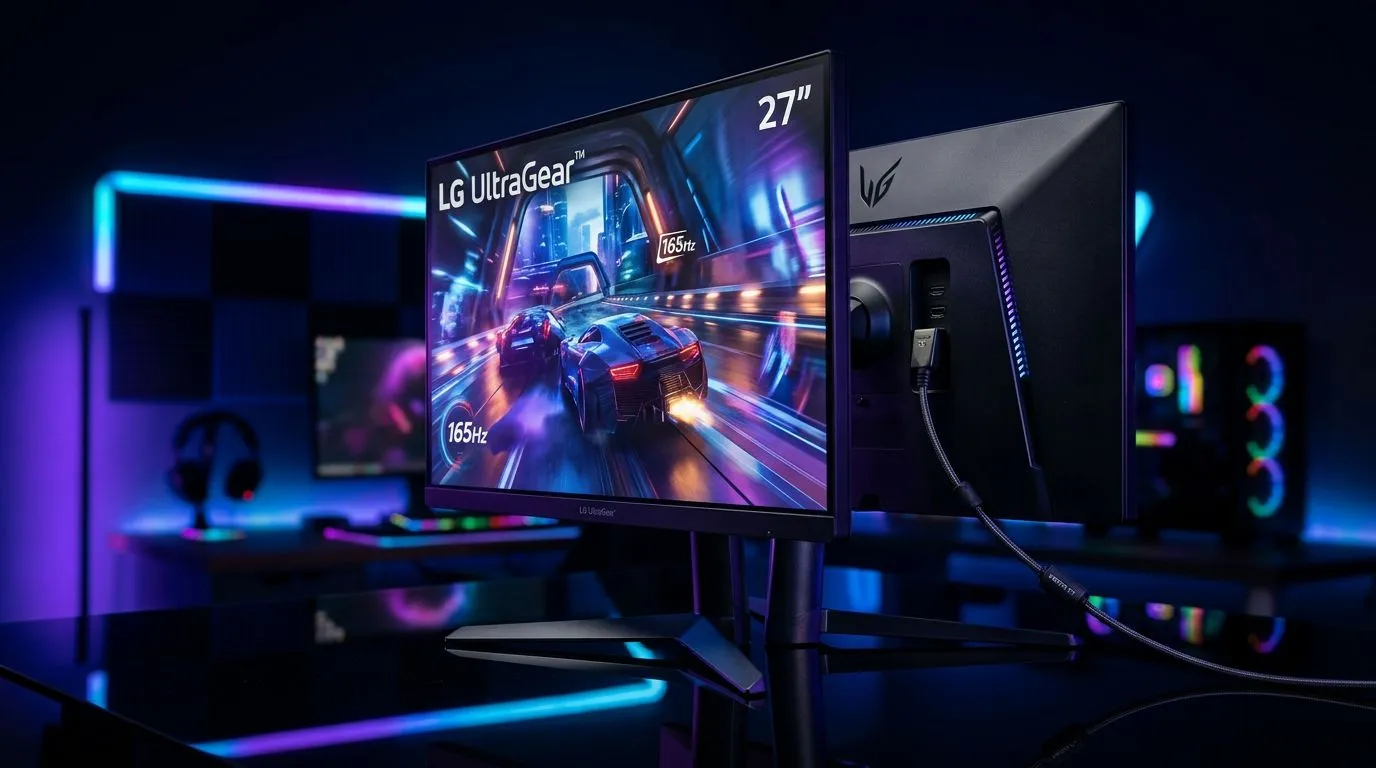
South African gamers are picky for good reason. You want smooth motion, low lag, and a signal your console or PC can actually push. But HDMI cables aren’t all the same… and monitor specs get confusing fast when you’re comparing HDMI 2.1 vs HDMI 2.0. ⚡
If you’re buying a new screen in 2026, this guide will help you choose the right port version for your setup, without paying for features you can’t use.
At a high level:
Here’s the practical part. If your gaming monitor lists a feature like 4K at high refresh and you care about ultra-smooth motion, HDMI 2.1 is usually the safer bet. If you’re mostly playing at 1080p, or you’re happy with “good 4K” rather than “maxed-out 4K”, HDMI 2.0 can still be enough.
Official reference: HDMI licensing and feature definitions are tied to the HDMI specification itself. For general HDMI versions and capabilities, see HDMI.org (official HDMI website): https://www.hdmi.org/manufacturer/hdmi_20 (and HDMI 2.1 overview: https://www.hdmi.org/manufacturer/hdmi_21).
Many South African buyers pair monitors with either:
In both cases, the monitor’s actual input support matters. Not every HDMI port guarantees the same output modes, even if it’s labelled 2.1.
Rather than treating this like a specs quiz, focus on what changes your experience:
If you’re aiming for 4K and high refresh rate, HDMI 2.1’s higher bandwidth helps more consistently than HDMI 2.0. In real terms, that means fewer “weird fallbacks” in resolutions or refresh rates when you enable advanced modes.
Many modern monitors support VRR technologies like FreeSync or G-SYNC Compatible. The important question is: does your monitor expose VRR properly through its HDMI ports, and does your console/PC enable it for that connection?
Because VRR implementations vary, always check the monitor listing details before you buy. Evetech’s monitor categories make it easier to cross-check HDMI-focused models:
Even with the right HDMI version, picture processing matters. Look for:
If you’re sensitive to input lag (ranked shooters usually make it obvious), prioritise monitors with strong “gaming” tuning over display gimmicks.
Let’s make this simple. Use this decision flow:
Choose a monitor that clearly supports the high-refresh 4K modes you want via its HDMI port. HDMI 2.1 is typically the better match for pushing higher refresh at 4K. If the product page is unclear, don’t guess. Check the listing carefully or ask before checkout.
You still want HDMI 2.1 for maximum flexibility, but you can often get your best results via DisplayPort if your GPU supports it. Still, many buyers use HDMI for convenience (especially with living-room setups), so it’s worth matching your monitor’s HDMI version.
HDMI 2.0 can be perfectly fine, especially if your target refresh rate is supported at your resolution. You’ll save money for a better GPU, better chair… or even a second SSD.
you’re unsure which modes your monitor supports over HDMI, test in your first game session: turn on the monitor’s Game Mode, then open the game’s video settings and confirm resolution and refresh rate match your target. If the refresh rate doesn’t stick, switch HDMI ports (if available) or reduce resolution by one step. You’ll avoid the annoying “it looked fine in the store” situation at home. (And yes, this is the fastest way to confirm your HDMI 2.1 vs 2.0 choice.)"
Here’s where local buying habits matter. In SA, you don’t want to pay twice. So decide first, then shop.
Start with a focused deal search for monitors that fit your gaming style:
If you want to narrow by size, resolution, or gaming features, use the category hub:
Curved monitors can feel immersive, especially for single-player games and racing. But you still need the ports to match your console or PC output. If that’s your vibe:
Some gamers need a monitor that travels between home and LAN nights. If that’s you, HDMI version matters, but so does power, stand stability, and stand height for your desk:
If you’re chasing ultra-detailed visuals, you likely also care about pushing high refresh rates where possible. This is where HDMI 2.1 becomes more relevant depending on the model:
Even the best monitor can underperform if your setup is messy. If you need the right accessories, start here:
Pick HDMI 2.1 if:
Pick HDMI 2.0 if:
Whatever you choose, confirm the monitor’s supported modes on the product page. That’s how you avoid buyer’s remorse.
Ready to Find Your Perfect Match? The Mac vs Windows debate is complex, but for maximum power, choice, and value in South Africa, Windows is hard to beat. Explore our massive range of laptop specials and find the perfect machine to conquer your world.
The primary difference is bandwidth. HDMI 2.1 supports up to 48Gbps, allowing for 4K at 120Hz and 8K at 60Hz, whereas HDMI 2.0 is capped at 18Gbps.
Yes, to fully utilize 4K at 120Hz and features like Variable Refresh Rate (VRR), an HDMI 2.1 connection is essential for modern consoles.
It will work, but you will be limited to 4K at 60Hz. You will miss out on the higher frame rates and some advanced display features.
HDMI 2.1 provides higher bandwidth for high-resolution, high-refresh-rate displays and supports dynamic HDR for better image quality during gameplay.
No. You must use an Ultra High Speed HDMI cable to take advantage of HDMI 2.1 features; older cables do not have the necessary bandwidth capacity.
HDMI 2.1 supports Auto Low Latency Mode (ALLM), which automatically switches your monitor to its lowest latency mode when a game is detected.
AIO Liquid 240mm Setup and Configuration. Clear setup instructions with SA-specific considerations, troubleshooting tips & recommended components.
Read more
Setting Up DDR5 64GB Kit. Tested & verified settings for best FPS and visual quality on SA hardware budgets.
Read more
Overwatch 2 Setup Guide Gamers. Clear setup instructions with SA-specific considerations, troubleshooting tips & recommended components.
Read more
R and RStudio on Mac: Data Science Setup Guide. Clear setup instructions with SA-specific considerations, troubleshooting tips & recommended components.
Read more
NVIDIA Broadcast Setup with GPU: Streamer Guide. Clear setup instructions with SA-specific considerations, troubleshooting tips & recommended components.
Read more
Core Ultra 7 265K Temperature Guide: Normal Range. Complete product range with SA pricing, key specs & recommendations for different budgets.
Read more
AMD RX 9050 XT: Rumoured Specs, Price & Release. SA-focused analysis with local pricing data, real-world insights & actionable buying advice.

Can RTX 4080 Super Run AI Workloads for SA Developers Detailed answer with SA data, expert analysis & practical recommendations for local buyers.

Can RTX 4090 Run AI Workloads for SA Developers Detailed answer with SA data, expert analysis & practical recommendations for local buyers.

Top Settings for Intel Arc B580 at Ultrawide 1440p picks evaluated on performance, value & SA availability with current Rand pricing from Evetech.

RTX 4060 CS2 Low Settings at 1080p: FPS Results. Real-world benchmark data, FPS numbers & performance analysis. What SA gamers can actually expect.

Visual Artifacts: Possible GPU Issue Issue #1. Diagnosis steps, proven fixes & when to seek professional help. SA-specific support info included.

Can the RTX 4090 Handle 1440p 144Hz Gaming. Performance testing verdict with real data & practical recommendations for SA buyers.

Top ASUS GPU Under R15000 picks evaluated on performance, value & SA availability with current Rand pricing from Evetech.

GTA 6 Max Settings on RTX 5070. Tested & verified settings for best FPS and visual quality on SA hardware budgets.

Cyberpunk 2077 Max Settings on RTX 5080. Tested & verified settings for best FPS and visual quality on SA hardware budgets.

Starfield Max Settings on RTX 5070 Ti. Tested & verified settings for best FPS and visual quality on SA hardware budgets.

Top RTX 5090 Under R5000 picks evaluated on performance, value & SA availability with current Rand pricing from Evetech.