


AIO Liquid 240mm Setup and Configuration: Complete Tutorial
AIO Liquid 240mm Setup and Configuration. Clear setup instructions with SA-specific considerations, troubleshooting tips & recommended components.
Read moreHDMI vs DisplayPort 2.1: real-world performance, SA pricing, power draw and which one delivers better value for your build. The clear answer — without the fluff.
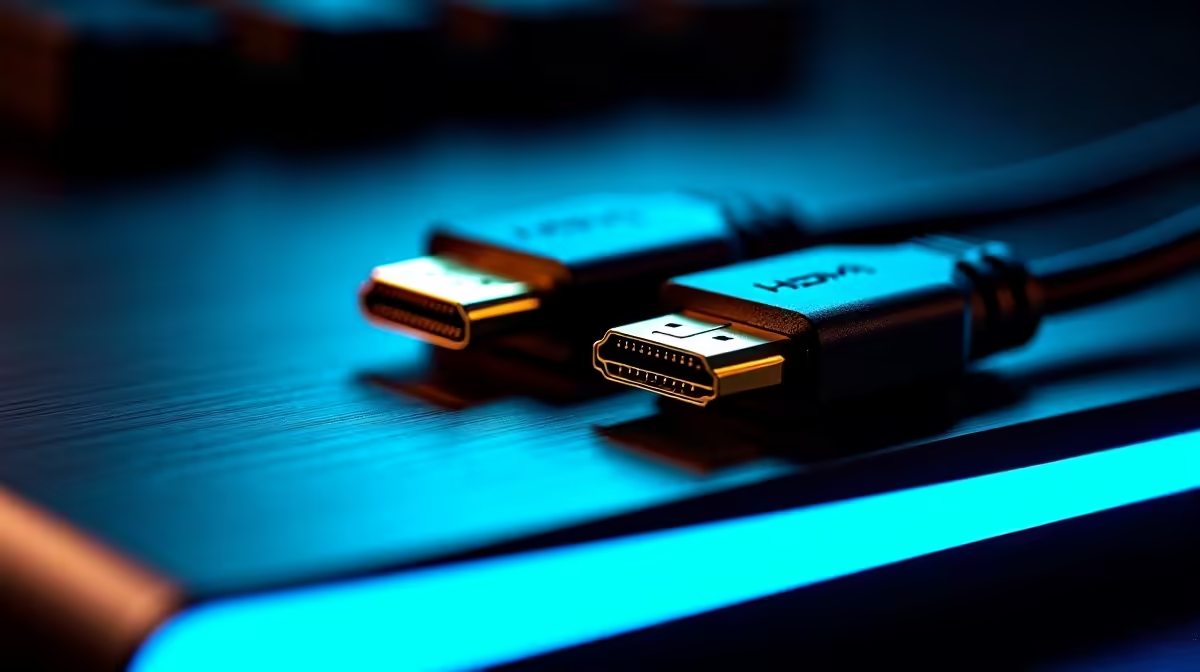
Building a beastly rig in South Africa means chasing every single frame. But when you finally plug in your display... a massive question pops up. Are you using the right cable? The debate over HDMI vs DisplayPort 2.1 is heating up. If you want the ultimate high refresh rate output, picking the wrong connection can bottleneck your entire setup. Let us find out which cable actually reigns supreme.
To push pixels faster than a taxi on the N1... you need massive bandwidth. Modern graphics cards generate incredible visual data. Your cable must carry that data without dropping frames or losing colour depth.
Currently, HDMI 2.1 offers an impressive 48 Gbps. That is enough for 4K gaming at 120Hz. It also features Variable Refresh Rate and Auto Low Latency Mode. These make it a favourite for console gamers.
But DisplayPort 2.1 completely crushes those numbers. It delivers a staggering 80 Gbps of bandwidth. This means you can push uncompressed 4K resolution at 240Hz. If you are shopping around for top-tier 4K monitors, this raw bandwidth is your absolute best friend.
Competitive gamers know that refresh rates dictate reaction times. When comparing HDMI vs DisplayPort 2.1 for high refresh rate output... DP 2.1 takes the crown for PC speed. It supports dual 4K setups at 144Hz. It even handles 8K at 60Hz without breaking a sweat.
HDMI 2.1 is still brilliant for living room setups. However, serious PC enthusiasts need more headroom. If you just grabbed one of our ultimate gaming PC deals, you want a connection that lets your GPU stretch its legs.
DisplayPort ensures your hardware investment actually translates into visible performance. It also supports Multi-Stream Transport... letting you daisy-chain multiple screens from a single port.
Always check your monitor settings after plugging in a new cable. Windows often defaults to 60Hz. Right-click your desktop, go to Advanced Display Settings, and manually select your highest refresh rate to ensure you get exactly what you paid for.
Upgrading your setup in South Africa requires smart spending. Every ZAR counts when building your dream battle station. Many modern displays still ship with older cables in the box. You might need to buy a certified DP 2.1 cable separately.
Is it worth the extra cash? Absolutely. It future-proofs your rig for years to come. You can explore a massive range of premium computer monitors that support these advanced connections.
Just remember to verify the port specifications before buying. You do not want to buy a high-end screen only to be limited by older ports. Sometimes you can even find bundled cable upgrades when browsing our latest tech specials online. Always aim to match your GPU output with your monitor input for the best results.
Ready to Maximise Your Frames? Choosing the right cable is just the start. To truly experience eye-watering high refresh rate output in South Africa, you need the right hardware. Explore our massive range of gaming monitors and find the perfect display to conquer your world.
HDMI vs DisplayPort 2.1 is available at Evetech.co.za with local SA warranty, Rand pricing and nationwide delivery. Stock and pricing is updated in real time on the product page.
It depends on your workload and budget. We break down the key performance differences, SA pricing gap and the scenarios where each one is the smarter buy.
Real-world gaming performance varies by title and settings. The article covers head-to-head FPS benchmarks and the resolutions where the gap actually shows up.
We compare current Rand pricing from trusted SA retailers and show which option delivers more performance per Rand for your build tier.
Each option has clear wins and compromises covered in the article — from power draw and thermals to platform cost, upgrade path and feature set.
AIO Liquid 240mm Setup and Configuration. Clear setup instructions with SA-specific considerations, troubleshooting tips & recommended components.
Read more
Setting Up DDR5 64GB Kit. Tested & verified settings for best FPS and visual quality on SA hardware budgets.
Read more
Overwatch 2 Setup Guide Gamers. Clear setup instructions with SA-specific considerations, troubleshooting tips & recommended components.
Read more
R and RStudio on Mac: Data Science Setup Guide. Clear setup instructions with SA-specific considerations, troubleshooting tips & recommended components.
Read more
NVIDIA Broadcast Setup with GPU: Streamer Guide. Clear setup instructions with SA-specific considerations, troubleshooting tips & recommended components.
Read more
Core Ultra 7 265K Temperature Guide: Normal Range. Complete product range with SA pricing, key specs & recommendations for different budgets.
Read more
AMD RX 9050 XT: Rumoured Specs, Price & Release. SA-focused analysis with local pricing data, real-world insights & actionable buying advice.

Can RTX 4080 Super Run AI Workloads for SA Developers Detailed answer with SA data, expert analysis & practical recommendations for local buyers.

Can RTX 4090 Run AI Workloads for SA Developers Detailed answer with SA data, expert analysis & practical recommendations for local buyers.

Top Settings for Intel Arc B580 at Ultrawide 1440p picks evaluated on performance, value & SA availability with current Rand pricing from Evetech.

RTX 4060 CS2 Low Settings at 1080p: FPS Results. Real-world benchmark data, FPS numbers & performance analysis. What SA gamers can actually expect.

Visual Artifacts: Possible GPU Issue Issue #1. Diagnosis steps, proven fixes & when to seek professional help. SA-specific support info included.

Can the RTX 4090 Handle 1440p 144Hz Gaming. Performance testing verdict with real data & practical recommendations for SA buyers.

Top ASUS GPU Under R15000 picks evaluated on performance, value & SA availability with current Rand pricing from Evetech.

GTA 6 Max Settings on RTX 5070. Tested & verified settings for best FPS and visual quality on SA hardware budgets.

Cyberpunk 2077 Max Settings on RTX 5080. Tested & verified settings for best FPS and visual quality on SA hardware budgets.

Starfield Max Settings on RTX 5070 Ti. Tested & verified settings for best FPS and visual quality on SA hardware budgets.

Top RTX 5090 Under R5000 picks evaluated on performance, value & SA availability with current Rand pricing from Evetech.