Ever hit a sick clip in Warzone and wished your friends could see it in buttery-smooth quality, not a stuttery mess? Or maybe you're ready to start streaming on Twitch but don't want your game to lag into the next dimension. The secret weapon for many top South African creators isn't just skill… it's a capture card. This guide breaks down exactly how capture cards work and why they might be the key to unlocking your streaming potential. 🚀
So, What Exactly is a Capture Card?
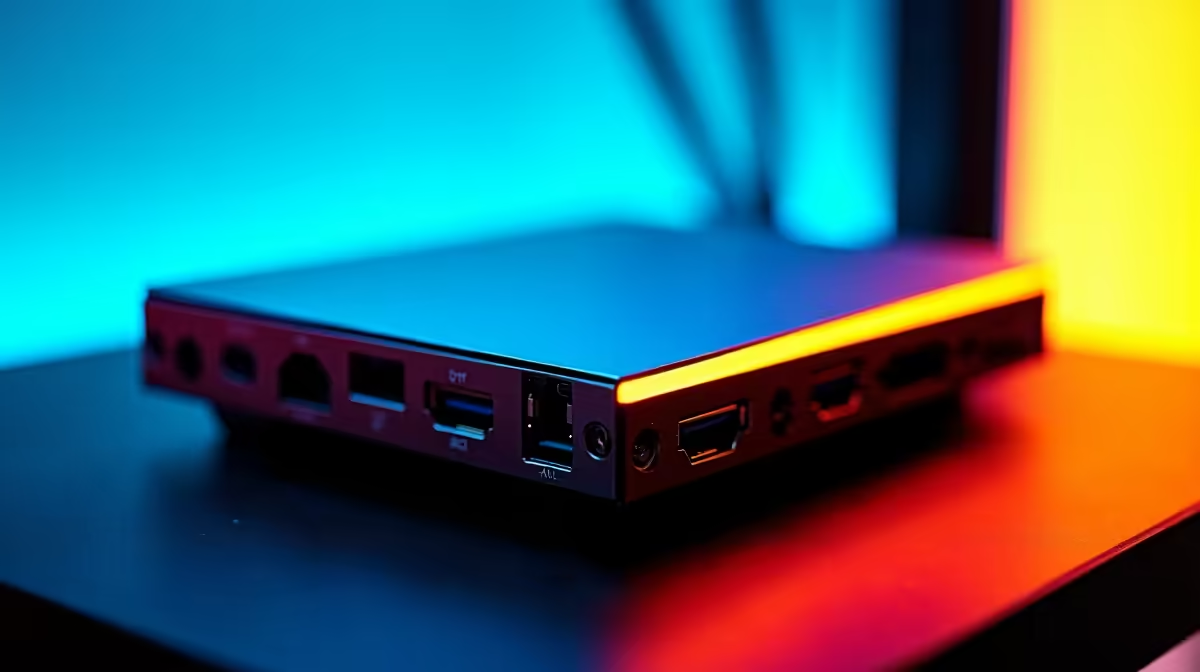
Think of a capture card as a specialised middleman for your gaming setup. Its one job is to take the video and audio from your gaming source (like your PC or console) and convert it into a high-quality format that's ready for streaming to Twitch or recording for YouTube.
Why is this necessary? Because running a demanding game and encoding video for a stream at the same time is incredibly taxing on your computer's processor (CPU) and graphics card (GPU). By offloading the encoding work to a capture card, your gaming PC is free to do what it does best: deliver maximum frames per second for a smooth gaming experience. It's like having a dedicated camera crew for your gameplay.
The Technical Magic: How Capture Cards Work Step-by-Step
Understanding how a capture card works helps you appreciate the seamless quality it provides. The process is a clever bit of engineering that happens in milliseconds.
- Video Input: Your gameplay footage travels from your console or gaming PC's graphics card via an HDMI cable into the capture card's "IN" port.
- Zero-Lag Passthrough: The card immediately makes a perfect, uncompressed copy of that signal and sends it out through its "OUT" port to your gaming monitor. This is crucial—it means you play your game with zero added delay or lag. What you see is happening in real-time.
- Encoding & Processing: This is the core function. The capture card takes the raw video feed and uses its onboard hardware to encode it into a compressed digital format, most commonly H.264 (AVC). This makes the file size much smaller and easier to manage for streaming software like OBS or Streamlabs.
- Data Output: Finally, the encoded video is sent to your streaming computer via a USB or PCIe connection. Your streaming software then takes this polished feed and sends it out to the world.
This entire process frees up your main PC's resources. A powerful machine, like one from our range of AMD Ryzen PC deals, can then focus all its might on running your game at ultra settings.
Internal vs. External: Choosing Your Weapon 🔧
Capture cards mainly come in two flavours: internal and external. Neither is strictly better; the right choice depends on your setup and needs.
Internal (PCIe) Capture Cards
These cards slot directly into a PCIe port on your computer's motherboard, just like a graphics card.
- Pros: The fastest connection possible, resulting in the lowest possible latency. It keeps your desk setup clean with no extra boxes or wires.
- Cons: Requires a desktop PC with a free PCIe slot and a bit of confidence to open up your case. Not compatible with laptops.
Many of our pre-built PC deals offer the perfect foundation for an internal card, with quality motherboards that have plenty of room for expansion.
External (USB) Capture Cards
These are small, portable boxes that connect to your PC or laptop via a USB cable.
- Pros: Incredibly easy to set up (plug-and-play). You can easily move it between a desktop and a laptop, or take it to a friend's house. Perfect for capturing console gameplay.
- Cons: Relies on your USB port's bandwidth, which can occasionally be a bottleneck on older systems.
OBS Pro Tip 💡
Once your capture card is connected, add it as a 'Video Capture Device' source in OBS. For crisp 1080p 60fps streaming, start with a bitrate of 6,000 Kbps in your OBS Output settings. If your South African internet connection struggles, try lowering it to 4,500 Kbps for a stable stream.
Do You Really Need a Capture Card in 2024?
This is a fair question. Modern graphics cards have become incredibly good at streaming. NVIDIA's NVENC and AMD's VCN are dedicated hardware encoders built right into the GPU. For a single-PC setup, they do a fantastic job with minimal performance impact.
So, when is a capture card essential?
- Dual-PC Streaming: The gold standard for professional streamers. One PC for gaming, one for streaming. A capture card is the only way to get the video from one to the other.
- Console Streaming: If you want to stream from a PlayStation, Xbox, or Switch with professional overlays, alerts, and quality, a capture card is non-negotiable.
- Maximum Quality: While NVENC is excellent, a high-end capture card can often provide slightly better image quality and more reliability, completely isolating your gaming performance.
For many starting out, a solid gaming rig from our selection of PCs under R20k with a modern GPU is more than enough to get you live. But as you grow and want to push your quality to the next level, understanding how capture cards work will put you a step ahead of the competition. And if you're building a dedicated streaming rig, the multi-core performance found in many of our Intel PC deals is perfect for handling complex scenes in OBS.
Ready to Go Live?
A capture card is a key ingredient, but the heart of any great stream is a powerful PC. Whether you need a dedicated streaming rig or an all-in-one powerhouse, we've got the gear to get you live without the lag. Explore our massive range of Gaming PC Deals and start your journey to Twitch partner today.