Quick Answer
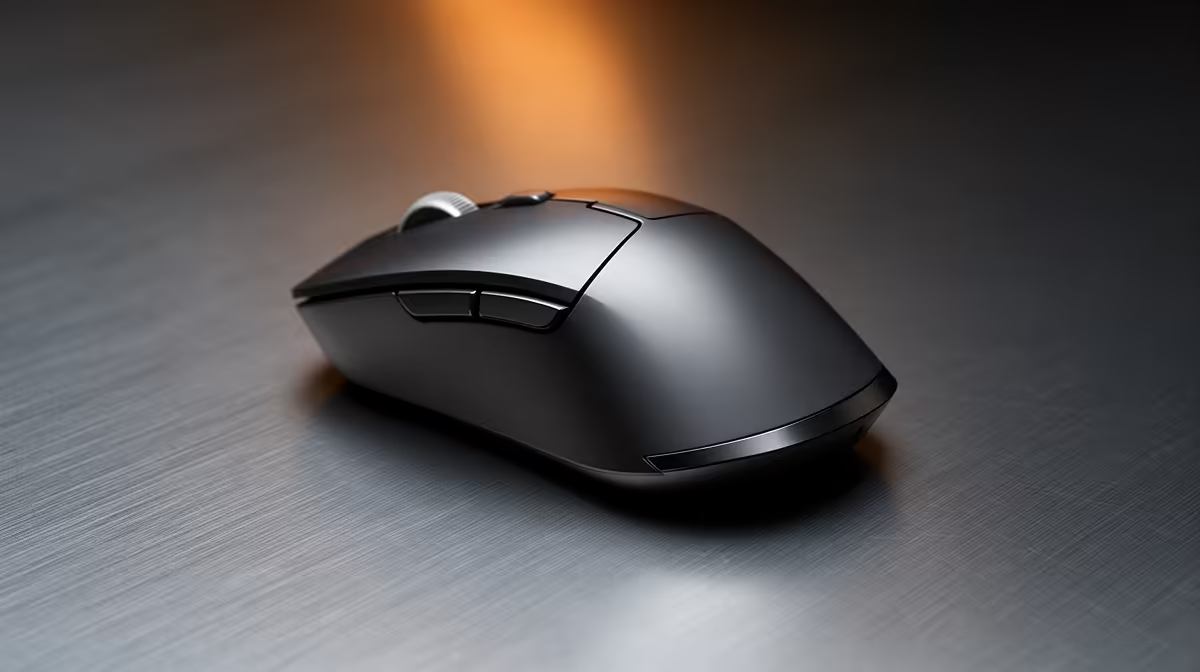
For a wireless productivity mouse in South Africa, budget between R500 and R1,000 for a solid everyday option and R1,200 to R2,500 for a premium ergonomic model with multi-device Bluetooth, rechargeable battery, and adjustable DPI. Spending under R400 usually means sacrificing battery life or sensor accuracy that you will notice within the first week.
Understanding the SA Wireless Mouse Price Tiers 💰
The entry tier (R250 to R500) covers basic 2.4 GHz wireless mice with fixed 1,600 DPI sensors and AA-battery power. They work, but expect to replace batteries every three to six weeks. The mid tier (R500 to R1,200) is where most South African students and remote workers find genuine value: rechargeable cells, silent-click switches, 1,000 Hz polling, and software-configurable DPI up to 4,000. The premium tier (R1,200 to R2,500) adds ergonomic sculpting, multi-device Bluetooth 5.0 plus a USB dongle, thumb-wheel scrolling, and sensors accurate enough for large 4K monitors. Anything above R2,500 is typically aimed at gaming performance rather than productivity comfort.
Where to Spend vs Where to Save 🔍
Spend on the sensor and battery system because both directly affect daily frustration. A high-precision sensor on a large desk mat removes cursor jitter on presentations or spreadsheets. A USB-C rechargeable battery eliminates the cost and inconvenience of buying AA cells in SA, where a four-pack now sits around R35 to R50 and runs out faster than manufacturers suggest. Save on brand prestige if you don't need RGB or gaming branding; lesser-known ergonomic mice often use the same PAW3395 or PixArt sensors as premium models at 30 to 40 percent lower retail prices.
Matching Your Budget to Your Workload 🖥️
Students doing document work and light research: R500 to R700 is perfectly sufficient. The Logitech M650 or similar ambidextrous wireless mice in this range offer silent clicks that respect library and lecture-hall etiquette. Remote workers on video calls and multitasking across two monitors: R900 to R1,500 buys multi-device switching so you can hop between a work laptop and a personal PC with one button. Designers doing colour-accurate work: prioritise a high-DPI sensor and customisable buttons over branding; allocate R1,200 to R2,000. South Africa's online retail pricing changes with the rand, so compare stocked-locally prices rather than converting from USD listings.
Check Dongle Compatibility First ⚡
If your laptop has only USB-C ports, confirm the wireless dongle ships with a USB-A to USB-C adapter or choose a Bluetooth-only model. Buying an adapter separately in SA adds R80 to R200 and delays your setup.
FAQ
Is a R500 wireless mouse good enough for full-time remote work?
Yes, for standard document, email, and browser work a quality R500 wireless mouse is entirely adequate. Look for USB-C charging and a 1,000 Hz polling rate at that price point to avoid frustration.
How long do rechargeable wireless mice last on a full charge in daily use?
Most mid-range rechargeable wireless mice last between 40 and 70 hours on a full charge with RGB disabled. A quick ten-minute top-up via USB-C typically provides a full day of use.
Should I choose Bluetooth or a 2.4 GHz dongle for office use?
A 2.4 GHz dongle offers lower latency (around 1 ms versus 4 to 7 ms for Bluetooth) and is more stable. Choose Bluetooth if you regularly switch between multiple devices or if your setup has limited USB ports.
Not sure which tier fits your work setup?
Evetech stocks wireless productivity mice across every budget, from no-fuss essentials to premium ergonomic options, all locally stocked for fast delivery across South Africa.