


Storage Specs Explained for Beginners
Storage Specs Explained for Beginners. Plain-English explanation of what it means, why it matters & how it affects your buying decisions in SA.
Read moreEvery spec on PCIe 5.0 explained in plain English. What matters for gaming and creator work in 2026, what's marketing fluff, and how each number translates to real-world performance for SA buyers.
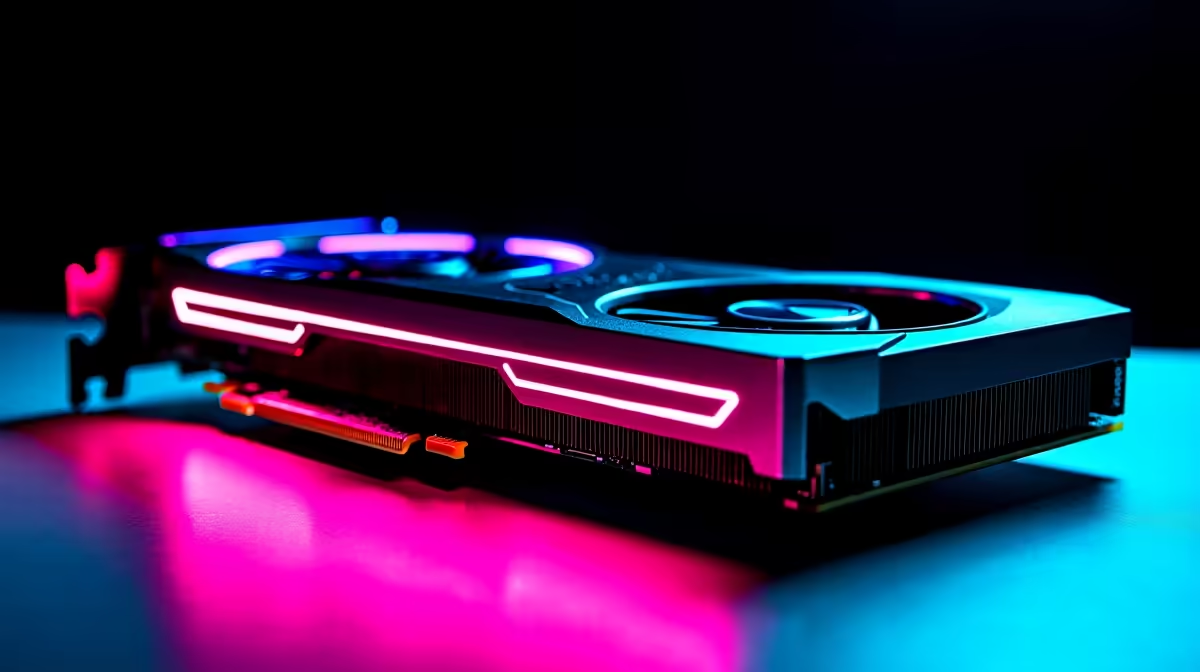
South African gaming has officially levelled up. Gone are the days of high ping and stuttering frames. Today... we have blazing-fast fibre and incredible monitors. But how do South African gamers benefit from PCIe 5.0 GPUs in fibre-connected high-refresh gaming setups? The answer lies in pure bandwidth. If you want to dominate competitive lobbies, you need hardware that keeps up.
Let us dive into why upgrading your rig makes sense right now. The local gaming scene is highly competitive... and every single frame counts.
PCIe 5.0 is the latest standard for motherboard connections. It doubles the bandwidth of the previous generation. This means data moves between your processor and GPU at lightning speeds. When you decide to buy graphics cards, this specification matters. It ensures your system will not bottleneck future high-end titles.
While budget builders might still buy NVIDIA GeForce GTX graphics cards for older systems... modern esports titles demand much more. You need the raw power of the latest architectures to push past 144 frames per second. This is where PCIe 5.0 truly shines. It allows massive textures to load instantly. You get smoother gameplay without sudden drops in performance.
Local fibre providers now offer incredible speeds. Many gamers in Mzansi sit on 100Mbps or even Gigabit lines. This means your ping in games like Valorant or CS2 is incredibly low. But a low ping is useless if your screen tears. You need a high-refresh monitor to see the action clearly.
To power these demanding displays, you need serious graphical grunt. Finding the best graphics card deals is crucial. You want to maximise your ZAR while securing a GPU that can maintain a steady 240Hz. PCIe 5.0 GPUs ensure that frame delivery remains smooth and consistent. Your reactions will translate instantly to the screen.
A balanced system is the absolute key to victory. Your fibre connection handles the incoming network data. Your PCIe 5.0 GPU renders the beautiful frames. Your high-refresh monitor displays them instantly. If you are starting from scratch... browsing the best gaming PC deals is your smartest move. Look for motherboards that support the latest PCIe standards.
Always remember to manually set your monitor's refresh rate in Windows. Right-click your desktop, go to Display Settings, click Advanced Display, and select your highest refresh rate. A 240Hz monitor will run at 60Hz out of the box until you change this setting!
Modern games are becoming massive in scale. They rely on technologies like DirectStorage to stream assets directly to your GPU. PCIe 5.0 provides the massive data highway required for this exact task. By investing in modern hardware now, you save money in the long run.
You can easily build a powerful system without emptying your wallet. Just keep a close eye on our latest specials to find premium components at unbeatable ZAR prices. Upgrading your setup has never been more rewarding. You will be ready for the next five years of gaming.
Ready to Upgrade Your Gaming Experience? Pushing maximum frames on a high-refresh monitor requires serious hardware. For the best performance and value in South Africa, our custom builds are hard to beat. Explore our massive range of gaming PCs and find the perfect machine to conquer your lobbies.
PCIe 5.0 is available at Evetech.co.za with local SA warranty, Rand pricing and nationwide delivery. Stock and pricing is updated in real time on the product page.
The article breaks down the real-world impact on gaming FPS, creator workflows and everyday responsiveness — not just raw spec numbers.
Only a handful of specs meaningfully change your experience. The guide ranks them by real impact so you spend on what counts.
We cover upgrade headroom, platform longevity and the specific features worth paying extra for if you plan to keep this build for several years.
The article includes a clear generational uplift summary so you can judge whether upgrading from your current hardware is worthwhile.
Storage Specs Explained for Beginners. Plain-English explanation of what it means, why it matters & how it affects your buying decisions in SA.
Read more
Will RDNA 5 Use the Same Silicon as the Next. Plain-English explanation of what it means, why it matters & how it affects your buying decisions in SA.
Read more
Google Workspace on Mac: Drive, Docs, Sheets and. Everything you need to know with SA pricing, step-by-step instructions & expert recommendations.
Read more
Back-to-School Parent Guide: Storages. Everything you need to know with SA pricing, step-by-step instructions & expert recommendations.
Read more
to Esports Tournaments. Everything you need to know with SA pricing, step-by-step instructions & expert recommendations.
Read more
Easter Storage Buying Guide. Hand-picked gift ideas at every budget tier. SA pricing & Evetech availability included.
Read more
AMD RX 9050 XT: Rumoured Specs, Price & Release. SA-focused analysis with local pricing data, real-world insights & actionable buying advice.

Can RTX 4080 Super Run AI Workloads for SA Developers Detailed answer with SA data, expert analysis & practical recommendations for local buyers.

Can RTX 4090 Run AI Workloads for SA Developers Detailed answer with SA data, expert analysis & practical recommendations for local buyers.

Top Settings for Intel Arc B580 at Ultrawide 1440p picks evaluated on performance, value & SA availability with current Rand pricing from Evetech.

RTX 4060 CS2 Low Settings at 1080p: FPS Results. Real-world benchmark data, FPS numbers & performance analysis. What SA gamers can actually expect.

Visual Artifacts: Possible GPU Issue Issue #1. Diagnosis steps, proven fixes & when to seek professional help. SA-specific support info included.

Can the RTX 4090 Handle 1440p 144Hz Gaming. Performance testing verdict with real data & practical recommendations for SA buyers.

Top ASUS GPU Under R15000 picks evaluated on performance, value & SA availability with current Rand pricing from Evetech.

GTA 6 Max Settings on RTX 5070. Tested & verified settings for best FPS and visual quality on SA hardware budgets.

Cyberpunk 2077 Max Settings on RTX 5080. Tested & verified settings for best FPS and visual quality on SA hardware budgets.

Starfield Max Settings on RTX 5070 Ti. Tested & verified settings for best FPS and visual quality on SA hardware budgets.

Top RTX 5090 Under R5000 picks evaluated on performance, value & SA availability with current Rand pricing from Evetech.