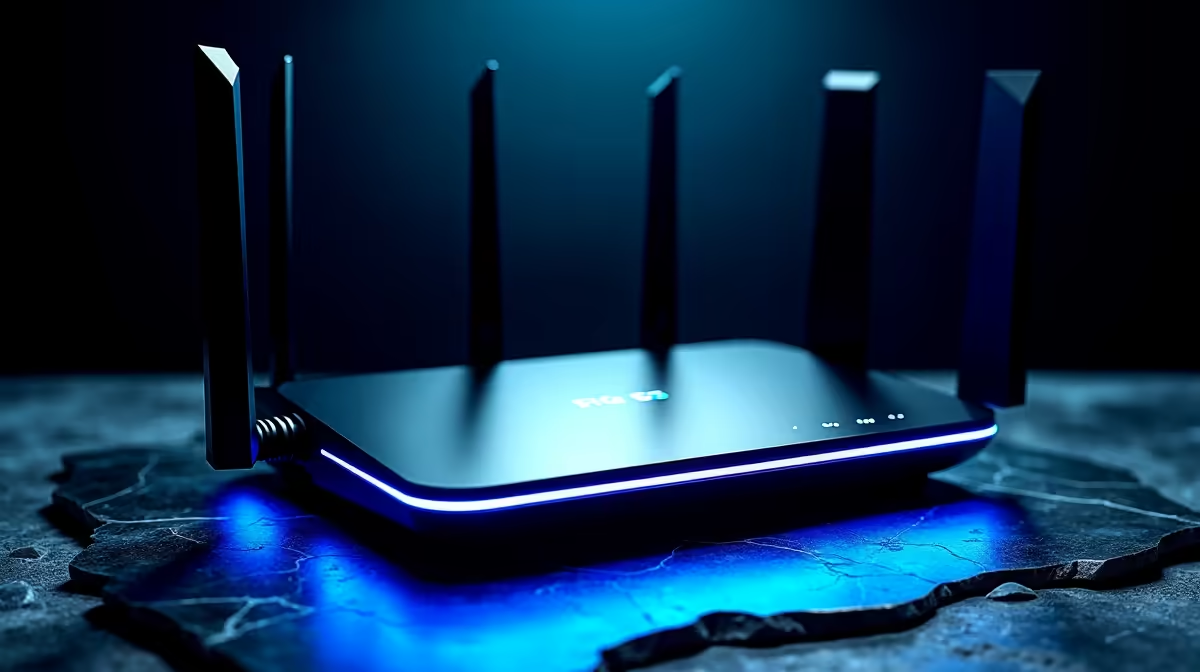
The difference between a 5G home connection that flies and one that stutters often comes down to a single decision made before you buy: indoor unit or outdoor unit. Choosing a 5G router for your home in South Africa starts with how far you sit from the tower and how strong the signal is at your exact address, because the router that excels in a strong-signal Cape Town suburb is the wrong tool in an area where the nearest mast is a kilometre away. Get that match right and the rest of the specs fall into place.
Quick Answer
Pick an indoor 5G CPE router if you live in a strong-signal metro suburb, and an outdoor, roof- or wall-mounted unit if the tower is roughly a kilometre or more away or the signal is weak indoors. After the indoor-versus-outdoor call, check Wi-Fi standard, Ethernet ports, and supported 5G bands. Always confirm 5G coverage at your precise address first, because coverage can change street by street.
Indoor and Outdoor CPE: The Core Decision
CPE stands for Customer Premises Equipment, the all-in-one box that receives the mobile 5G signal and turns it into Wi-Fi for your home. It comes in two broad forms, and they are built for different situations.
Indoor CPE
An indoor unit is the familiar desktop cube or tower that sits near a window and plugs into a wall socket. It is simple to set up: insert a SIM, power it on, connect your devices. In a suburb with strong 5G coverage it delivers excellent speed with no installation effort. The catch is that walls, distance, and obstructions weaken the signal, so an indoor unit depends on the tower being relatively close and the path relatively clear.
Outdoor CPE
An outdoor unit mounts on a wall or roof and is aimed toward the tower, putting the antenna outside where the signal is strongest before any walls get in the way. This is the right choice when the tower is far, when the signal indoors is marginal, or when you are in a peri-urban or rural area on the edge of coverage. It needs mounting and a cable run into the house, so installation is more involved, but it captures signal an indoor unit simply cannot reach. When indoor reception is borderline, an outdoor unit is often the difference between usable and unusable.
The honest test is your own address. If a phone shows a strong, stable 5G signal indoors, an indoor CPE will likely serve you well. If the signal drops or hunts near a window, plan for an outdoor unit.
The Specs That Actually Matter
Once the indoor-or-outdoor question is settled, a handful of specifications separate a good router from a frustrating one.
Wi-Fi Standard
Look for Wi-Fi 6 rather than an older standard. Wi-Fi 6 handles many connected devices at once far more gracefully, which matters in a busy home where phones, TVs, laptops, and smart devices all compete. A capable 5G connection is wasted behind a weak Wi-Fi radio, so this is not a detail to skip.
Ethernet Ports
Check the wired ports. Faster 2.5 Gigabit Ethernet ports let a desktop, console, or work PC take a wired connection that beats Wi-Fi for stability and latency. If you game or work from a fixed machine, a wired port is worth prioritising. The networking range at Evetech covers routers along with the switches and cabling to extend a wired connection through the house.
Supported 5G Bands and Aggregation
A router has to support the frequency bands your network actually uses in your area, so this is worth checking against your provider's deployment. Carrier aggregation, where the router combines multiple frequency channels, lifts real-world speed meaningfully, and routers that support it tend to deliver the headline numbers more consistently.
Device Capacity and Power Draw
Note how many simultaneous devices the router supports if you have a device-heavy household. Power consumption matters too: a low-draw unit is easier to keep running on a UPS or inverter during an outage, which keeps you online when the grid does not.
SIM, Network, and Setup Notes
A 5G CPE needs a data SIM, and there is a compatibility wrinkle worth knowing. Some networks lock their fixed-internet SIMs to approved router models and will suspend service if the SIM is used in an unapproved device, tracking the hardware identifier to enforce it. Before committing to a router, confirm it is compatible with the SIM and plan you intend to use, or choose an unlocked unit if you want freedom to switch networks. This single check saves a lot of frustration after the box arrives.
Setup itself is straightforward for indoor units: SIM in, power on, connect. Outdoor units add a mounting and aiming step, often best done while watching a signal-strength readout to find the orientation that locks onto the strongest signal. Either way, position matters, so an indoor unit near a window facing the tower will always beat one buried in an interior room.
Matching the Router to Your Home
Pull it together with your situation. A strong-signal metro suburb with a clear line to a nearby tower wants an indoor Wi-Fi 6 unit with a fast Ethernet port for the desk. A home further out, or one where the signal struggles indoors, wants an outdoor unit aimed at the mast. A device-heavy household leans on Wi-Fi 6 and high client capacity, while a work-from-home setup values the wired port and a low power draw for staying online through interruptions. If you are building out coverage across a larger home, the accessories and networking best sellers include the mesh extenders and cabling to carry the connection everywhere it needs to go.
Frequently Asked Questions
Do I need an indoor or outdoor 5G router?
Choose indoor if you have a strong, stable 5G signal at your address, typically in a metro suburb close to a tower. Choose outdoor if the tower is around a kilometre or more away or the signal is weak indoors, since a roof- or wall-mounted antenna captures far more signal.
What Wi-Fi standard should a 5G router have?
Aim for Wi-Fi 6, which manages many connected devices at once much better than older standards. A fast 5G link behind a weak Wi-Fi radio will not deliver the speeds you are paying for.
Can I use any SIM in any 5G router?
Not always. Some networks lock fixed-internet SIMs to approved router models and suspend service if used in an unapproved unit. Confirm your router is compatible with your intended SIM and plan, or choose an unlocked model.
How do I know if 5G will work at my house?
Check coverage at your exact address with the network before buying, because 5G availability can vary street by street. A phone showing strong, steady 5G indoors is a good early sign that an indoor unit will work.
Does a 5G router need a wired connection too?
It does not require one, but a fast Ethernet port gives a desktop, console, or work PC a more stable, lower-latency connection than Wi-Fi. If you have a fixed machine, prioritise a router with a 2.5 Gigabit port.
The right 5G router starts with knowing your signal and ends with the right Wi-Fi and ports for your home. Explore the networking range at Evetech to compare indoor and outdoor CPE options, and get your home connected at full speed.