


Storage Specs Explained for Beginners
Storage Specs Explained for Beginners. Plain-English explanation of what it means, why it matters & how it affects your buying decisions in SA.
Read moreLooking for a gaming monitor in South Africa? 🖥️ Our expert guide breaks down everything you need to know, from refresh rates and response times to panel types like IPS and VA. Learn how to spot the perfect display for your setup and avoid common pitfalls. Level up your game today! 🚀
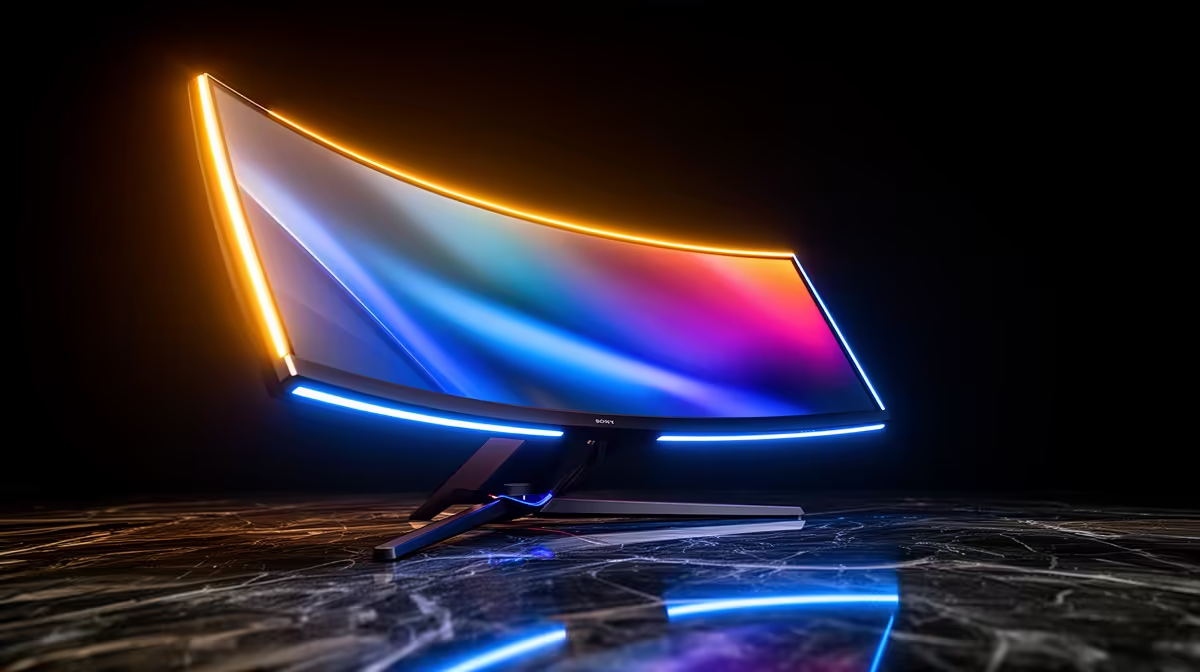
Staring at your screen, wondering why your R20,000 graphics card still delivers blurry visuals in a clutch play? It’s a frustrating feeling many South African gamers know well. Often, the culprit isn't your rig or your internet… it��s the display. Choosing the right gaming monitor in South Africa isn't just an upgrade; it's the key to unlocking your PC's true power and giving you the competitive edge you need. 🚀
Think of your gaming PC as a high-performance engine. A cheap, slow monitor is like putting budget tyres on a supercar… you’re just not getting the performance you paid for. A quality gaming display delivers smoother motion, faster response times, and more vibrant colours, making everything from the tense final circles in Warzone to the sprawling landscapes of Elden Ring more immersive and responsive. It’s the difference between seeing an enemy and reacting to them.
Navigating the world of monitors can feel like decoding a secret language. Let's break down the most important specs to look for when shopping for a gaming monitor in South Africa.
Refresh rate, measured in Hertz (Hz), is how many times your screen updates per second. The standard is 60Hz, but for gaming, you want more.
A high refresh rate makes tracking targets easier and reduces motion blur, giving you a clear advantage. You can find a massive selection of all gaming monitors with various refresh rates to suit your budget and playstyle.
Response time, measured in milliseconds (ms), is how quickly a pixel can change colour. A slow response time leads to "ghosting" or motion blur, where you see a faint trail behind moving objects. For gaming, look for a response time of 5ms or less, with 1ms being the gold standard for eliminating blur and keeping your image sharp.
Resolution determines the clarity and sharpness of your image.
A 4K monitor is tempting, but it demands serious GPU horsepower. For most South African gamers with mid-range cards like an RTX 4060 or RX 7600, a 1440p (QHD) monitor at a high refresh rate is the sweet spot. You'll get sharp visuals and buttery-smooth frame rates without needing to sell a kidney for a top-tier graphics card.
Once you've nailed the core specs, a few extra features can seriously improve your experience. Many modern displays, including a fantastic range of immersive curved monitors, offer features like Adaptive Sync (G-Sync/FreeSync) to eliminate screen tearing for an ultra-smooth picture. For those always on the move or needing a second screen for their laptop, versatile portable monitors are also becoming a popular choice for local gamers and creators.
So, how do you put it all together? Start by considering your primary use case (competitive FPS, cinematic RPGs, or a mix) and your PC's capabilities. A balanced setup is key. There's no point pairing a 4K 240Hz monitor with an entry-level graphics card. By understanding the specs that matter, you can confidently browse Evetech's wide range of PC monitors and find a quality display that fits your needs and budget perfectly.
Ready to See the Difference? Choosing the perfect gaming monitor transforms your entire experience, from competitive shooters to breathtaking RPGs. Stop letting a slow screen hold you back. Explore our best PC monitor deals and find the perfect display to conquer your world.
For most gamers in South Africa, 144Hz is the sweet spot, offering smooth gameplay without needing a top-tier GPU. Competitive players might prefer 240Hz or higher for an edge.
A 4K monitor offers incredible visual detail, but it requires a powerful and expensive GPU to run games smoothly. For many, a 1440p monitor provides a better balance of performance and price.
Both are crucial. Refresh rate (Hz) determines how smooth motion looks, while response time (ms) affects motion blur. Aim for a high refresh rate with a low response time.
Curved monitors can enhance immersion, especially on larger, ultrawide displays. Flat monitors are often more affordable and better for productivity. The choice is personal preference.
Both technologies prevent screen tearing by syncing the monitor's refresh rate with the GPU's frame rate. G-Sync is NVIDIA's tech, while FreeSync is an open standard from AMD.
IPS panels offer the best colour accuracy and viewing angles. VA panels have superior contrast for deeper blacks. TN panels have the fastest response times but weaker colours.
Storage Specs Explained for Beginners. Plain-English explanation of what it means, why it matters & how it affects your buying decisions in SA.
Read more
Will RDNA 5 Use the Same Silicon as the Next. Plain-English explanation of what it means, why it matters & how it affects your buying decisions in SA.
Read more
Google Workspace on Mac: Drive, Docs, Sheets and. Everything you need to know with SA pricing, step-by-step instructions & expert recommendations.
Read more
Back-to-School Parent Guide: Storages. Everything you need to know with SA pricing, step-by-step instructions & expert recommendations.
Read more
to Esports Tournaments. Everything you need to know with SA pricing, step-by-step instructions & expert recommendations.
Read more
Easter Storage Buying Guide. Hand-picked gift ideas at every budget tier. SA pricing & Evetech availability included.
Read more
AMD RX 9050 XT: Rumoured Specs, Price & Release. SA-focused analysis with local pricing data, real-world insights & actionable buying advice.

Can RTX 4080 Super Run AI Workloads for SA Developers Detailed answer with SA data, expert analysis & practical recommendations for local buyers.

Can RTX 4090 Run AI Workloads for SA Developers Detailed answer with SA data, expert analysis & practical recommendations for local buyers.

Top Settings for Intel Arc B580 at Ultrawide 1440p picks evaluated on performance, value & SA availability with current Rand pricing from Evetech.

RTX 4060 CS2 Low Settings at 1080p: FPS Results. Real-world benchmark data, FPS numbers & performance analysis. What SA gamers can actually expect.

Visual Artifacts: Possible GPU Issue Issue #1. Diagnosis steps, proven fixes & when to seek professional help. SA-specific support info included.

Can the RTX 4090 Handle 1440p 144Hz Gaming. Performance testing verdict with real data & practical recommendations for SA buyers.

Top ASUS GPU Under R15000 picks evaluated on performance, value & SA availability with current Rand pricing from Evetech.

GTA 6 Max Settings on RTX 5070. Tested & verified settings for best FPS and visual quality on SA hardware budgets.

Cyberpunk 2077 Max Settings on RTX 5080. Tested & verified settings for best FPS and visual quality on SA hardware budgets.

Starfield Max Settings on RTX 5070 Ti. Tested & verified settings for best FPS and visual quality on SA hardware budgets.

Top RTX 5090 Under R5000 picks evaluated on performance, value & SA availability with current Rand pricing from Evetech.