Quick Answer
Compare AI PCs by the workload result first, then by price, noise and upgrade fit. A practical SA shortlist starts around R18,000-R45,000, checks examples such as Ryzen AI 9 365, Core Ultra 7 155H, RTX 4060 and RTX 4070 systems, and rejects upgrades that do not improve 40 TOPS NPU support or CUDA-class GPU acceleration. smaller bedrooms and shared studies make cable length and case layout matter. The right buy leaves money for the parts around it, not only the headline spec.
Compare the result, not the sticker spec
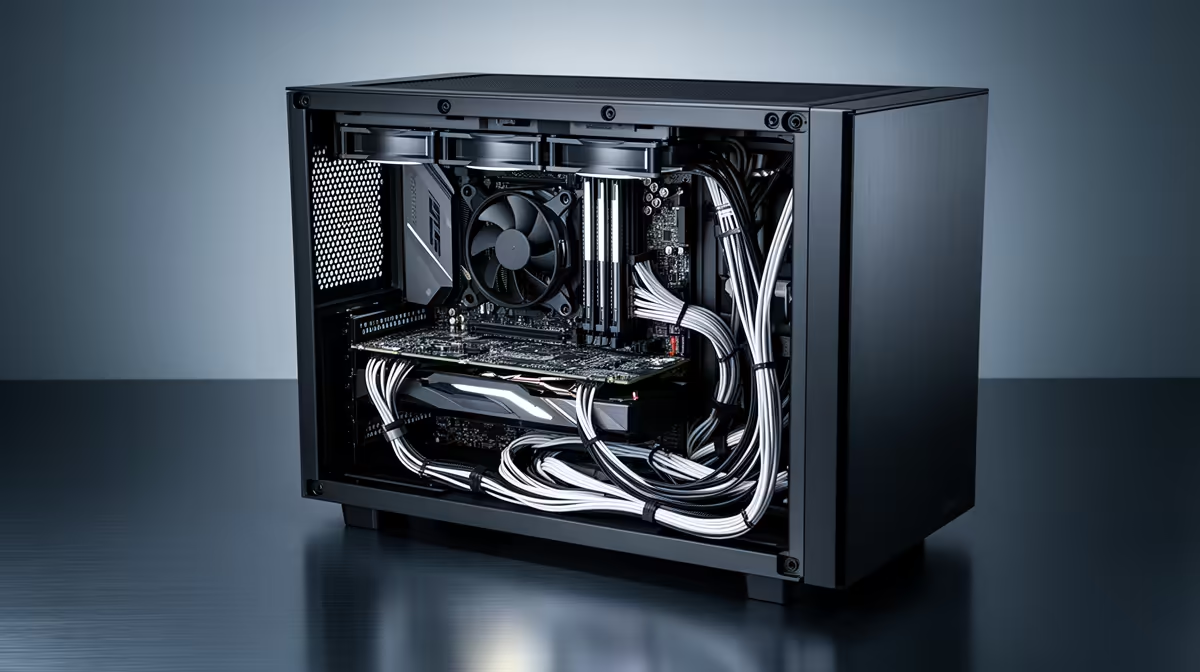
Start with the target for neat desks, glass-side cases and airflow. Separate NPU features from GPU acceleration; many local apps still benefit more from CUDA-class GPU power. If the job is study, coding, casual gaming or one 1440p screen, a mid-tier AI PC can beat a flagship because the screen, storage, RAM or room becomes the limit first. Use the R18,000-R45,000 band as a planning anchor, then move up only when the task clearly needs more cores, VRAM, refresh rate or capacity.
Separate useful upgrades from hype
Overspending starts when the spec is judged alone. Ask whether the upgrade changes daily use: faster exports, smoother 1 percent lows, quieter fans, stable VMs, cleaner recordings or a display that fits the desk. buy modular PSUs and sensible case space before parts nobody can see. A jump from entry level to mid-range can be valuable; a jump from strong mid-range to flagship often buys less visible benefit.
SA checks before you decide
Measure the desk or case, confirm PSU wattage, count ports and check the warranty path in South Africa. If the setup moves between home, campus or a shared flat, weight, noise and cable clutter matter as much as speed. Keep the comparison written down: workload, target app, budget band, must-have ports and the first upgrade you would add later.
FAQ
What is the safest budget band for this type of AI PC?
Use R18,000-R45,000 as a broad SA planning range, then adjust around the actual workload and full bundle cost. The upper end only makes sense when 40 TOPS NPU support or CUDA-class GPU acceleration is required.
Which spec should I check first before paying more?
Check the bottleneck that matches clean cable-managed setups: cores for heavy CPU work, VRAM for high-resolution games, RAM for VMs and datasets, or refresh rate for competitive play. A balanced setup usually feels better than one premium part paired with weak storage or memory.
When is the expensive option justified?
Pay more when the upgrade changes a measurable result, such as export time, 144Hz stability, 4K support, quieter operation or fewer dropped frames in OBS. If it only looks better on paper, keep budget for a 1TB SSD, 32GB RAM, a better monitor or a cleaner peripheral setup.
Buyer check
Before buying, write down the target workload, the screen or app it must support, and the one upgrade you would add next. If the shortlisted AI PC does not improve that list, choose the cheaper tier.