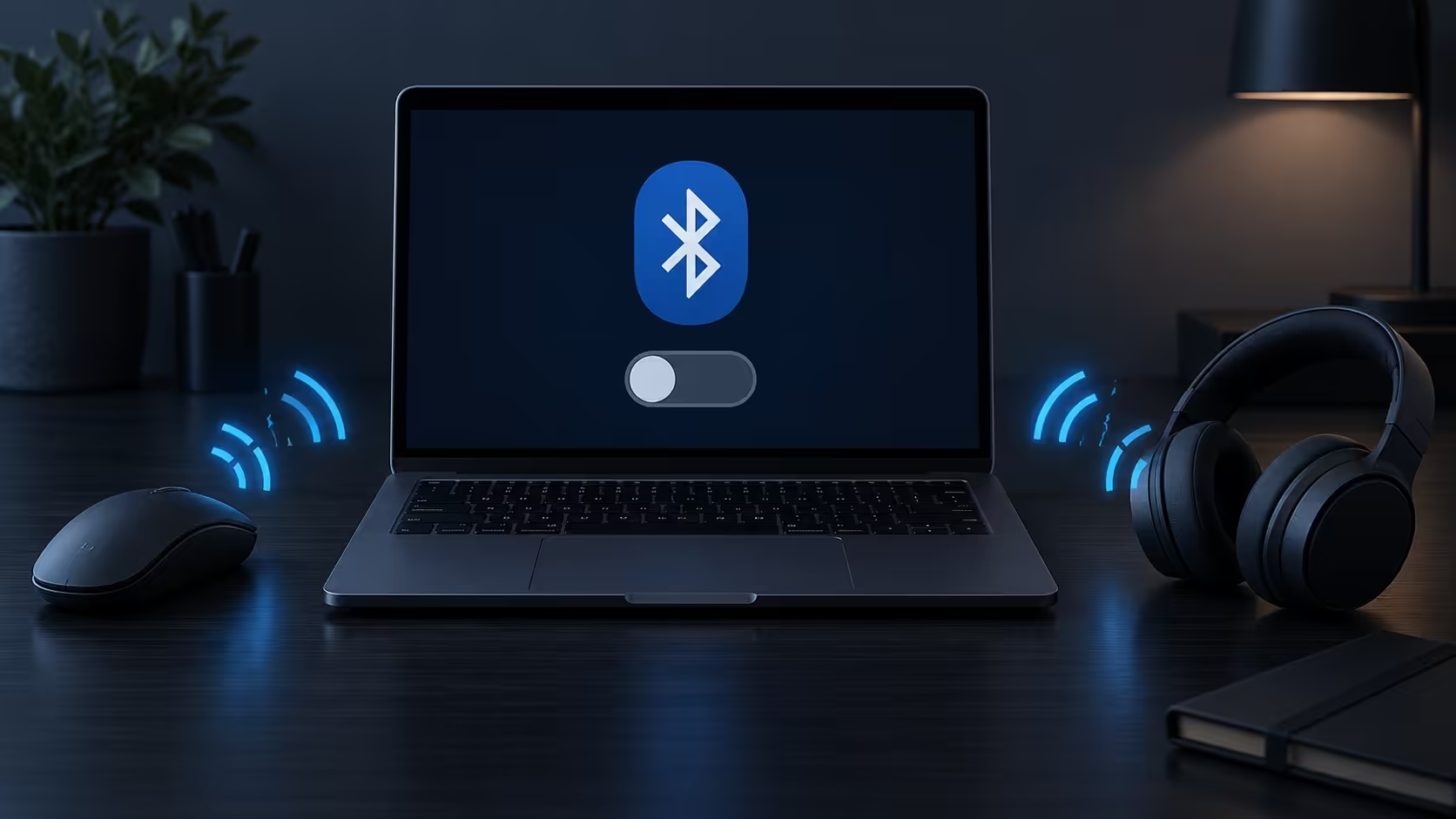
Pairing another mouse is unlikely to help when the computer has lost the control used to enable its radio. Windows 11 Bluetooth toggle missing points you towards the PC first, rather than immediately towards the peripheral. Describe whether the toggle is absent, disabled or present but unable to connect. Those are different symptoms. Starting with radio detection gives a South African desk a cheaper and clearer troubleshooting path than replacing working accessories.
Quick Answer
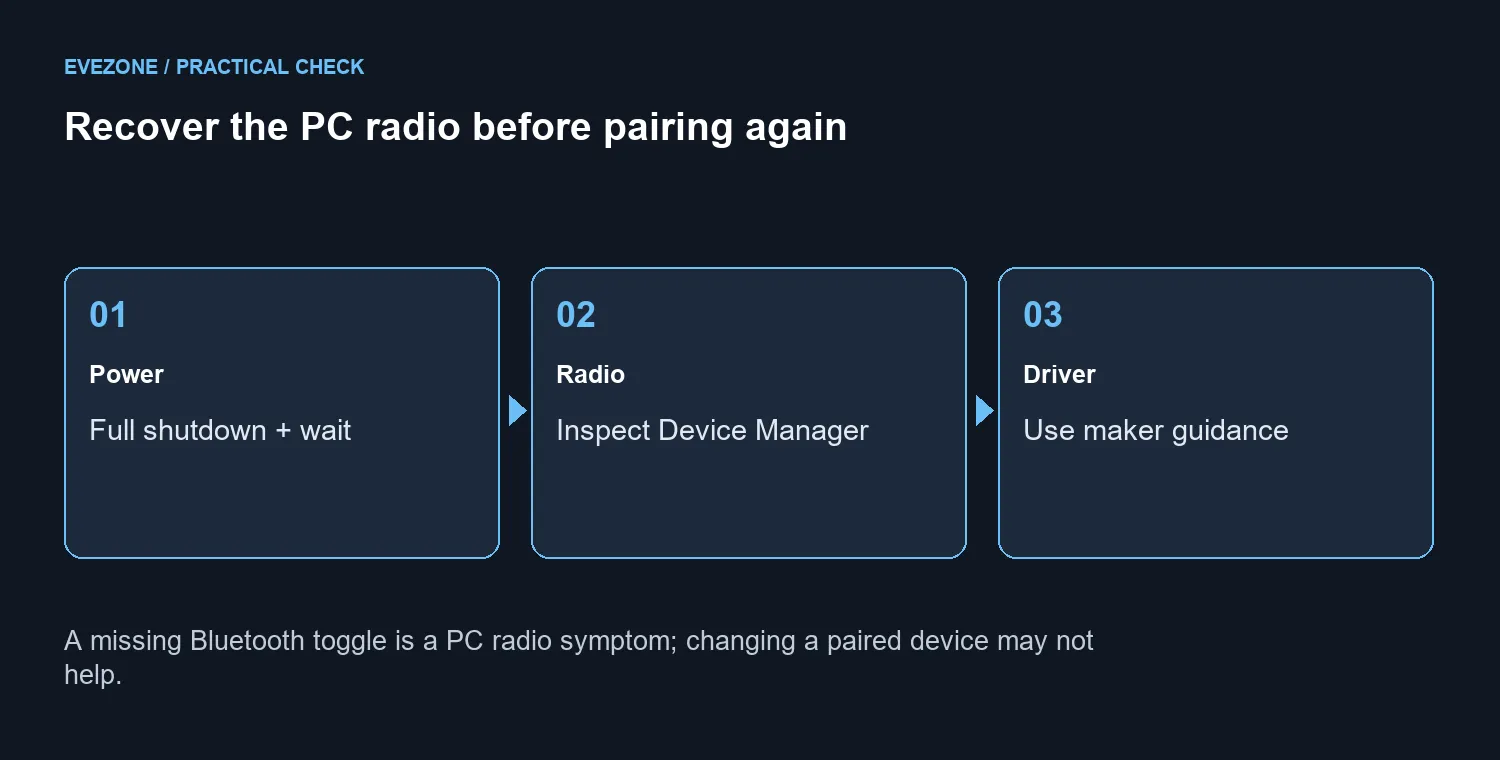
Begin with Microsoft's complete power-off test: hold Shift while selecting Shut down, wait one minute, then turn the PC on and check Bluetooth. Inspect the radio in Device Manager and use the PC maker's driver or firmware guidance. These checks cost R0 in replacement hardware; they do not guarantee that every missing adapter can be repaired in software.
🔋 Perform the full shutdown test
Save your work before testing. Hold Shift while selecting Start, Power and Shut down, then wait one minute after the computer powers off. Turn it on and look for the Bluetooth control again. The missing-control guidance calls for this complete shutdown to power off the hardware; repeatedly choosing Restart is not the same first test.
If the toggle returns, check the connection with the device you were already using. If it remains absent, keep the symptom focused on the PC. A fresh pairing attempt cannot make a radio appear when Windows is not detecting or enabling it. Note when the control disappeared and whether a driver or system change happened around that time.
🛠️ Inspect the adapter before changing accessories
Open Device Manager and examine Bluetooth for the adapter and any reported error. The PC must actually support Bluetooth; a wireless accessory alone does not add that capability. Also check airplane mode and the device's power when the radio is present, because a working toggle and a failed peripheral connection need a different investigation from an absent toggle.
Use the exact PC manufacturer's support route for drivers. Relevant optional firmware or BIOS updates may also be available, but follow the instructions for that model and the installation precautions. Avoid guessing from a similar machine's download page. Windows 11's Get Help Bluetooth troubleshooting can guide the connection checks without asking you to buy another mouse first.
🖱️ Keep a temporary connection distinct from a repair
A peripheral's supplied 2.4GHz USB receiver is a separate connection path. Where the device supports that receiver, it may help you keep working while you investigate Bluetooth. It does not restore the missing radio control. Likewise, a wired device can provide input without answering why Bluetooth disappeared.
Compare mouse options and wireless mice only after separating the PC fault from the accessory's needs. Read the connection modes on the exact model, because wireless does not always mean Bluetooth. Replacing a mouse is reasonable when that mouse has an established fault or no longer suits your use, rather than as a substitute for diagnosing a missing Windows control.
If the adapter remains missing after the documented checks, take the PC model and Device Manager observations to its support team. Those details make the next step more concrete than saying every wireless device has stopped working.
Frequently Asked Questions
Does a missing toggle prove the mouse has failed?
No. The control belongs to the PC radio. Test adapter detection before replacing a mouse, keyboard or headphones.
Which shutdown test is recommended?
Hold Shift while selecting Start, Power, Shut down. Wait one minute after power-off, then turn the computer on and check Bluetooth.
Why is Restart a different first test?
The missing-control guide specifically asks for complete shutdown so the Bluetooth hardware powers off. Follow that test before judging its result.
Where should I look for the adapter?
Open Device Manager and examine Bluetooth for the radio. Use the PC maker support route if it is missing or reports an error.
Can firmware updates help?
The PC maker may supply relevant optional firmware or BIOS updates. Use the exact model guidance and follow its installation instructions.
Will a 2.4GHz mouse receiver restore Bluetooth?
No. A supplied 2.4GHz USB receiver is a separate connection path. It can help you work, but it does not repair the Bluetooth radio.
Ready to restore a reliable wireless desk?
Use a R0 radio recovery check before blaming peripherals; keep pairing and missing-hardware faults separate.