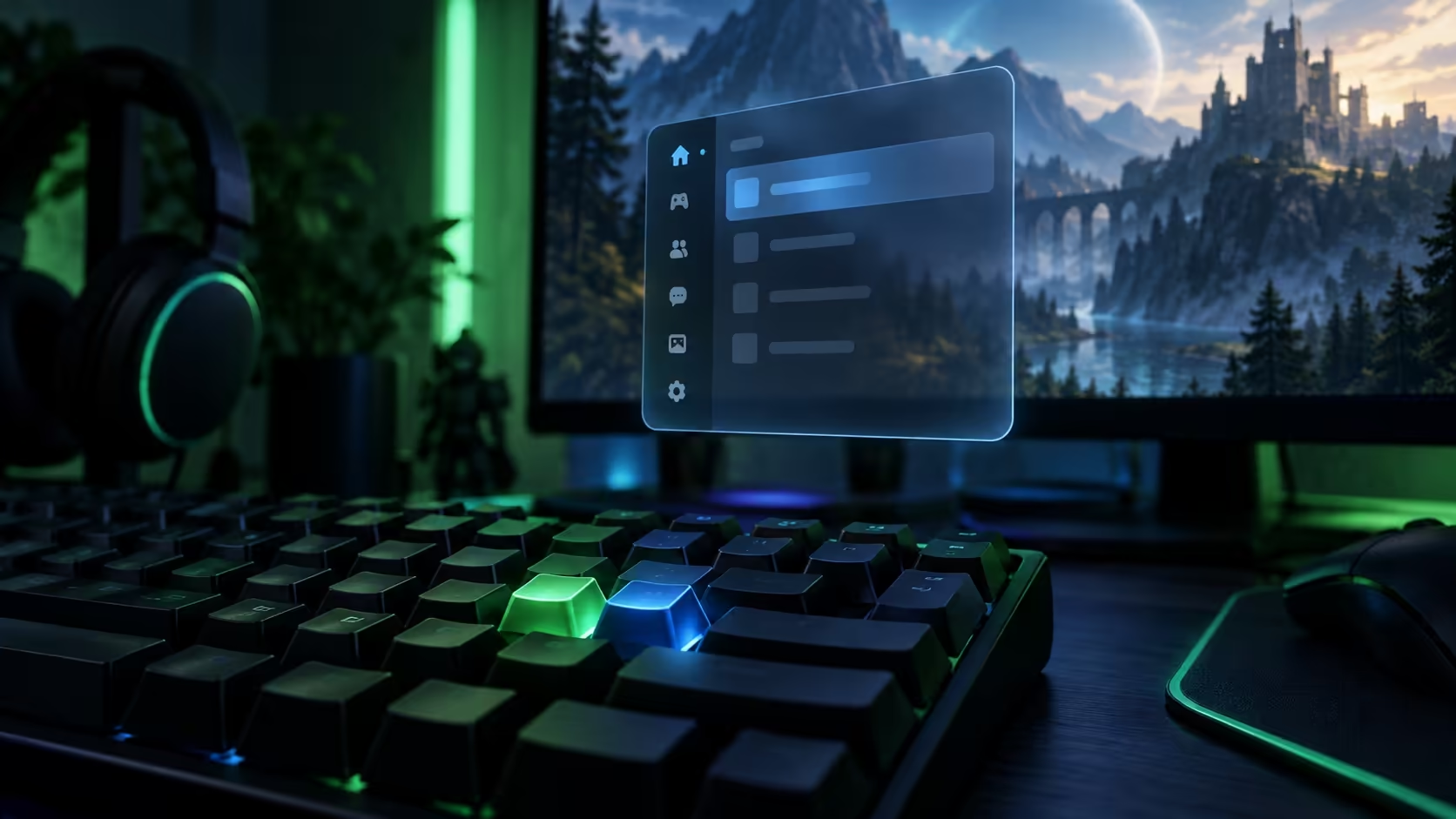
Pressing Shift+Tab and seeing nothing can make a working keyboard look faulty. Steam overlay not opening can instead involve two separate settings or the particular game. Check the launcher, the title and the assigned shortcut before treating this as a reason to buy hardware.
Quick Answer
Review Steam's global overlay option and the affected game's separate setting in Library Properties. Confirm the assigned shortcut, then test another supported game. These checks cost R0 in replacement equipment. The Marvo Soldat S50B keyboard was R299 in stock on 28 September 2026, but a missing software panel alone does not justify replacing your keys.
⚙️ Check both switches before repeating the shortcut
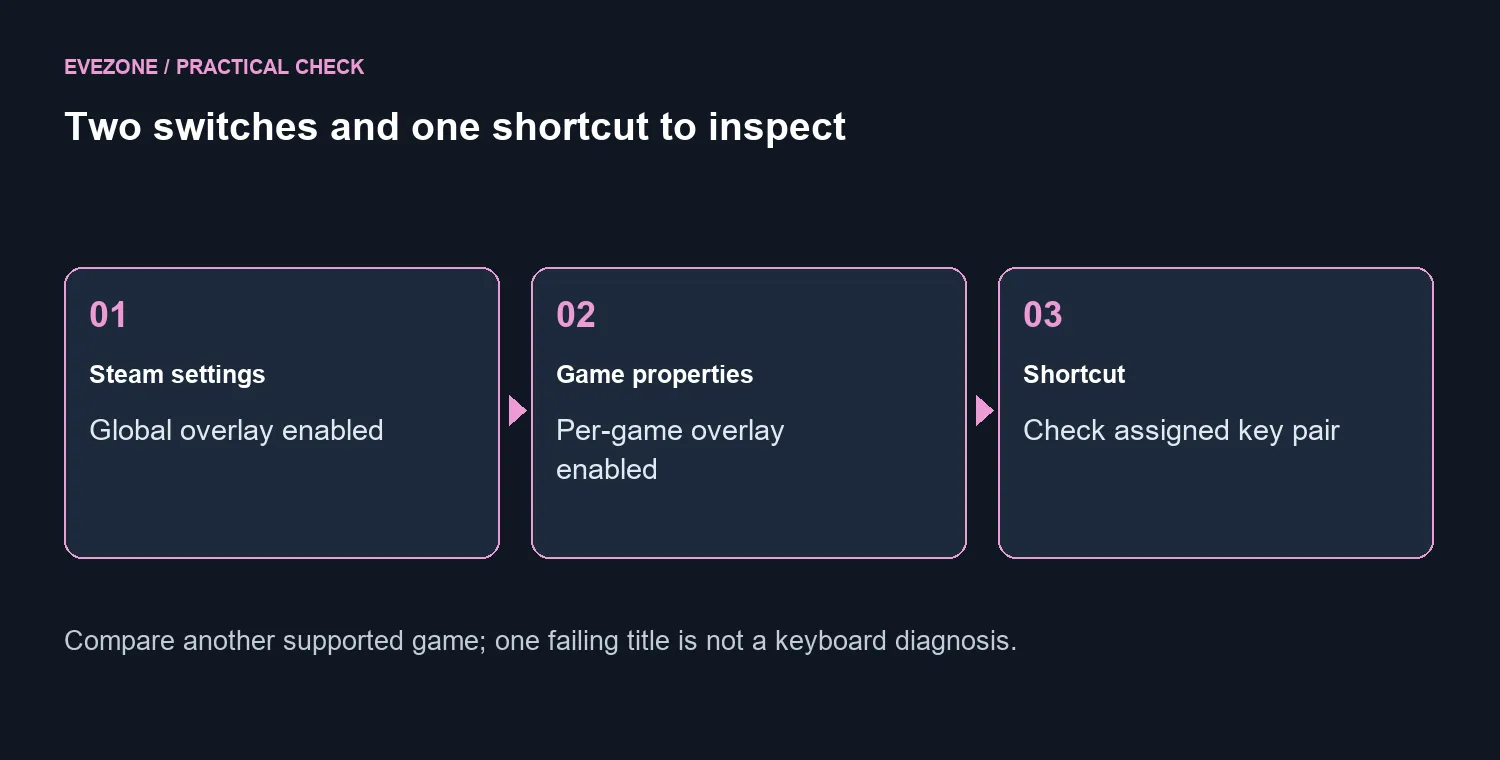
Open Steam Settings and review the In Game overlay control. Next, open the affected game's Properties from the library and inspect its overlay option. A global preference and a per-game preference answer different questions, so record both before launching the title again.
Confirm the actual shortcut shown in Steam. Shift+Tab is the default, but a changed binding makes repeatedly pressing the old combination an unhelpful test. Write down the assigned keys, launch the game normally through Steam and try that combination once it is running.
If you are worried about a key, test it outside the game in a suitable application. Compare gaming keyboards only after finding an input problem that exists beyond the overlay. A key that works normally elsewhere needs a different investigation from a physically intermittent switch.
🎮 Find out whether the failure follows the game
Overlay support depends on the game and its integration. Try a second title known to support it, keeping the same shortcut and client settings. If the panel works there, you have useful evidence that the failure is specific to the first title or how it is launched.
Note whether the issue began after a game update, a client change or installing another on-screen tool. Those details are more useful in a support report than a long list of settings changed at random. Keep the test repeatable so another person can understand what fails.
Do not confuse this panel with the separate screenshot shortcut. Opening friends or other overlay features and capturing an image are different actions, even if both are available while a game runs. Test the feature you actually need.
🛠️ Reduce interference without dismantling the installation
Close nonessential overlay or monitoring applications one at a time and repeat the same test. Leave security protections enabled. If a particular background tool changes the result, check its configuration and support guidance instead of permanently disabling unrelated services.
A normal client restart is a reasonable early check. A full uninstall is a much larger step: Valve warns that uninstalling Steam deletes game content. Avoid turning a missing panel into an unnecessary download and recovery job before the basic settings have been checked.
If an independent keyboard fault is eventually confirmed, compare the keyboard best sellers around layout and typing preferences. The R299 reference is a price checkpoint, not a repair instruction. Most importantly, keep the software diagnosis separate from the hardware purchase so the same overlay problem does not follow you to a new keyboard.
Frequently Asked Questions
What shortcut normally opens the overlay?
Shift+Tab is the default, but it can be changed. Read the assigned shortcut in Steam Settings under In Game before testing.
Why can the global switch be on but one game fail?
A separate per-game overlay option exists in Library Properties. The game must also support and initialise the overlay.
Does a missing overlay mean the keyboard is broken?
No. Test the individual keys outside the game and try another supported title before blaming the keyboard.
Can another overlay interfere?
Background tools can conflict. Close nonessential overlays one at a time and repeat the same test, leaving security protections enabled.
Should I uninstall Steam as the first fix?
No. Valve warns that uninstalling Steam deletes game content. Start with settings, restart and targeted game checks.
What should a South African player spend first?
R0 on these settings checks. The Marvo Soldat S50B keyboard was R299 on 28 September 2026, but a software symptom alone does not justify it.
Troubleshooting your gaming setup?
Diagnose the two overlay switches and game support before treating Shift+Tab as broken hardware.