Finding out a game cannot start after you have packed the laptop is a frustrating way to test it. Steam Offline Mode not working is often a preparation problem rather than a reason to replace network hardware. Rehearse the exact game while you still have a connection, and distinguish disconnected play from simply appearing offline to friends.
Quick Answer
On your own trusted PC, start Steam online, save the login, finish updates and launch the intended game before testing Offline Mode. These checks cost R0 in new hardware, apart from any connection or data charges. For context, Evetech listed the ASUS RT-AC1200 router at R599 on 26 September 2026, but buying a router cannot remove a game's online requirement.
🎮 Prepare the game you will actually play
Valve's guidance starts with an online session and saved account credentials. Complete outstanding client and game updates, then launch the game once while connected. Do this for the particular title you plan to use; success with one game does not establish that every title in the library supports disconnected play.
Use a personal machine you trust. Saving a login is not a sensible preparation step on a public computer. If you are travelling with a family laptop, agree whose account and game library will be used before making changes that affect another person.
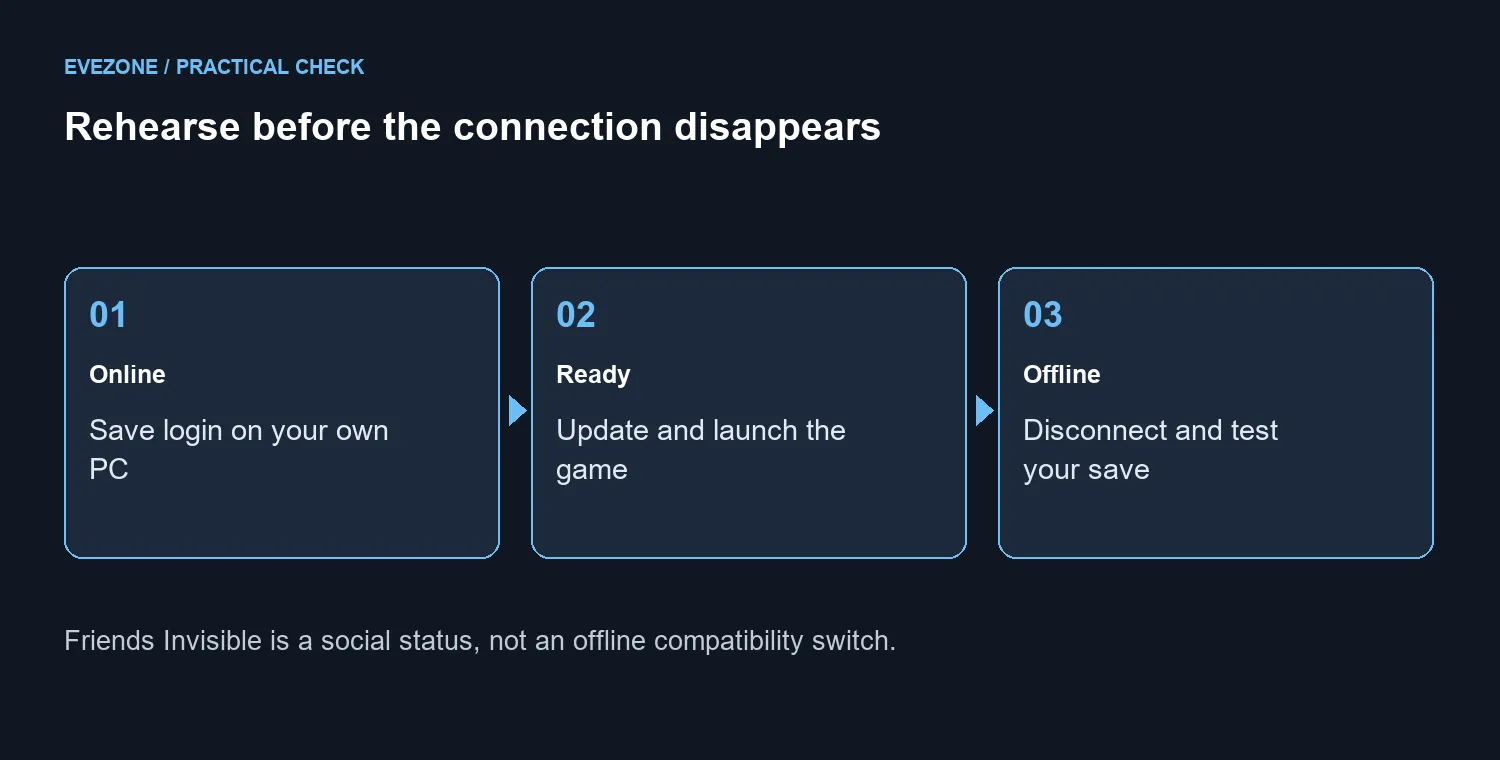
After preparation, make a short offline rehearsal. Start the intended game and check that the save you expect is available. This simple trial is more useful than discovering a missing step when you no longer have convenient internet access.
📴 Keep three meanings of offline separate
Steam's Friends interface has an Invisible option, which makes you appear offline while retaining community access. Its Offline social status signs you out of the community. Preparing a game to run without an internet connection is a different task from either choice.
If the aim is merely quiet time without chat interruptions, you may not need to disconnect at all. If the aim is playing during travel without a connection, test the game itself. Do not expect a social-status menu to change how a title authenticates or whether it needs an external service.
🌐 Diagnose before buying network gear
A title that requires an active connection or an external launcher may not work in Offline Mode. If Steam reports that a supposedly ready game cannot start offline, reconnect when practical and check the client and game updates before repeating the launch test.
The wireless router range is relevant when diagnosing an actual home-network problem. It is not a way around a game's design. Likewise, compare fibre routers only after identifying a connection need that different hardware could address.
For a South African trip, do the larger downloads before departure where practical and permitted by your data plan. Keep offline compatibility separate from the cost of reconnecting. You do not need a new router merely because a game expects a service to be available.
Frequently Asked Questions
Must I prepare while connected?
Yes. Valve recommends starting Steam online, saving the login and ensuring the intended game is ready before going offline.
Does Invisible enable offline gaming?
No. Invisible changes how you appear to friends while retaining community access. It does not prepare a game for disconnected play.
Will an online-only game work?
No. A game requiring an active connection or external launcher may not work in Offline Mode.
What if the game says it cannot start offline?
Reconnect when practical, finish the client and game updates, then launch it online once before repeating the test.
Should I replace the router first?
No. The preparation checks cost R0 in new hardware. A router cannot change a game authentication requirement.
Can I save credentials on a shared public PC?
Avoid doing that. Offline preparation is intended here for your own trusted PC, not a shared or borrowed public machine.
Getting a gaming laptop ready for a trip?
Rehearse your games offline first. Use Evetech networking options only when you have identified a separate connection problem to solve.