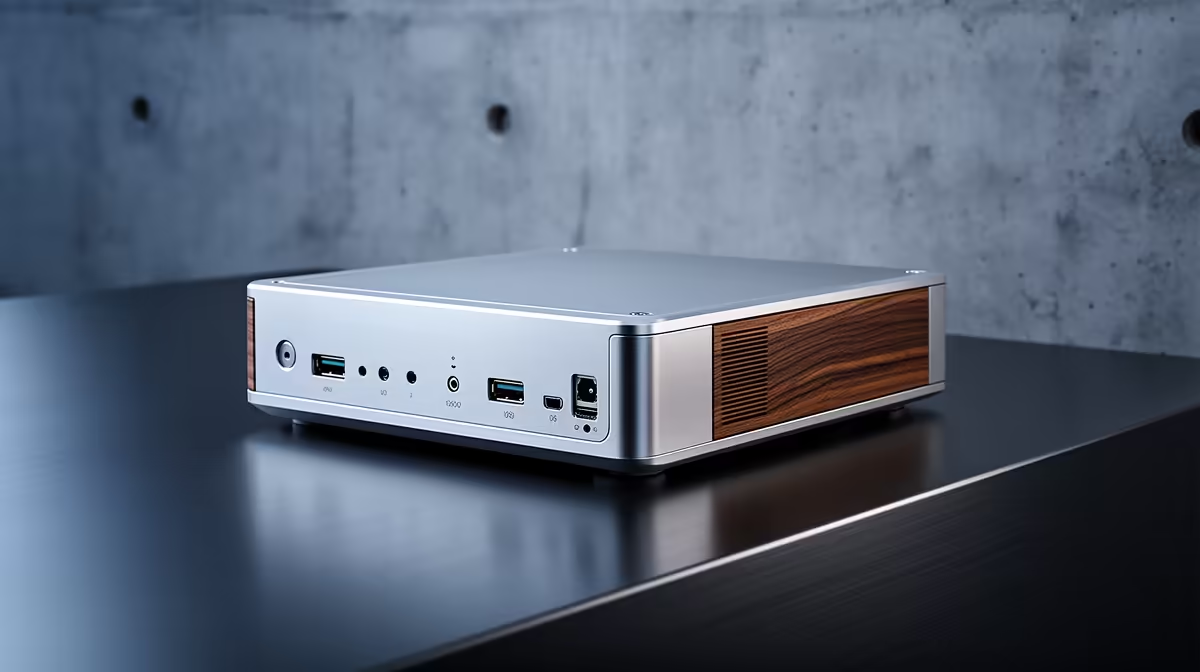
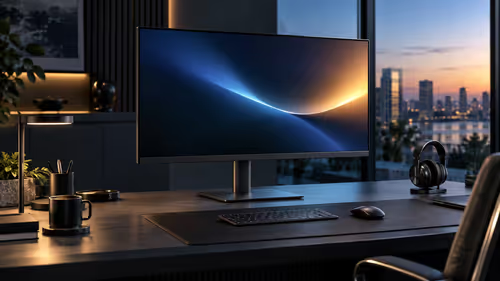
The UM750L 16GB/1TB at R4,600 is the business mini pc I would buy for an O-Week desk because it gives student-office speed, generous storage, and a compact footprint without pushing into premium pricing.
Best First Pick For A Campus Admin Desk
For orientation week, the UM750L 16GB/1TB at R4,600 makes sense for sign-up tables, society admin, printing queues, and quick browser-based work. The 16GB memory keeps multitasking comfortable, while the 1TB storage gives room for forms, image folders, spreadsheets, and downloaded packs without constant clean-up.
The Minisforum NAB6 Lite i5 8GB/512GB at R4,150 is the leaner pick when the station only needs web apps, email, document editing, and a few shared folders. Its 512GB storage is still practical for a compact counter setup, and the i5 spec gives it a more serious work feel than a basic browser-only machine.
If the desk will handle heavier admin files or a more permanent small-office role after O-Week, the NINKEAR M8 16GB/1TB at R8,350 is the more comfortable step up. It keeps the 16GB memory and 1TB storage combination, but sits in a higher price bracket for a station that needs to feel less temporary.
O-Week Reception Table Reality
A mini tower can make a registration table messy fast, especially when there are clipboards, card scanners, pamphlets, and student bags around it. A compact unit such as the NINKEAR M7 16GB/512GB at R4,650 keeps the work area tighter while still offering 16GB memory for browser tabs, student lists, and office documents.
Ready to choose the right mini pc?
Use Minisforum NAB6 Lite i5 8GB/512GB at R4,150 as the small-business counter benchmark, then check whether its listed spec matches the space, workload, and upgrade path.