



An age prompt in a familiar chat app can look like a sudden demand to hand over your identity. Discord age verification is more varied than that: September's explanations describe account-based estimation and several confirmation methods. Before doing anything, establish what your account is asking for and which feature is affected, instead of following a link from somebody offering to fix it.
Quick Answer
Discord says most users will not need to confirm their age manually, and its age model does not analyse message or voice-call content. If a prompt appears, review the method and data handling inside the official account flow. Budget R0 for hardware changes: a new headset, mouse or keyboard cannot resolve an age-group restriction.
🛡️ Estimation and confirmation do different jobs
The company describes a model that estimates whether an account belongs to a teen or adult from behaviour and connection patterns. It says this uses signals such as account history and activity, rather than reading conversations. That is the automatic estimation step; a manual check is a separate route when further confirmation is needed.
The practical question is therefore narrower than whether every user must submit an ID. Read the exact restriction shown to you. Do not assume a friend's experience on another device will reproduce on your account, and do not change unrelated Windows settings in an attempt to influence the result.
🔎 Read the method before providing information
Discord's method explanation includes device-based selfie estimation and other confirmation routes. It says it receives an age signal and limited related information, while the information handled by each provider depends on the route. Those are the company's descriptions of the system, not a guarantee that every method has identical processing or retention details.
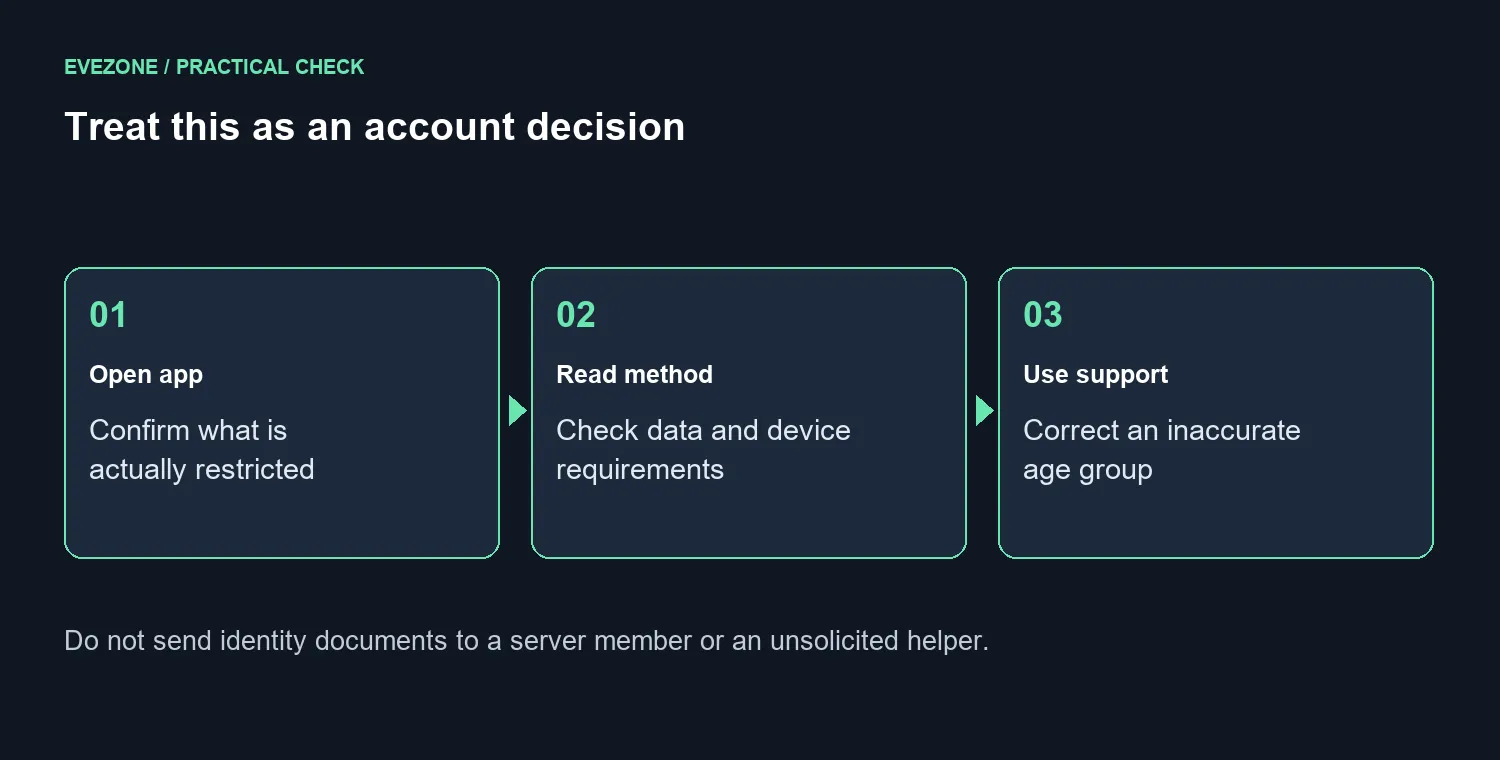
Use the choices your account actually offers. Read the notice for that choice before continuing, including any device requirement and what happens if the check cannot determine an age group. If the result is wrong, use the official correction or support option presented by Discord. Avoid repeated guesses or instructions from a stranger claiming special access to your account.
Never send identity documents to a server member who asks for them as a favour. Open the app or official support yourself to establish whether an action is required. This keeps an account-access question separate from an unsolicited message using the same words.
🎧 Keep account access separate from desk upgrades
If voice chat works but a particular space or setting is restricted, buying new audio equipment will not change the account's age group. Test the feature that is actually failing and note the message shown. That record gives official support something specific to investigate without sharing an entire private conversation.
Hardware spending should solve a hardware problem. Browse gaming keyboards if your current keys are failing, or compare mouse choices if pointer control is uncomfortable. Neither purchase is a workaround for the age prompt, and there is no need to replace a functioning setup simply because an account policy changed.
For a family sharing a computer, discuss which person uses each account and which settings they should expect. Keep the explanation calm and specific to the app's visible options. Do not promise that a particular verification method will be available to every South African account; use the current flow as the deciding reference.
Frequently Asked Questions
Must every Discord user upload an ID?
Discord says the majority of users will not be asked to confirm their age manually.
Does the age model read private messages?
Discord says the model uses account and behaviour patterns rather than message or voice-call content.
What does Discord receive after a check?
It says it receives an age signal and limited related data; the details depend on the selected method.
Can I use every method on every device?
Do not assume that. Use the options actually offered for your account and device, then read their individual data explanation.
Does a new headset resolve an age prompt?
No. It is an account-access issue, so spending on audio hardware does not clear the age check.
What if the estimated age group is wrong?
Use the official confirmation or support path offered by Discord rather than changing unrelated device settings.
Need a more comfortable chat setup? Choose Evetech audio and input gear for comfort once account access is sorted.










