



🖱️ Pointer movement can be an intentional binding
Quick Answer
A Steam controller moves mouse input when a controller layout maps a stick or touchpad to pointer movement. Compare behaviour with Steam fully closed, then inspect Desktop Layout and remove the unwanted mouse binding. Preserve working game layouts and check other remappers before calling it stick drift.
You reach for the controller and the Windows pointer glides across the desktop. It can look like a faulty stick, particularly when you expected every input to stay inside the game. But Steam Input supports mouse and keyboard emulation as well as gamepad actions. A pointer response can therefore be a configured action rather than a broken component.
Valve's documentation describes these legacy bindings and mouse regions, which deliberately translate controller input into cursor behaviour. That capability is useful for games or desktop tasks that expect a mouse. The problem begins when an active mapping does something you did not intend while you are playing or switching windows.
The first goal is to locate the input layer. Avoid changing every controller option at once, because that can remove a working game setup without revealing what moved the pointer in the first place.
🎮 Separate desktop controls from game controls
Save your game and fully exit Steam. Compare the pointer response before and after exiting, using the same stick or pad motion. Closing a game window alone is not the same test if Steam is still running. If the pointer movement stops, that gives you a useful lead to investigate Steam's active layouts.
Reopen Steam and look under Settings, Controller and Desktop Layout. Some client versions put the desktop controls under advanced settings, and labels can change. Inspect the input that moves the pointer and identify its mouse action. Record or save the current layout before changing the specific binding so that you can restore the original behaviour if needed.
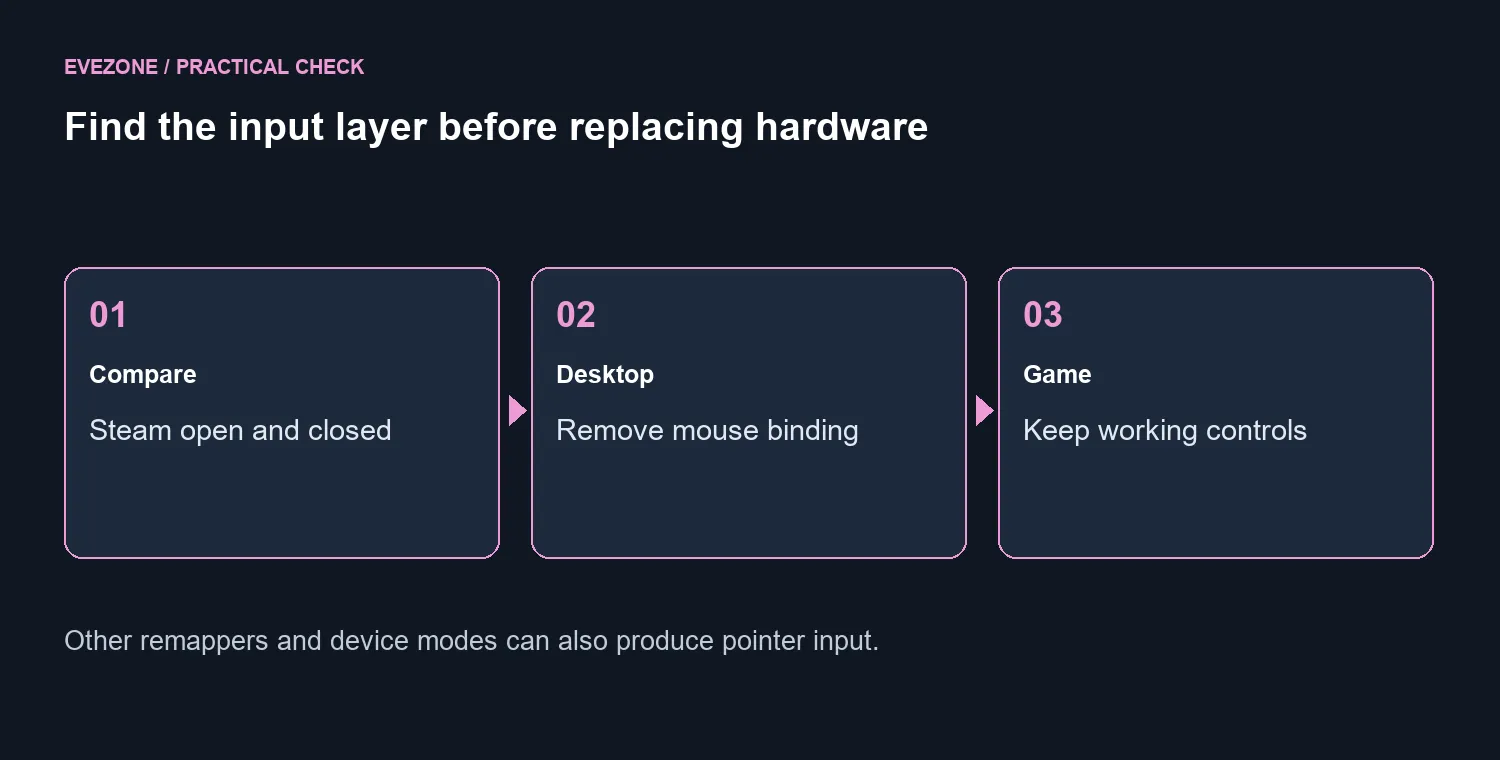
Remove or replace only the unwanted desktop mouse action, then test again on the desktop. Open your game afterwards and confirm its normal controls still work. Desktop behaviour and a game's layout serve different contexts; changing a working per-game configuration is not automatically necessary just because the pointer moved outside the game.
If movement continues with Steam fully closed, check other remapping applications and any mouse mode provided by the device. Another program or mode can also translate controller input into a pointer. Continued motion is therefore not enough on its own to prove stick drift.
Actual unwanted analogue input needs its own check in the appropriate controller test or calibration view. Keep that investigation separate from a deliberate mouse binding. A deadzone adjustment is not a substitute for removing an action you never wanted mapped to the desktop.
💸 A replacement should follow the diagnosis
The layout test costs R0 and can preserve a controller that already works well in games. If you still need a different PC controller for comfort or compatibility, use the purchase to solve that specific need rather than expecting new hardware to erase an old software mapping.
Our 22 September catalogue read showed the GameSir Cyclone 2 Phantom White at R749 and in stock. It is a local price reference, not a requirement for this fix. Check the current listing and the connection you intend to use before comparing it with another model.
The gaming controller range gives you hardware alternatives once you have established the problem. If the desktop itself needs a separate pointing device, compare the mouse range on that basis. Buying both does not resolve a duplicated or unwanted input binding by itself.
End the test with the desktop and your usual game both behaving as intended. Keep a note of the layout you changed so that a future client update or profile switch is easier to diagnose. The useful outcome is clear control over each context, with only the bindings you actually want left active.
Frequently Asked Questions
Why does a controller move the desktop pointer?
Steam Input can map controller inputs to mouse or keyboard actions. Desktop Layout may deliberately assign that behaviour.
What is the first diagnostic test?
Save your game, fully exit Steam, then compare the pointer behaviour. The result helps identify which software layer is involved.
Where should I edit the desktop binding?
Open Steam Settings, Controller and Desktop Layout; some client versions place it under advanced settings.
Should I disable every game controller setting?
No. Start with the unwanted desktop mouse binding and preserve game-specific layouts that already work.
Does motion with Steam closed prove stick drift?
No. Another remapping app or device mode can still send mouse input. Check those paths before diagnosing a hardware fault.
Which local PC controller offers a price reference?
The GameSir Cyclone 2 Phantom White was R749 on 22 September. A new controller is not required to remove a desktop binding.
Ready to choose your next PC controller? Compare Evetech controllers for your games and connection needs after testing your desktop layout.










