


A warning that Defender Antivirus is turned off deserves a check, even when a known notification bug is circulating. Microsoft has documented a case where protection stayed active while Windows said otherwise. The useful response is to inspect the actual security state and update through the normal tools. It is not to silence every warning or buy a new PC because of one pop-up.
Quick Answer
Microsoft lists Defender Antivirus version 4.18.26080.4, released on 17 September 2026, as the fix for the documented false notification. Start with a R0 check in Windows Security and install the latest supported updates. If protection really is disabled, or the warning continues after updating, investigate that state separately instead of assuming this particular bug explains it.
🛡️ Read the status behind the alert
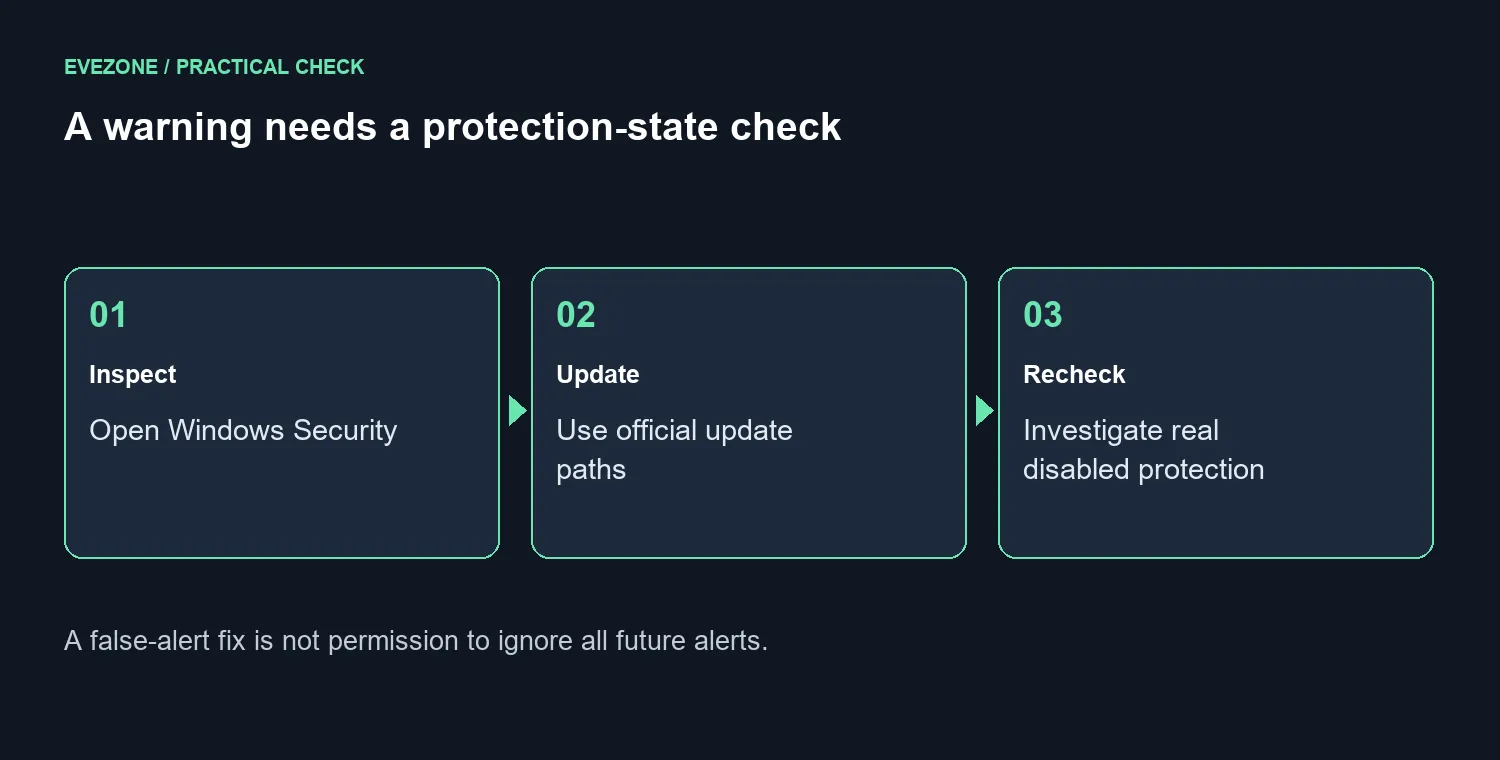
Open Windows Security directly and inspect Virus & threat protection. The known defect concerns the notification disagreeing with an otherwise operational antivirus. A screen that actually shows disabled protection is different evidence. Capture the wording and the installed version if you need help, rather than reporting only that a red symbol appeared.
Keep the sequence simple: observe the state, make one supported change, then inspect it again. A scan result is useful, but it does not replace checking that protection is enabled. Likewise, an alert disappearing after a restart does not establish why it appeared. Those distinctions prevent both unnecessary panic and casual dismissal of a genuine fault.
🔄 Use the built-in update paths
Install the updates offered for the device through Windows Update. Windows Security also provides Virus & threat protection, Protection updates and Check for updates for security intelligence. These are related maintenance tasks, but do not confuse an intelligence version with the Defender platform version named in the resolution.
Leave security features enabled while troubleshooting. Downloading an unknown repair tool or changing protection settings merely to remove a notification creates a new problem to investigate. On a managed work machine, send the status and version details to the person responsible for its updates instead of changing organisation policy yourself.
A spare backup destination can be useful for normal PC maintenance; it is not the cure for this alert. Browse SSD options only if you already need capacity for a separate copy of important files. Keep that storage decision separate from a software notification so the repair does not quietly turn into an unrelated purchase.
🧭 Decide what still needs attention
After updating, reopen the security page and repeat the check you made at the start. Record whether protection is on and whether the same notification returns. If the facts do not match the documented false-alert pattern, take the remaining warning seriously and use the supported troubleshooting route for that device.
There is no hardware specification in this notification that demands a replacement machine. The gaming PC range belongs in a planned upgrade discussion about performance or capacity, not an emergency response to an unverified pop-up. Spend time identifying the state first; the software tools needed for that initial check are already included.
Frequently Asked Questions
Can the warning be wrong?
Yes. Microsoft documented a notification defect where Defender remained operational while Windows reported it was off.
Which version carries the documented fix?
Microsoft lists Defender Antivirus version 4.18.26080.4, released on 17 September 2026, as the resolution.
Should I disable Defender to stop the pop-up?
No. Check the protection state and update through Windows. Disabling protection is not a repair for a notification defect.
Does a clean scan prove every warning is false?
No. A scan result and the current protection state answer different questions. Investigate disabled protection separately.
Building a calmer PC maintenance routine? Keep a separate file copy and choose any future Evetech hardware upgrade for a measured need.









