



Intel Arc 101.9030 driver is a targeted software update, not a reason to replace a graphics card. The release adds support for several games and addresses a specific Arc B-series crash, while a separate Core Ultra issue remains listed. Check the hardware and game combination you actually use before deciding whether this release belongs on your PC today.
Quick Answer
The 101.9030 non-WHQL release lists Game On support for EA Sports FC 27, Silent Hill: Townfall and Aniimo. Updating supported existing hardware costs R0 in new components. Match the release to your device and keep the previous working driver available before changing a stable setup.
🎮 Read the fix against your game
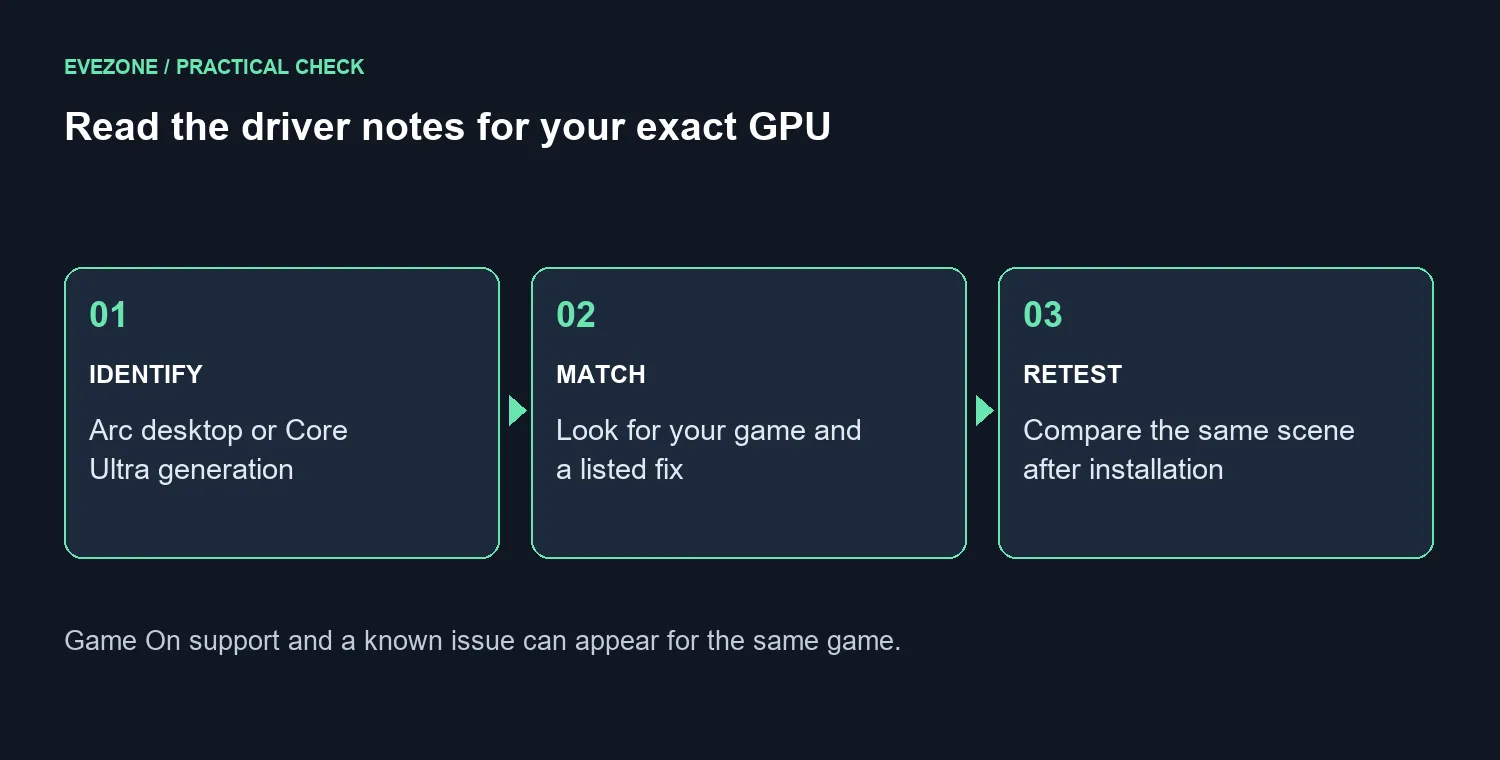
The useful distinction in the release notes is between a supported title, a fixed fault and an unresolved issue. Those are different statements. A game appearing in the support list does not mean every possible crash or display problem on every Intel graphics device has disappeared.
For Arc B-series owners, the notes identify a Palia crash fix. Meanwhile, a crash affecting EA Sports FC 27 on Core Ultra Series 2 remains among the known issues. If that second combination describes your machine, do not read the new-game support headline as a promise that your specific fault is solved.
Record your current driver version and reproduce the problem before installing anything. Use the same save, scene or launch sequence after the update. A repeatable test tells you more than loading a different game and deciding that the whole system feels faster. It also gives support staff a clearer description if the fault remains.
🛠️ Match the driver to the computer
This release is identified as non-WHQL. Read the supported products, operating-system requirements and known issues before installing it. A newer version number is a reason to investigate a relevant fix, not a command to change every healthy PC immediately.
Laptop and branded-system owners should also check their manufacturer's driver guidance. Customised drivers may support features specific to that system. Keep that support route in mind before replacing a manufacturer package with a generic download, particularly if display switching or another built-in function already works reliably.
Close games and other demanding applications before the installation, save your work and allow the requested restart. Change the driver before changing game settings so that you can tell which change affected the result. If the update introduces a new problem, having the previous working installer and its version recorded makes recovery less confusing.
💸 Test software before buying hardware
An owner with a driver-specific fault should complete that comparison before browsing replacement cards. R0 of new hardware is the appropriate first budget for testing an update on an already supported system. It is not a promise that every fault is software-related or that connectivity costs disappear.
If a separate performance or compatibility limit does justify a purchase, compare the exact models in the Intel Arc graphics card range. Buyers planning a complete system can check Intel Arc gaming PCs. Neither route should turn a known driver issue into an assumed need for an upgrade.
Keep a short test note: hardware model, old version, new version, game settings and result. If the problem persists across a supported driver and the same controlled test, investigate the next likely cause rather than repeatedly reinstalling unrelated packages. Avoid third-party driver bundles when the device or system manufacturer provides the required installer.
Frequently Asked Questions
Does Game On support guarantee a crash-free game?
No. Read the known-issue list alongside the support announcement, especially for your processor or GPU family.
Should a stable laptop always take the generic driver?
Check the system manufacturer's guidance first. Its package may contain system-specific customisations.
What is the useful success test?
Repeat the same failing action with the same settings and record whether it now completes. A different workload cannot prove that the original fault was fixed.
Ready to check your Arc setup? Match your device to the release notes, keep a recovery path and test the affected game before spending on replacement hardware.











