


🎧 When a voice call makes the game go quiet
Quick Answer
Discord lowers game volume when attenuation turns down other applications during speech. In the desktop client, set Voice & Video attenuation to 0%, then test Windows Communications with Do nothing if the dip continues. Check these separate software rules before replacing a headset.
Your game sounds normal until someone speaks, then the effects sink into the background. That timing is a useful clue. If the volume returns when the conversation pauses, begin with audio ducking rather than assuming the headset has suddenly lost power or developed a damaged driver.
Discord documents an attenuation control for its desktop client. Windows also has a communications setting that can reduce other audio during a call. Either layer can matter, so changing one slider and hearing no improvement does not establish a hardware failure. The two controls need separate tests.
Use a repeatable example: keep the same game, the same output device and roughly the same listening level while another person speaks in the call. Do not compensate for every dip by turning the master volume sharply upward; the sound may return to its original level when the ducking ends.
🎚️ Test Discord first, then Windows
Open the Discord desktop app, select User Settings and go to Voice & Video. Find Attenuation and move its slider to 0%. Repeat the call and listen for the same dip. Discord specifies this option for the desktop app; a phone or browser interface may not offer the same control in the same place.
If that removes the change, you have found a software cause. Leave the new setting in place only if it suits how you use voice chat. Some people deliberately prefer quieter game audio while friends speak, so the aim is a predictable balance rather than one universal volume setting.
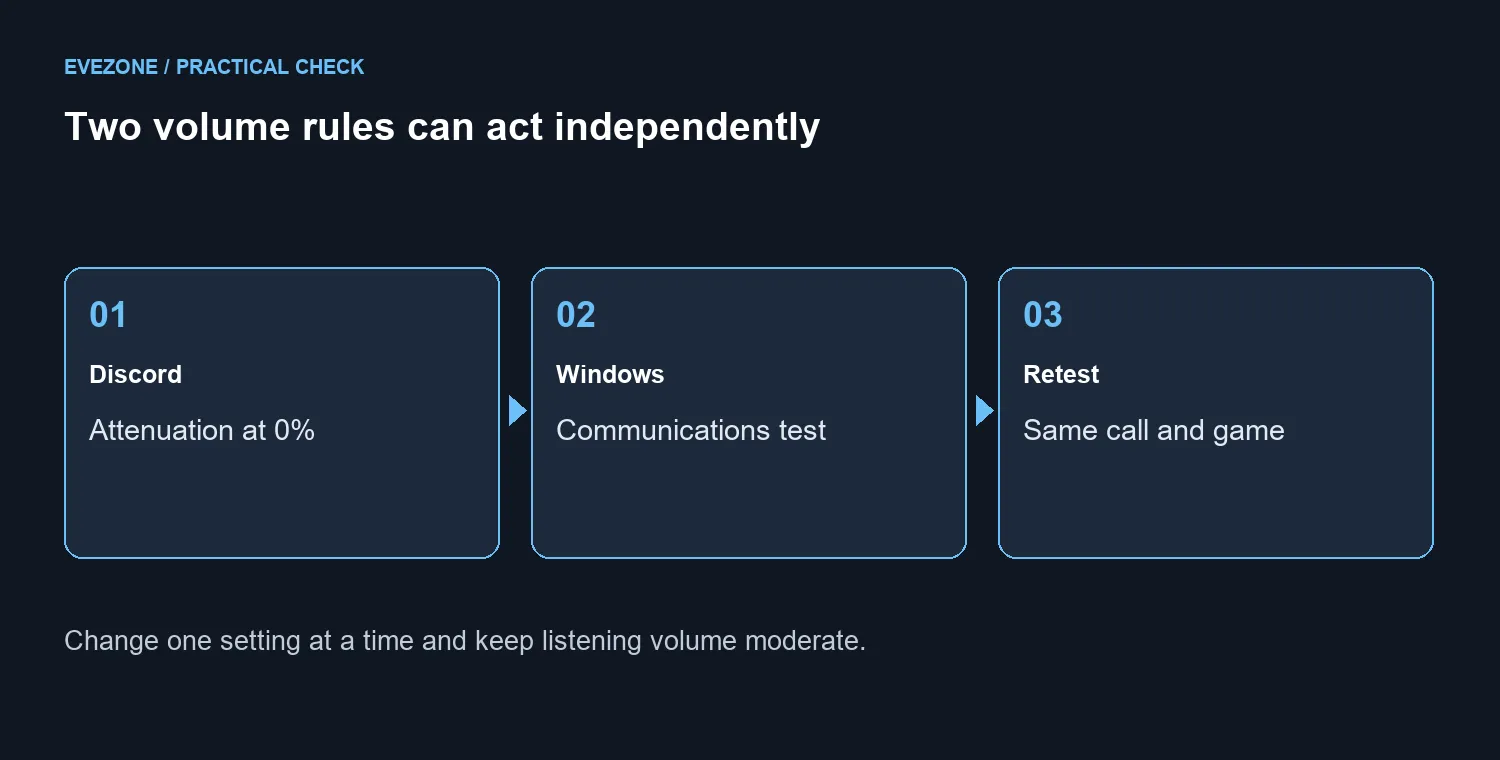
If the dip remains on a Windows PC, open the classic Sound control panel and inspect its Communications tab. Select Do nothing, apply it and repeat the same call. Microsoft's communications ducking documentation describes this independent Windows behaviour. The choice prevents that Windows rule from reducing other sounds; it does not disable every possible volume adjustment in every application.
Change one setting at a time and note the result. If both tests leave the symptom unchanged, check whether Discord and the game use the intended output device. Inspect their application volume levels as well. A game being routed to a different output or an application-specific volume being low is a different problem from ducking during speech.
🛒 Decide whether a headset purchase solves anything
These settings checks cost R0. A new headset can still be affected by the same software attenuation, so do not buy one solely because a call makes another application quieter. First establish whether the problem follows the application, the output device or a particular connection.
For a dated local comparison, the LORGAR Kaya 460 USB headset was R559 and in stock in our 22 September catalogue read. That reference helps size a replacement budget if you independently need a headset; it is not a promised fix for the behaviour described here. Confirm the current product details and price before ordering.
Browse gaming headsets for the wider range or narrow the choice to a wired headset when that connection suits your setup. Consider fit, microphone needs and the ports on the computer rather than treating a higher price as proof that software settings no longer matter.
Finish by repeating a normal gaming session with voice chat active. If the levels stay steady and both applications use the intended device, you have a practical result without replacing working equipment. If the symptom changes from a volume dip to crackling, dropouts or complete silence, describe that new symptom separately before continuing the diagnosis.
Frequently Asked Questions
Where is the Discord attenuation slider?
In the desktop app, open User Settings, Voice & Video, then find Attenuation. Set the slider to 0% for the test.
Does that setting exist on every Discord client?
Discord documents this slider for the desktop client. Do not assume the same path exists on mobile or in a browser.
Why can sound still dip with attenuation at zero?
Windows can apply its own communications ducking. Check Sound settings and the Communications tab separately.
What should I select under Communications?
Choose Do nothing to test without Windows reducing other sounds during communication, then apply and repeat the same call.
Will a new headset stop software ducking?
No. A software volume rule can affect a replacement headset too. Confirm the cause before spending.
What is a local wired-headset comparison?
On 22 September, R559 bought the LORGAR Kaya 460 USB headset in the catalogue. That comparison is not a promised software repair.
Choosing a headset for your next session? Explore Evetech gaming headsets once your app volume and output settings behave predictably.










