



The download runs happily until you open a game, then the queue stops. Steam downloads pause during gameplay is often a settings problem rather than evidence that your fibre has failed. Before restarting the router or changing your broadband package, check which download policy applies to the game you launched and whether the queue resumes when you close it.
Quick Answer
Open Steam Settings, choose Downloads and check Allow downloads during gameplay, then review the individual game's background-download policy. These checks cost R0. If downloads resume but online play becomes unstable, cap the download speed or pause the queue for the match instead of assuming that a new router will solve both tasks at once.
🎮 Compare the global and game choices
Start with a download while no game is running. Note whether it progresses normally, then launch the game that triggers the pause. This simple comparison helps separate a gameplay policy from a transfer that was already stuck. Do not clear caches or reinstall the client before establishing that basic pattern.
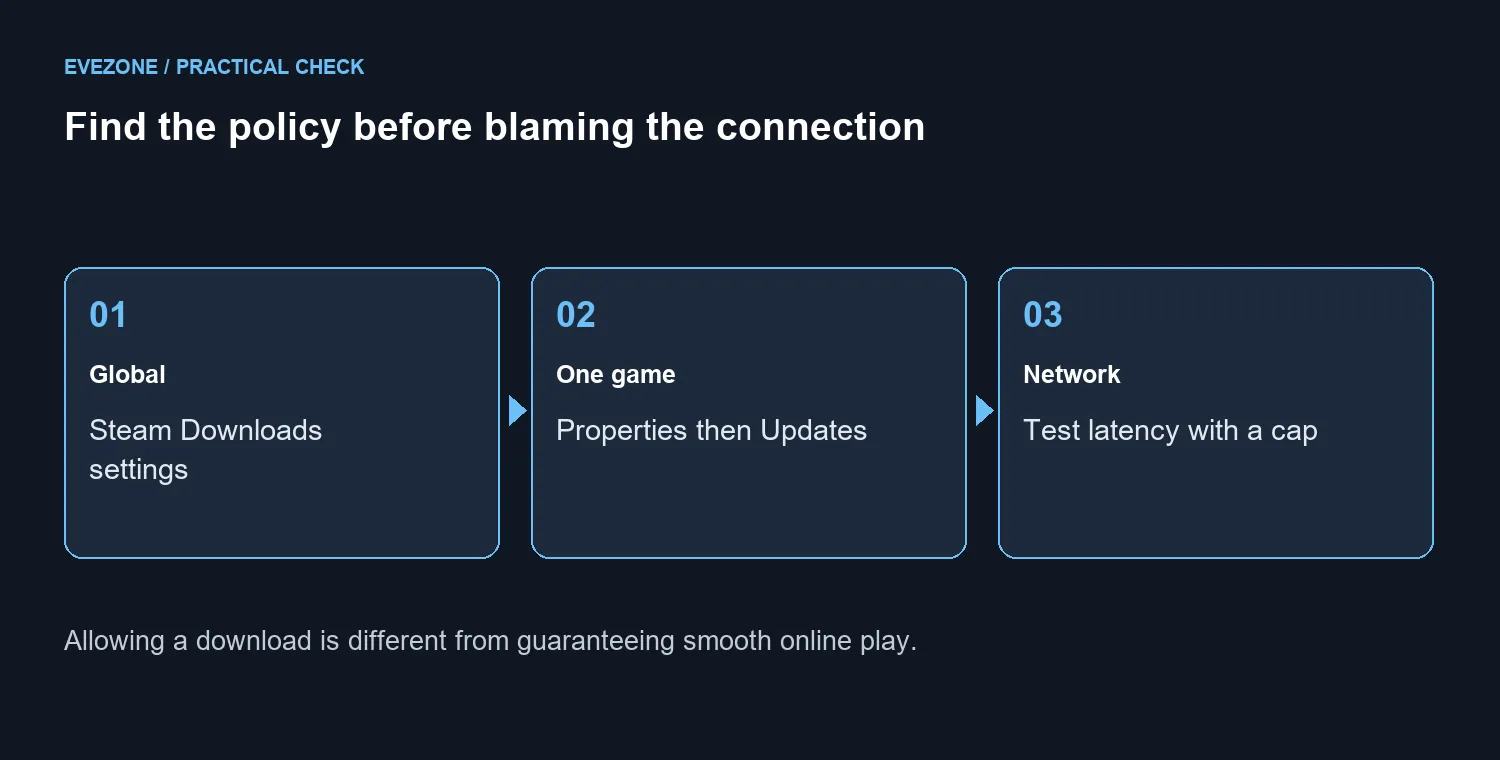
The global switch sits in Steam's Downloads settings. A particular game can also carry a background-download override: open its Library entry, then Properties and Updates, and inspect the available choice. Menu wording can change with client versions. Read the selected option carefully rather than repeatedly toggling controls whose effects you have not checked.
📶 Leave room for the game traffic
Allowing downloads means Steam may use the connection during play; it does not create more capacity. Test with an offline game first if your priority is simply finishing a large download while doing something else. For online matches, compare latency and responsiveness with the queue running and paused under otherwise similar conditions.
The client provides a download-speed limit. Choose a conservative cap, test, and adjust it gradually if there is useful headroom. There is no single cap that suits every household because other people and devices may be using the same connection. Pausing downloads during a competitive session remains a practical choice when stable play matters more than finishing the queue immediately.
🔍 Know when hardware becomes relevant
A queue that stops only at game launch deserves a policy check first. If the problem also occurs without games running, investigate it as a broader download or connection issue instead. Note any actual error, compare another transfer and check whether other devices lose connectivity. Those observations are more useful than buying equipment on the strength of a paused progress bar.
For genuine network upgrades, compare fibre routers and wireless routers against your connection and home layout. The 23 September 2026 Evetech listing priced the in-stock Cudy WR1300 at R699, but that price is a product reference, not a prescription for this symptom. A correctly configured client can resolve a deliberate pause without replacing any networking hardware.
Frequently Asked Questions
Where is the global gameplay download switch?
Open Steam Settings, then Downloads, and find Allow downloads during gameplay. Wording can vary with the client version.
Can one game override the global choice?
Yes. Check that game in Library, then Properties and Updates for its background-download policy.
Does enabling downloads improve my connection?
No. It permits traffic that was paused. Your connection and storage still share work between the game and download.
Should I allow downloads during a competitive match?
Only after testing latency. Pausing the queue for a match is often the simplest choice.
Is a download pause proof my router is broken?
No. A deliberate client setting can stop transfers even when the network is working normally.
What should I test before buying networking gear?
Compare idle and in-game downloads, review the two policies, and test a sensible speed cap before considering hardware.
Ready to match networking gear to a real need? Compare Evetech network options after checking the client policy and testing the connection under the load you actually use.











