


A very shallow key setting can register the touch you intended, or the one you did not. Logitech PRO X2 RAPID brings magnetic switches, adjustable actuation and an onboard screen to a wired TKL keyboard. Its September announcement is a reason to look at how you tune movement keys, not a reason to assume every existing keyboard suddenly needs replacing.
Quick Answer
The PRO X2 RAPID offers 0.1mm to 4mm actuation in 0.05mm steps, Rapid Trigger and an OLED settings display. Start with a controllable profile and check game rules before using input-priority features. Local LORGAR KBP70MW Pro keyboards were R1,099 and in stock on 24 September 2026; that is an existing-market comparison, not a South African price for the new Logitech model.
🎮 Work out which control you want to change
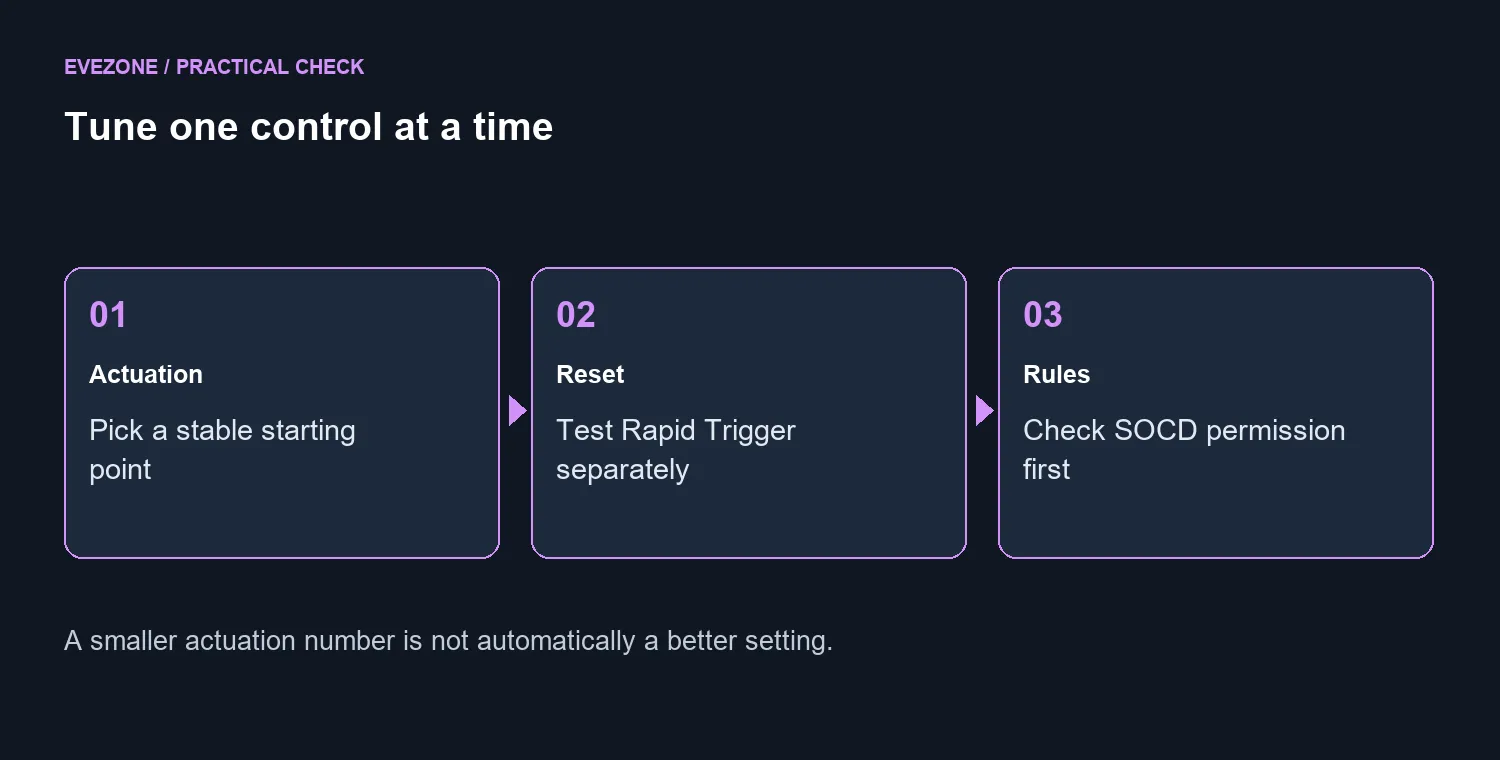
Actuation is the point in a press where an input registers. A smaller setting reduces the movement needed, which may also make unintended presses easier. Rapid Trigger concerns how inputs reset as a key moves. They affect different parts of the action, so changing both at once makes it harder to identify which adjustment helped.
Use a practice area and a repeatable movement sequence. First check whether you can hold a direction, release it and stop consistently. Then try the same action after changing one setting. Keep ordinary typing in the test too: a profile that feels lively in a short exercise can become irritating when writing a message or using number keys.
⌨️ The screen is useful only if the settings are useful
Logitech's product page identifies a wired TKL layout, 8kHz scanning and USB polling, and OLED access to actuation, Rapid Trigger and other controls. TKL leaves out the separate numpad. Before choosing the smaller footprint, think about whether you use that pad for spreadsheets, shortcuts or the way you position your hands at the desk.
The headline polling rate is not a promise of better aim or a guaranteed frame-rate improvement. Compare behaviour in your own game, with the rest of the setup held steady. If a higher setting causes trouble on your configuration, a stable lower setting is a sensible result rather than a failed purchase.
Use the gaming keyboard range to compare layout and connection needs before comparing the longest feature lists. Wired operation may suit a fixed gaming desk, while someone sharing a work surface may put more value on moving the keyboard easily.
🏁 Separate practice settings from competition settings
KEY PRIORITY, also described as SOCD, should be treated as a rules question before it becomes a performance experiment. Read the current rules of the game and event you play. A feature being available on a keyboard does not mean every competitive environment permits it, and a saved profile is not proof that its settings are suitable for a tournament.
Give profiles plain names and keep a conservative default you can return to. Write down what changed when you test a new one. That small habit prevents a software update, accidental button press or borrowed PC from leaving you guessing why movement suddenly feels different during a match.
The keyboard best sellers provide a local price comparison without assuming the new model is already buyable in South Africa. The catalogue also showed the Razer Reclusa X Mini at R1,599 on the same date. Those prices describe different products; they do not imply matching switches or an equivalent experience.
Keep a working keyboard if you cannot name a specific limitation it creates. Consider the new model when adjustable input is something you will test deliberately, the TKL layout suits your desk, and a confirmed local offer makes sense against the rest of your gaming budget.
Frequently Asked Questions
Is PRO X2 RAPID a wireless keyboard?
No. Logitech describes this model as a wired TKL analogue gaming keyboard.
What actuation range is advertised?
The switches allow actuation from 0.1mm to 4mm in 0.05mm increments.
What does the onboard screen change?
The OLED display offers access to settings such as actuation and Rapid Trigger without treating every adjustment as a software task.
Does 8kHz guarantee a better score?
No. Polling is one part of input latency; your game, system and control habits still matter.
What is an existing local keyboard comparison?
The LORGAR KBP70MW Pro models were listed at R1,099 and in stock on 24 September. They are different keyboards.
Should KEY PRIORITY be enabled for every game?
No. Check current game and event rules before using SOCD or other input-priority features.
Ready for a keyboard you can control? Compare Evetech keyboard layouts and choose features you will actually use in your games.










