Intel desktop builds can be excellent for SA gamers, but the platform asks for a few decisions that AMD's longer-lived AM5 socket does not. Knowing those points up front stops you from overspending on a board or cooler.
Quick Answer
Intel's LGA1851 socket is newer and shorter-lived than AM5, so plan the build knowing the upgrade runway is tighter. Budget for a capable cooler from the start since high-end Core chips can pull 150W+ under load. A balanced Core Ultra 7 build with B860 board sits well from about R14,000.
Socket and upgrade runway
AM5 is committed through several generations, while Intel's recent sockets tend to span fewer CPU launches. If a drop-in upgrade in three years matters to you, factor that in. If you replace the whole platform when you upgrade anyway, the socket point is less critical and Intel's per-core gaming pace stays competitive.
Cooling and power headroom
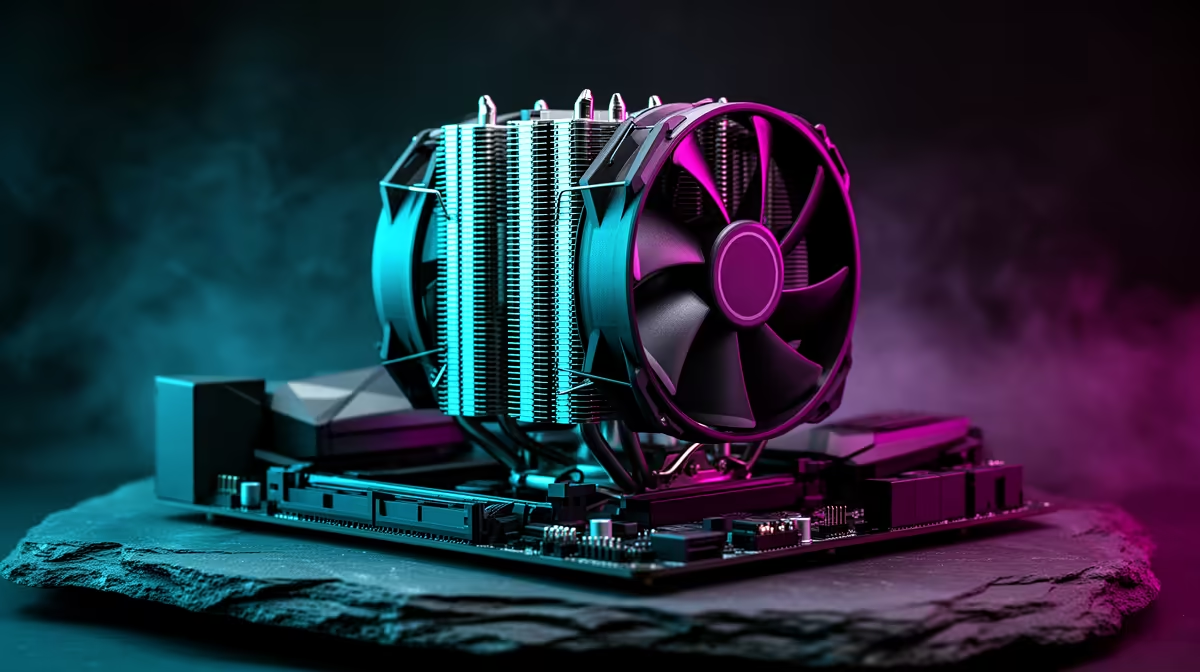
Higher-end Intel chips reward strong cooling. A quality 240mm AIO or a top-tier air cooler keeps clocks steady; a cheap stock-class cooler will throttle them. Pair the CPU with a board that has solid VRMs so the chip can hold boost during long sessions instead of sagging after 20 minutes.
FAQ
Is Intel or AMD better for SA gaming builds?
Both deliver strong frames. AMD's X3D chips lead in many games and AM5 offers a longer upgrade path; Intel is competitive and sometimes cheaper per board. Pick on total build price for your target games.
Which Intel board tier should I buy?
B860 covers most gamers with good value. Reserve Z-series for heavy overclocking or high-end memory tuning, which most buyers never use.
Do I need an expensive cooler for Intel?
For mid Core chips a good R600-R900 air cooler is plenty. Only the top K-series parts justify a 240mm+ AIO to hold boost clocks.
Plan the Intel build around socket life and cooling.
Compare Core Ultra processors and matching boards at Evetech, then add a cooler rated above the chip's load wattage so it holds clocks.