A new driver can be worth testing without turning into a hardware shopping trip. Intel Arc 101.9033 adds Game On support for CONTROL Resonant. For an existing Arc owner, the useful next step is a controlled update and a repeatable test, not an assumption that every setting can now be turned up.
Quick Answer
Check that your GPU is on Intel's supported list, review the device maker's advice and test the new package in the game you need. The driver does not require a hardware purchase, so the first comparison costs R0 in new parts, excluding data. The listed download is 889.2MB; allow for that if you use a metered connection.
🧭 Check the exact graphics family
The download covers supported Arc A-series, B-series and Core Ultra graphics. Intel also directs users seeking dedicated Arc Pro drivers to a separate path. Do not select a package solely because the PC has an Intel badge: identify the graphics device and read the applicable product list.
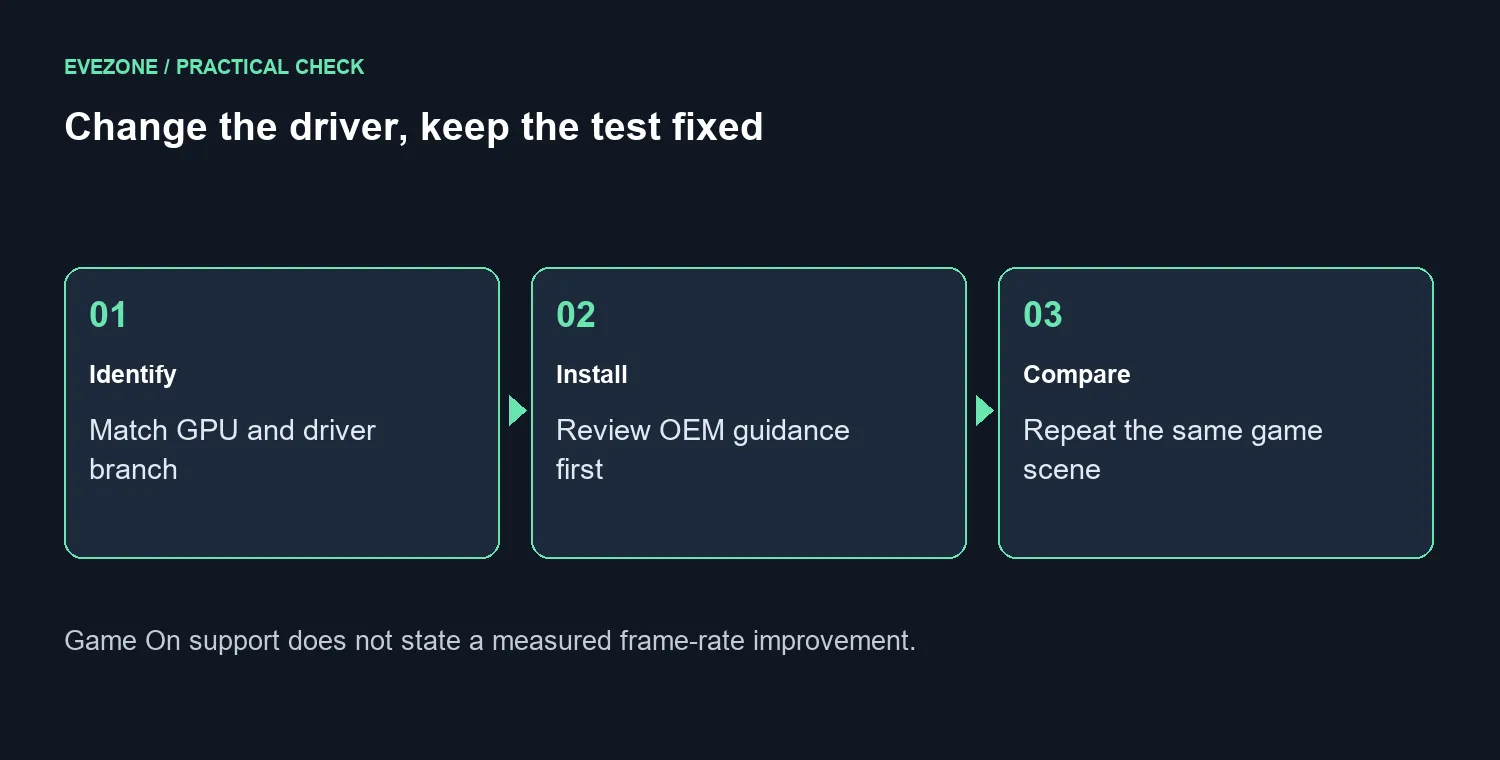
This is a new support development after the earlier 101.9030 release, rather than a reason to repeat every previous driver claim. Game On support names the title, but it is not a benchmark. Keep your present resolution and graphics options written down so that you can compare the same workload after installing.
🔧 Treat clean installation as a choice
Intel's support guidance distinguishes normal installation from a clean installation that may overwrite OEM customisations. On a laptop or branded system, check the manufacturer's matching driver guidance before choosing the clean option. Save your work and allow time to finish the update and restart without interrupting a match or an important call.
Afterwards, confirm the installed version and return to the same scene or saved position. Compare stability and visible problems as well as average smoothness. Changing the driver, game settings and resolution together makes it harder to identify what caused a difference. If the system develops a new issue, record the exact version and symptoms for support rather than repeatedly changing unrelated options.
💻 Keep the upgrade budget grounded
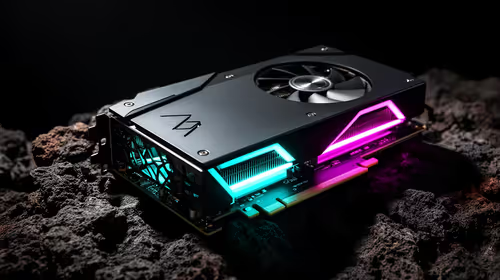
For hardware context, On 25 September 2026, the ASRock Arc B580 Challenger OC 12GB appeared in stock at Evetech for R6,999. This is a catalogue comparison, not a requirement for the new driver or a promise about CONTROL Resonant performance. Existing owners should test their own supported hardware before interpreting software news as a reason to spend that amount.
Use the Intel Arc range to compare exact models if you are already planning a build. The broader graphics card selection is useful when evaluating your overall budget, power supply and display target. A driver announcement cannot settle those choices on its own, and a higher version number does not guarantee that an unrelated game will improve.
Frequently Asked Questions
What is the headline addition in 101.9033?
Intel lists Game On support for CONTROL Resonant on supported Arc A-series, B-series and Core Ultra graphics.
Does this prove a frame-rate increase?
No. Game support is not a measured performance promise for your particular PC or settings.
How large is the installer?
The current Intel download page lists 889.2MB. Allow for that download if your connection is metered.
Should I select a clean installation automatically?
No. Intel warns that clean installation may overwrite OEM customisations. Review the device maker guidance first.
Build around your games, then choose the hardware Compare Evetech graphics options once your driver test shows what the current PC can do.