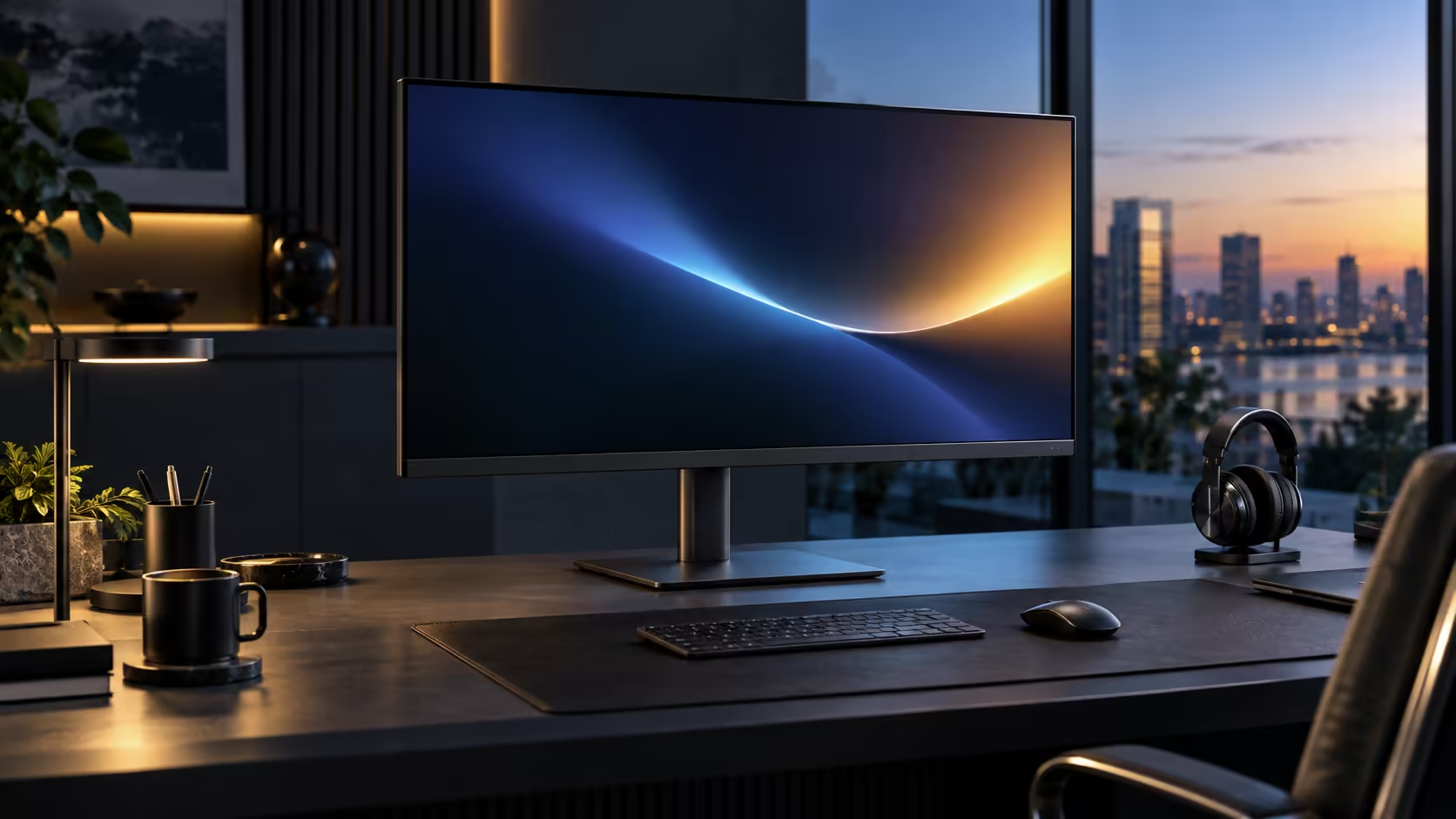
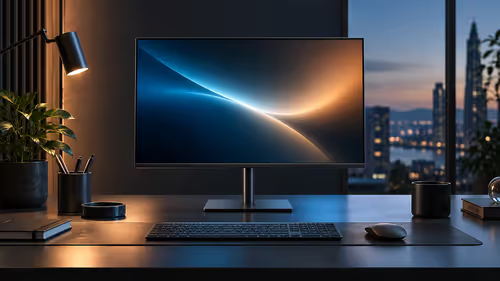
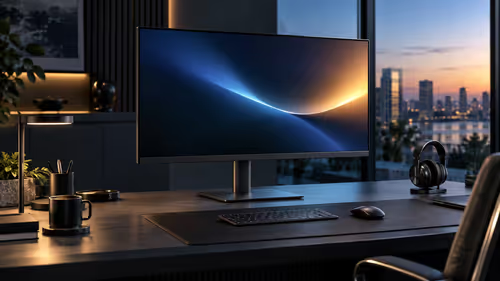
Sharp enough for office work is a lower bar than sharp enough for a spec sheet reviewer to praise, and a 31.5-inch QHD monitor clears that practical bar comfortably, even though its pixel density number looks less impressive next to a smaller panel at the same resolution. The Dell Pro 32 Plus P3225DE proves it at R8,799.
Quick Answer
For text work, yes. Around 93 pixels per inch gives clean document type from 70cm back, close to what a 24-inch Full HD screen delivers, with far more room for windows beside it. Dell prices the Pro 32 Plus P3225DE at R8,799.
🔢 What 93 pixels per inch actually looks like in practice
The number alone sounds lower than the 120-plus figure smaller QHD panels reach, but the practical comparison is more forgiving than it first appears.
A 23.8-inch QHD monitor reaches roughly 123 pixels per inch, while this 31.5-inch panel at the same resolution reaches around 93. That is a real difference in density, but 93 pixels per inch at a viewing distance of 70cm produces text sharpness broadly comparable to a 24-inch Full HD monitor viewed at a shorter, more typical distance of 50 to 60cm, since pixel density and viewing distance both affect perceived sharpness together rather than density alone deciding the outcome.
👁️ Why viewing distance rescues the sharpness comparison
Pixel density figures are often compared in isolation, which misses half of what actually determines how sharp a screen looks to your eyes.
Sitting further back from a lower-density panel reduces how much individual pixel structure your eyes can resolve, which is exactly why the recommended distance for this 31.5-inch screen, 70 to 90cm, is meaningfully further than the 50 to 70cm suited to a smaller, higher-density panel. At its correct distance, this monitor's text looks clean and comfortable to read, and the lower raw PPI number does not translate into visibly softer text the way it would if you sat unusually close.
📐 What you gain in exchange for the lower pixel density
The trade-off exists for a real reason, not as a compromise with no upside.
The same 2560 x 1440 pixels spread across more physical glass means each character, icon and interface element renders physically larger at 100% Windows scaling than it would on a smaller QHD panel, which many people find more comfortable to read for long stretches without leaning in. You also gain a wider field of view for two documents or a spreadsheet with many visible columns, at the cost of the sharper, more compact text a smaller panel provides at the identical resolution.
🖥️ When this size clears the bar and when it does not
Being specific about the use case avoids overselling sharpness for a task where it genuinely does matter more.
For general office text work, reading documents, browsing and spreadsheet use, 93 pixels per inch at the correct 70 to 90cm distance is comfortably sharp for the vast majority of people. For fine detail work like reviewing small diagrams, technical drawings or dense financial models with tiny footnote text, a higher-density panel at a closer distance may still be the better fit, since no amount of correct viewing distance fully substitutes for genuinely higher pixel density on the smallest text sizes. Compare this size against smaller QHD options in the office monitor range, check portable monitors for a compact second screen, and browse the wider monitor category to compare sizes directly.
Frequently Asked Questions
Is 93 pixels per inch considered low for a modern monitor?
It is lower than smaller QHD panels reach, but at its correct viewing distance it remains comfortably sharp for the vast majority of general office work.
Does sitting closer than 70cm make text look blurry on this monitor?
Not blurry, but individual pixel structure becomes marginally more perceptible closer than the recommended distance, which is why 70 to 90cm is the suggested range for this size.
Is a smaller, higher-density QHD panel always the better choice for text work?
Not necessarily. It offers sharper text at a closer distance, but this larger panel offers a wider field of view and larger, more relaxed text at its own correct distance, which many people find equally or more comfortable.
Does this panel struggle with very small text like footnotes or fine diagrams?
It can, more than a higher-density panel would, since no viewing-distance adjustment fully compensates for lower pixel density on the smallest text sizes.
Ready to judge sharpness at the distance this monitor is actually designed for?
Sit at 70 to 90cm before comparing its text clarity against a smaller, denser panel.