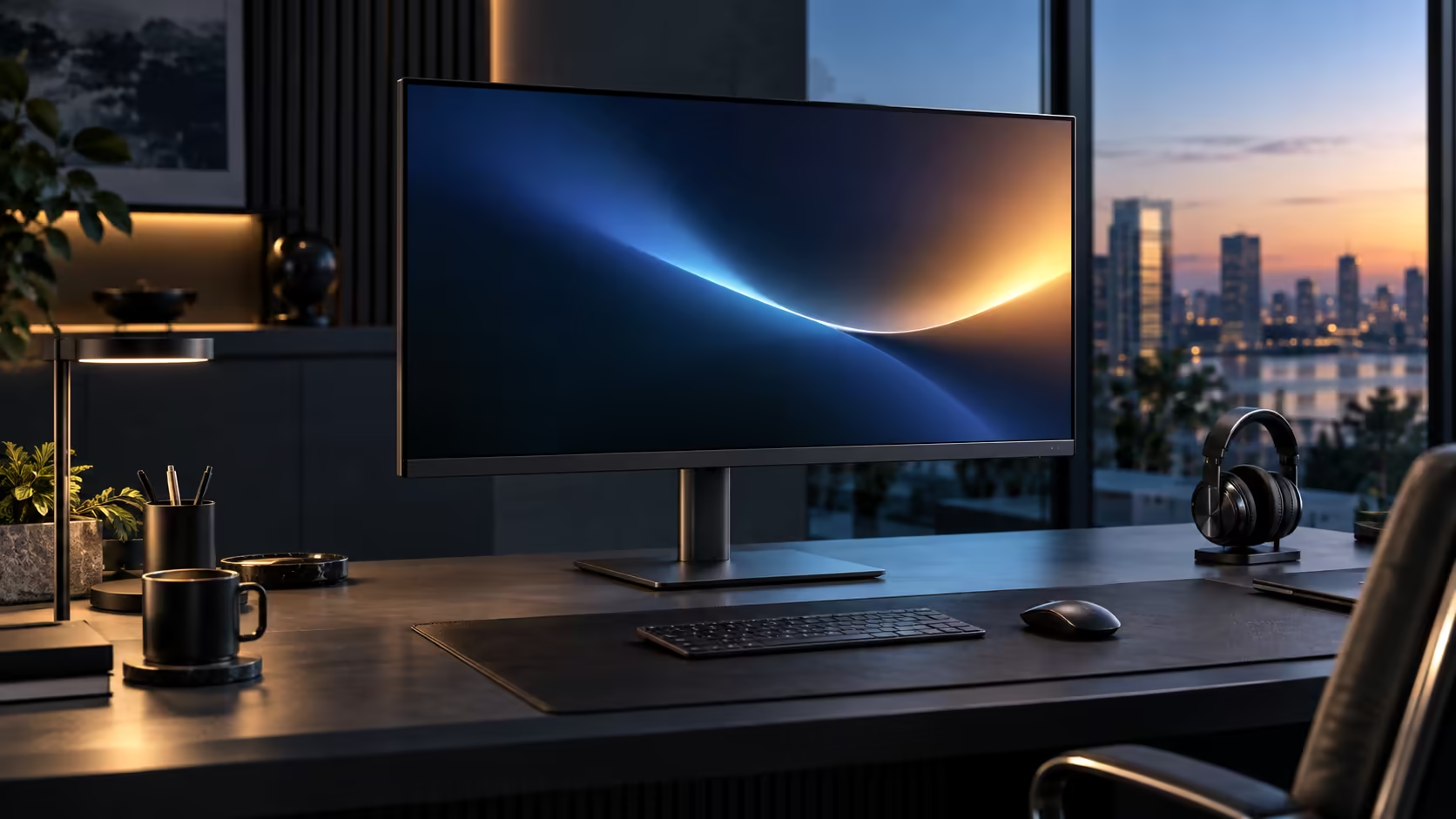
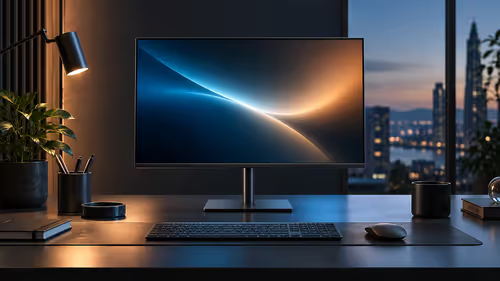
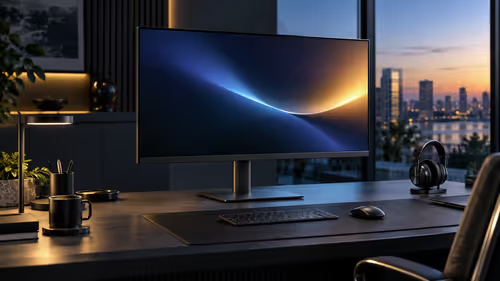
Multitasking on a wide 31.5-inch screen means moving windows around more often than on a compact monitor, simply because there is more room to spread things out, and that is exactly where a 100Hz IPS panel earns its keep beyond looking good on a spec sheet. The Dell Pro 32 Plus P3225DE runs both at R8,799.
Quick Answer
Yes, most visibly while scrolling. Rows and body text hold their shape as they move instead of smearing, and dragging a window between halves of the desktop tracks the pointer closely. Dell's 31.5-inch Pro 32 Plus P3225DE runs 100Hz and asks R8,799.
🖱️ Scrolling feels different on a wide screen specifically
The refresh rate benefit is the same technology regardless of screen size, but a wide panel gives it more room to be noticed.
At 100Hz, a fresh frame draws every 10 milliseconds instead of every 16.7, reducing the faint smear that appears in moving text or a dragged window at the lower rate. On a 31.5-inch panel, scrolling a long document or spreadsheet moves text across a wider physical area than it would on a smaller screen, which is part of why the smoothing effect of 100Hz feels more pronounced here than it might on a compact monitor showing the same content.
🪟 Dragging a window across a wide desktop
This is the specific multitasking scenario where the combination of size and refresh rate genuinely changes the daily experience.
Moving a window from one side of a wide 31.5-inch desktop to the other covers considerably more physical screen distance in a single drag than the same action on a smaller monitor. At 60Hz, that longer drag can show more visible stutter or smear simply because the window is travelling further per frame; at 100Hz, the same motion tracks the mouse far more closely across the whole width.
🎨 Why IPS matters alongside the refresh rate for multitasking
Smooth motion is only half of what makes multitasking comfortable on a wide screen; consistent colour and contrast across that whole width is the other half.
Snapping two or three windows side by side on a 31.5-inch IPS panel keeps colour and brightness consistent from one window to the next, even though they sit at different points across the physical width of the screen. On a VA panel, the same multi-window layout can show a subtle brightness or colour shift between windows positioned nearer the centre versus the edges, since VA's viewing-angle characteristics affect different parts of a wide screen slightly differently even when you are looking at it straight on.
🖥️ Putting the combination to work in daily multitasking
Bringing both specs together into an actual working pattern is where the value shows up consistently rather than in isolated moments.
A spreadsheet on one side, a document or browser on the other, with a chat or reference window floating above either, is a common layout this size and resolution support comfortably. Running that layout at 100Hz keeps window management responsive as you drag panels between positions through the day, while the IPS panel keeps everything looking consistent regardless of where on the wide screen each window sits. The office monitor range has the full lineup, gaming monitors is worth a look if you want to push refresh rate further still, and best-selling monitors shows what other buyers are choosing at this size.
Frequently Asked Questions
Does 100Hz make a bigger difference on a large screen than a small one?
The underlying technology is identical, but the extra physical distance windows travel during dragging on a wide screen makes the smoothing effect more noticeable in practice.
Is IPS necessary for multitasking, or is it just about colour accuracy?
Both. IPS's consistent colour across viewing angles specifically helps when several windows sit at different points across a wide screen, not only when viewed from the side.
Do I need a powerful graphics card to multitask at 100Hz on this size?
No. Standard integrated graphics on a modern business laptop handle QHD at 100Hz for office applications without difficulty.
Does dragging windows at 100Hz use more battery than at 60Hz?
The difference is small enough that it will not meaningfully affect battery life during normal use.
Ready to feel the difference on your own multitasking setup?
Try dragging a window across the full width and compare it against your current screen.