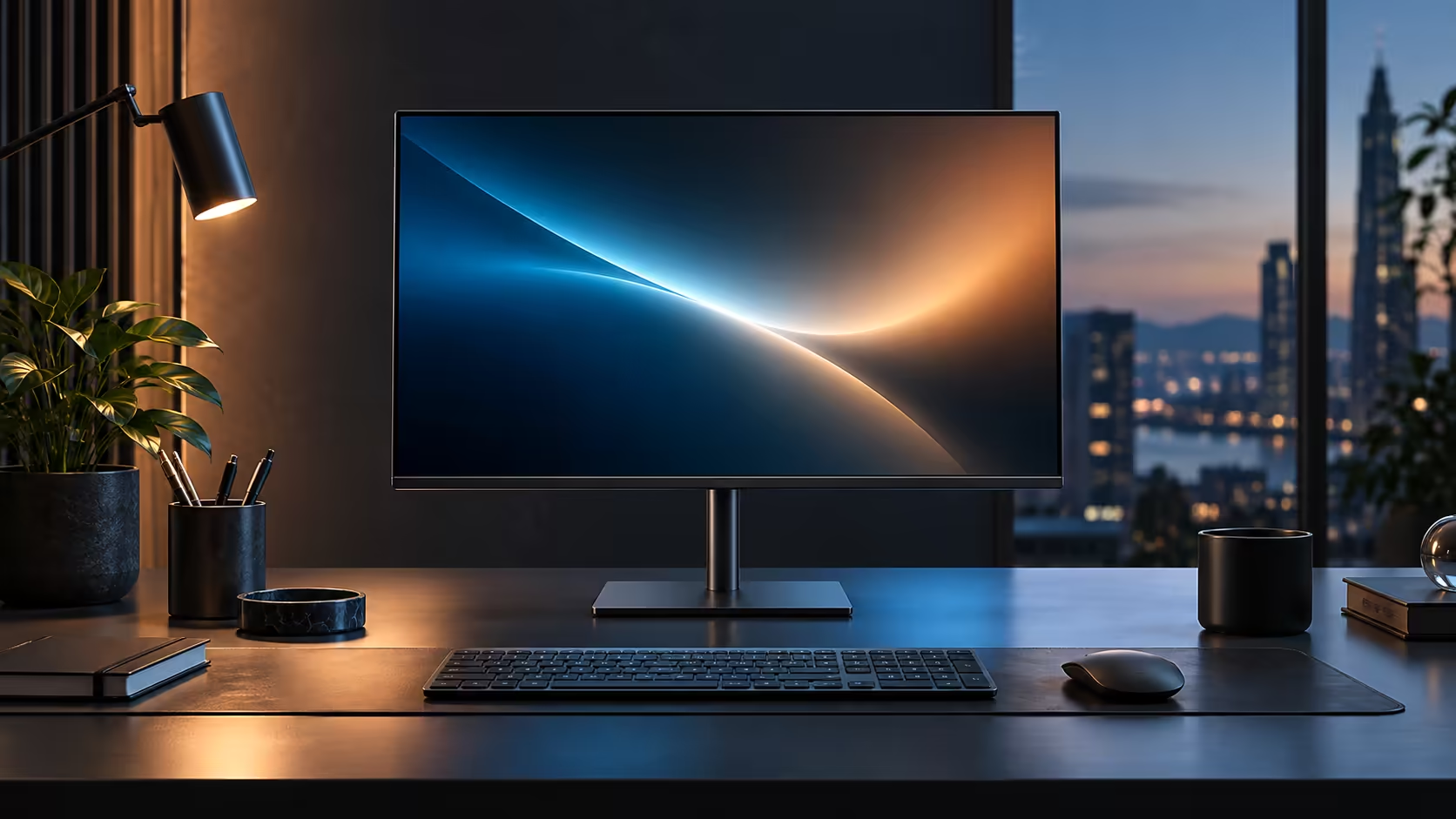
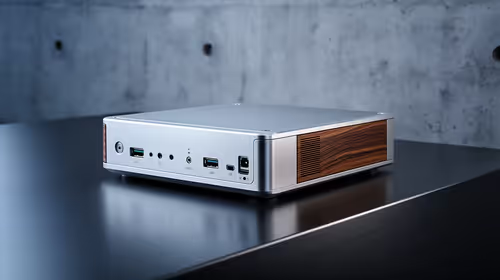
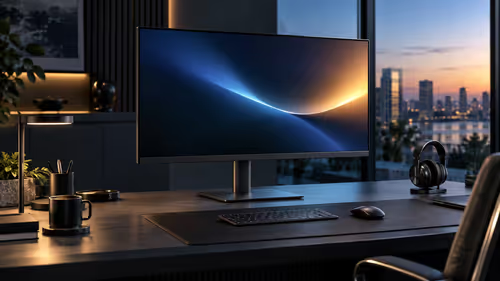
A call that drops mid-sentence or a screen share that freezes is almost never the fault of the app running it. Nine times out of ten it is Wi-Fi, and the fix does not need a new router. A built-in RJ45 port puts a laptop on a wired line without a dongle taking up a USB port, and Dell's Pro 24 Plus P2425DE carries one for R6,099.
Quick Answer
A wired port cures the faults Wi-Fi causes, from dropped calls to a signal fading two rooms away from the router. The RJ45 socket on the screen puts the laptop on the cable without a dongle, and the whole panel is R6,099.
📶 The Wi-Fi problems a cable simply removes
Most laptop network complaints trace back to one of three causes, and a wired connection eliminates every one of them.
Distance from the router weakens a Wi-Fi signal steadily as you move further away or add walls between the desk and the access point. Contention, meaning several devices in the household streaming, downloading or calling on the same wireless band at once, causes intermittent stutters that come and go unpredictably. Interference from neighbouring Wi-Fi networks, microwaves or other 2.4GHz devices adds a third layer of unpredictability that is genuinely hard to diagnose from the laptop alone. A cable running from the router to the monitor's RJ45 port removes all three at once, because the signal is no longer travelling through the air at all.
🔧 Getting it running without a dongle
This is the part that actually saves a USB port and a small annoyance.
Start with the network lead into the monitor's RJ45 socket, then join the laptop the way you always do, over its one USB-C connection. On most machines Windows picks the screen up as a wired adaptor without any driver hunting on your part, and a look under Network & internet in Settings confirms Ethernet rather than Wi-Fi as the active connection.
🏠 Why this matters more in a shared household
The busier the Wi-Fi network, the more a wired port earns its keep.
A single person working alone near a strong router rarely notices Wi-Fi problems. A household with several people on video calls, a smart TV streaming and a couple of phones syncing in the background puts real strain on the same wireless band, and that is exactly when calls start dropping at the worst possible moment. Moving one laptop onto a wired connection through the monitor takes that one device out of the contention entirely, which does more for call reliability than upgrading the router alone often does. The wider wired networking range and network adapters cover a longer cable run from the router to the desk, while the office monitor range lists other panels carrying the same built-in RJ45 socket.
Frequently Asked Questions
Does the monitor's RJ45 port need special drivers?
Generally no. Current versions of Windows detect it automatically as a standard wired network adaptor once the USB-C cable is connected.
Will a wired connection speed up a slow internet package?
No. It removes Wi-Fi as a source of instability but cannot make a saturated or slow underlying internet connection faster.
Can I still connect to Wi-Fi with the monitor's Ethernet cable plugged in?
Yes, though Windows will generally prefer the wired connection automatically once it detects it as active.
Is this worth it for someone who lives alone with a strong router?
Less so. The benefit is largest in a shared household where several devices compete for the same wireless bandwidth throughout the day.
Ready to stop guessing why your calls keep dropping?
Run a cable to the monitor's RJ45 port and take Wi-Fi out of the equation entirely.