A build with twelve lit devices and one dark accessory is not a build with twelve faults. Addressable lighting is a chain, and a chain fails at a single point, so the fastest way to identify the failed connector is to work backward from the last thing that is still glowing rather than guess which part to send back first.
Quick Answer
Start at the last device that is still lit and check the connection immediately after it, because that link is where a chain typically breaks. Reseating a plug costs nothing and settles most of these cases in under five minutes, well before any AsiaHorse accessory priced between R199 and R1,299 needs to be swapped out. Only once a device fails on a connection you know works should replacement enter the conversation.
🔍 Read the chain, not the product
An addressable run passes its signal from device to device over a 5V 3-pin connection, so everything after a break stays dark while everything before it keeps working normally. That single fact turns a vague complaint - "the lighting is broken" - into a specific question: which link, not which product. Walk the physical run from the motherboard header or hub port outward, noting where the light actually stops. The gap between the last lit item and the first dark one is where the fault lives, almost always at a connector rather than inside a fan or a cover.
Why this beats swapping parts
Pulling a fan or a cover out of a case to test it elsewhere takes real time, and if the chain was the problem, the new part goes dark too, leaving you no closer to an answer. Reseating the suspect connector, on the other hand, takes seconds and rules out the single most common cause before anything gets unscrewed.
🔌 Isolate before you condemn anything
Once you have a suspect link, disconnect it and plug the downstream device directly into a header or hub port you know is live. If it lights up there, the device is fine and the original connector, cable, or header is the actual problem. If it stays dark on a confirmed working connection, only then does the device itself become the suspect. This two-step test - move the device, then test the connection - is the difference between an educated guess and a proven fault.
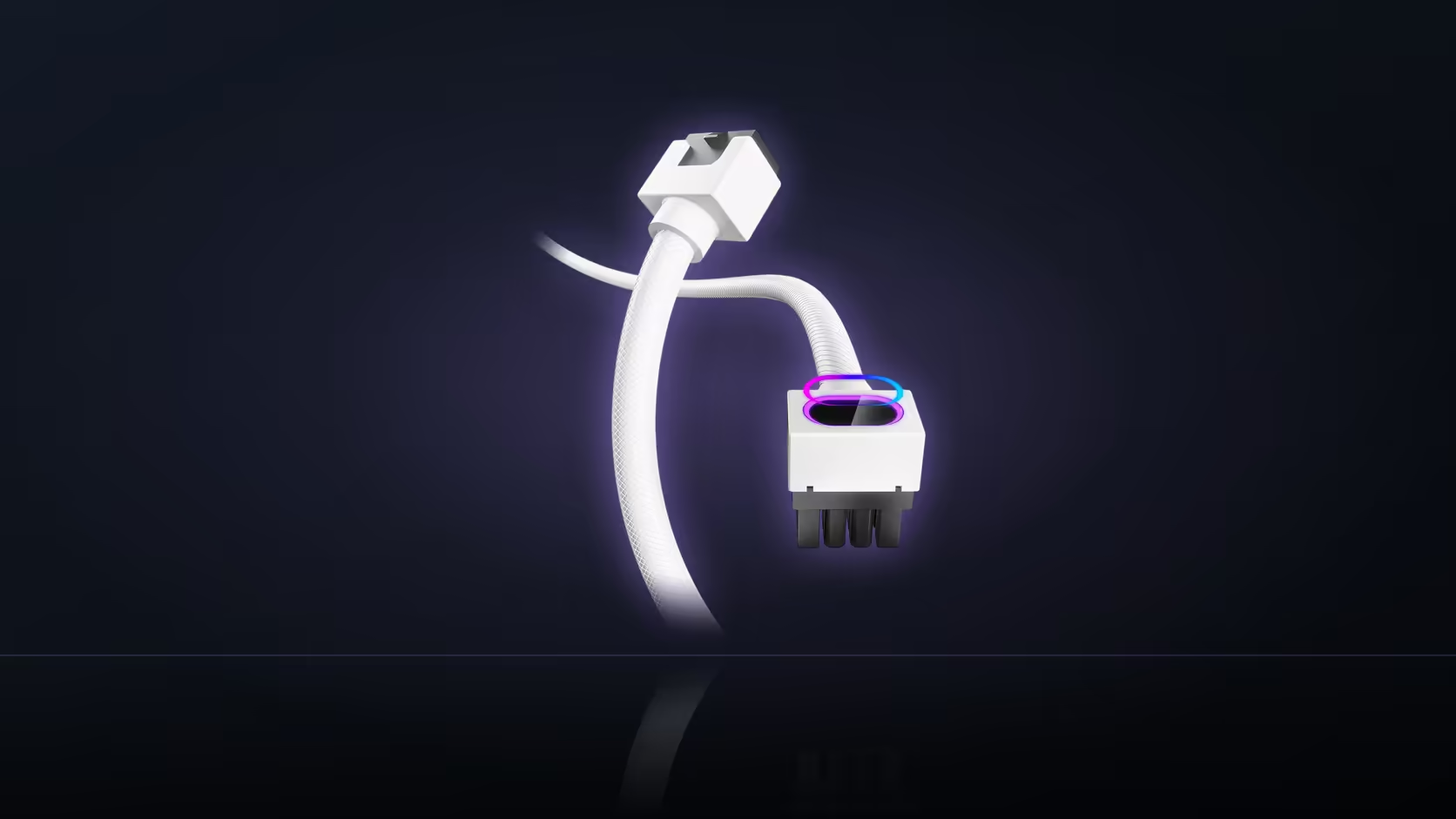
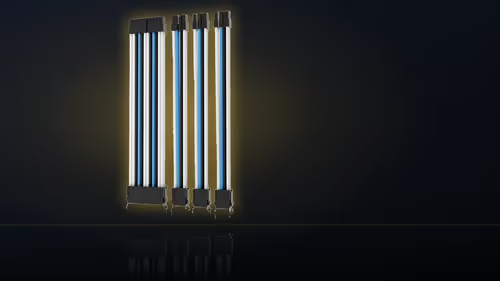
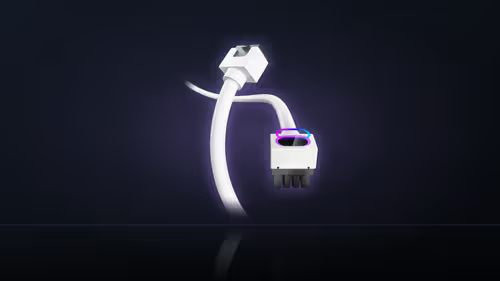
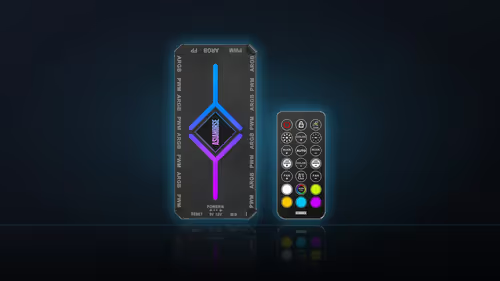
In a build with several branches, the AsiaHorse ASH-S1 hub simplifies this: its nine 5V 3-pin ports let you isolate one run from the rest without disturbing anything else in the case. It is also worth checking nearby leads from the cable solutions range for kinks or strain near the connector, since a tight bend can loosen a seated plug over time.
🧩 Rule out software before hardware
Some lighting schemes deliberately leave sections of a chain dark as part of the effect, so before touching any cable, open the lighting software and confirm what pattern is actually selected. A device that is dark by design looks identical to one that has failed, and no amount of reseating fixes a setting.
🛠 When the fault genuinely follows the device
If a device stays dark after being moved to a working header with a confirmed lighting setting, that is a real fault rather than a chain problem. At that point the 1 Year Local Warranty that covers every AsiaHorse accessory applies, and it is worth noting exactly which header, which setting, and which device you used for the test, since that record is what a support conversation will ask for.
Frequently Asked Questions
Where should the search for a fault start?
At the last device in the chain that is still lighting, since the break almost always sits in the connection immediately after it rather than somewhere earlier in the run.
What does it mean if the whole build is dark?
Check the connection to the motherboard header or hub first, along with whether that particular header is even enabled, before assuming every device has failed at once.
Does a single dark device always mean a bad accessory?
Not necessarily. It can point at the device itself, or just as easily at its own connector, which is exactly why reseating comes before replacing.
Is the fan's spinning affected by a lighting fault?
No. Fan speed runs over a separate 4-pin PWM connection, so a fan can keep turning normally with its ARGB ring completely dark.
How do I test one device on its own?
Plug it directly into a header or hub port you already know works. That separates the device from every other connection in the build.
Could the lighting software explain a dark section?
Yes. Some effects leave parts of a chain unlit on purpose, so checking the selected pattern is worth doing before any cable gets touched.
When is it fair to call it a genuine fault?
Once the device has failed on a connection and a setting you have already proven work for something else. At that point it is a real defect, not a wiring mix-up.
Ready to sort out a lighting chain that will not cooperate?
Browse Evetech's case accessories for hubs and mounting hardware, or check the cable solutions range for the leads and routing gear that keep a run tidy.