Buying a second hub because the first one "stopped working" is an expensive way to discover it was never broken. The AsiaHorse ASH-S1 runs in three separate modes, and a hub sitting in the wrong one can look completely unresponsive - so check the ASH-S1 mode before assuming the hardware itself has failed.
Quick Answer
The ASH-S1 operates in remote control, auto-temp, or motherboard-sync mode, and whichever one is active decides how it reacts to input. If your board's RGB software makes no visible difference, that is normal while the hub is following its own remote rather than the motherboard - it is not evidence of a fault. Checking the mode costs a minute; a replacement hub costs around R349.
🎛 Three modes, one easy mix-up
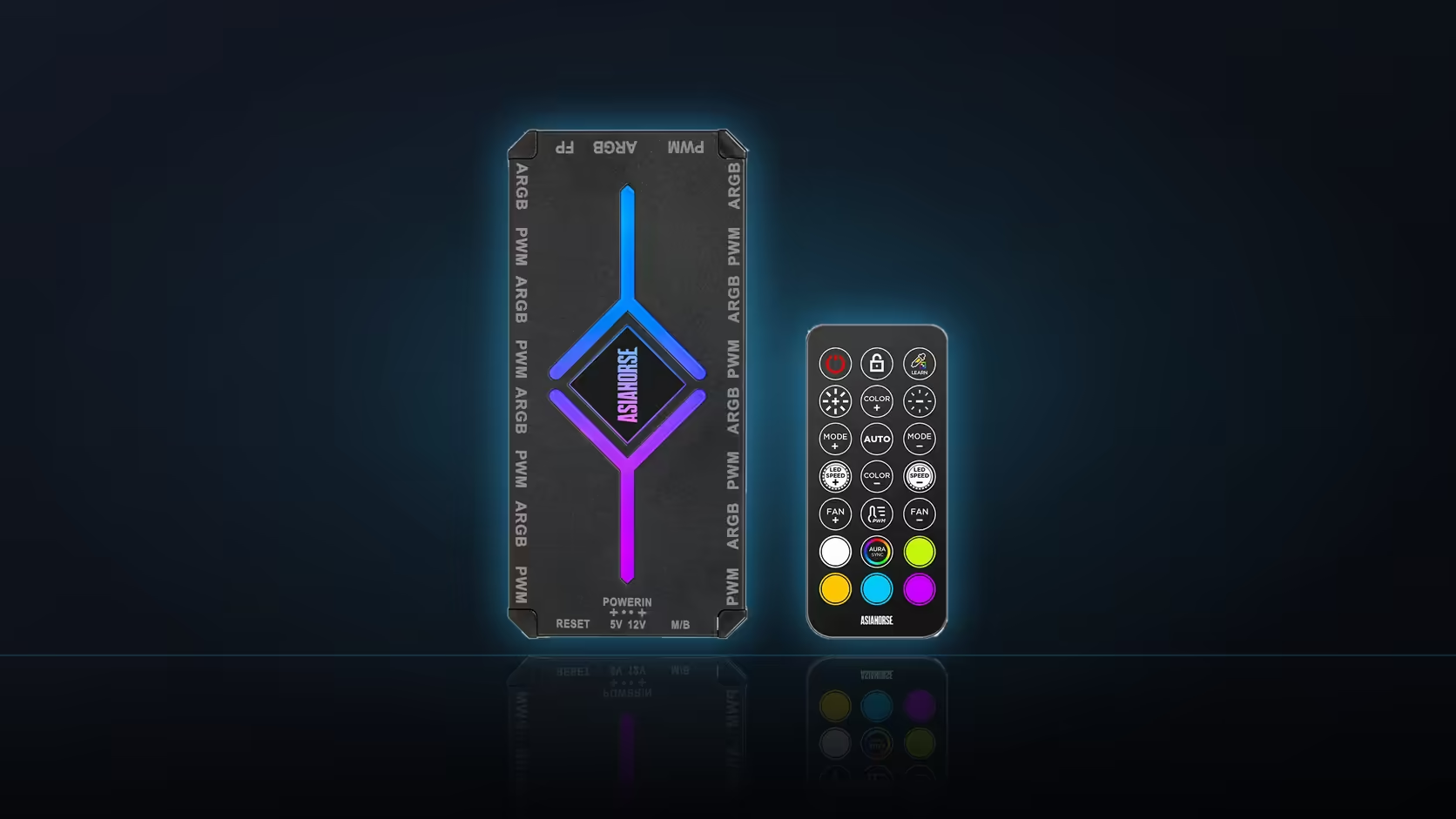
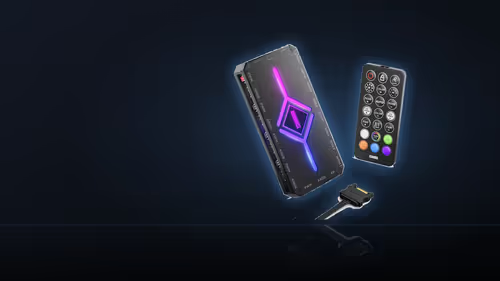
In remote mode, the hub ignores whatever the motherboard's lighting software says and follows its included remote instead, cycling through the 20 built-in presets - 10 speed, 10 brightness, and 10 effect levels, plus Color-Learning, auto-temp, and sync options. In motherboard-sync mode it hands control back to the board. If a build is set up expecting board software to drive the lighting while the hub actually sits in remote mode, nothing the software does will change anything on screen, which reads exactly like a dead unit.
The quickest test
Pick up the remote and press a button. If the lighting changes, the hub is alive and simply in remote mode rather than following the board - no fault exists, and no replacement is needed.
🔋 If neither the board nor the remote responds
Confirm the hub's SATA power connection is actually seated before troubleshooting modes any further, since the ASH-S1 needs its own power supply before any mode will do anything at all. A loose SATA lead produces total silence regardless of which mode is selected, and it is worth checking this before assuming the electronics have failed.
🌀 Fans have their own separate control
Fan speed on the hub runs independently of the lighting modes, with ten speed levels and its own auto-temp option. A hub that is correctly driving fans while the lighting appears stuck is not contradicting itself - the two systems on the ASH-S1 are simply separate controls, and cable tidiness around the unit is easier with accessories from the cable solutions range.
Frequently Asked Questions
Which modes does the ASH-S1 offer?
Remote control, auto-temp, and motherboard sync - the three operating modes the product description lists for the hub.
Why does the wrong mode look exactly like a fault?
Because board software has no visible effect while the hub is following its own remote instead, which reads as unresponsive even though nothing is broken.
How can I tell which mode is currently active?
Press the remote. If it changes the lighting, the hub is in remote mode rather than taking instructions from the board.
What if neither the remote nor the board changes anything?
Check the SATA power connection first, since the hub needs its own power before any mode functions at all.
Does the fan control behave the same way?
No. Fan speed has its own ten-level control and auto-temp option, entirely separate from whichever lighting mode is active.
Is it worth recording which mode a build uses?
Yes - a machine handed to someone else, or revisited months later, causes exactly this confusion without a quick note.
When does a genuine replacement make sense?
Only once power, mode, and connections have all been confirmed correct, since those three explain most apparent hub failures.
Setting up hub-controlled lighting for the first time?
Browse Evetech's case accessories for hubs and mounts, and the cable solutions range for the leads that keep the wiring behind it tidy.