Six fans running quietly off one hub port looks tidy in monitoring software right up until one of them stops, and nothing on screen changes. Whether a splitter fan speed reading actually reports every connected fan individually, rather than just one representative number, is worth confirming before trusting a monitoring dashboard with anything critical.
Quick Answer
Independent speed reporting for every individual fan is not something the AsiaHorse ASH-S1 hub claims, and splitters generally report a single fan's speed rather than every unit connected to that port. Assume grouped reporting unless a product specifically states otherwise, since a stopped fan on a shared connection can genuinely go unnoticed in software monitoring for a considerable time.
📉 What a splitter actually reports back
A splitter physically divides one header's power and control signal across several fans, but the header itself only receives a single tachometer signal back - so the board typically displays one number representing one fan, while the others spin along driven by the same signal without being individually confirmed. This is a limitation of how the header receives information, not a flaw specific to any particular splitter or hub.
Does the R349 hub claim otherwise
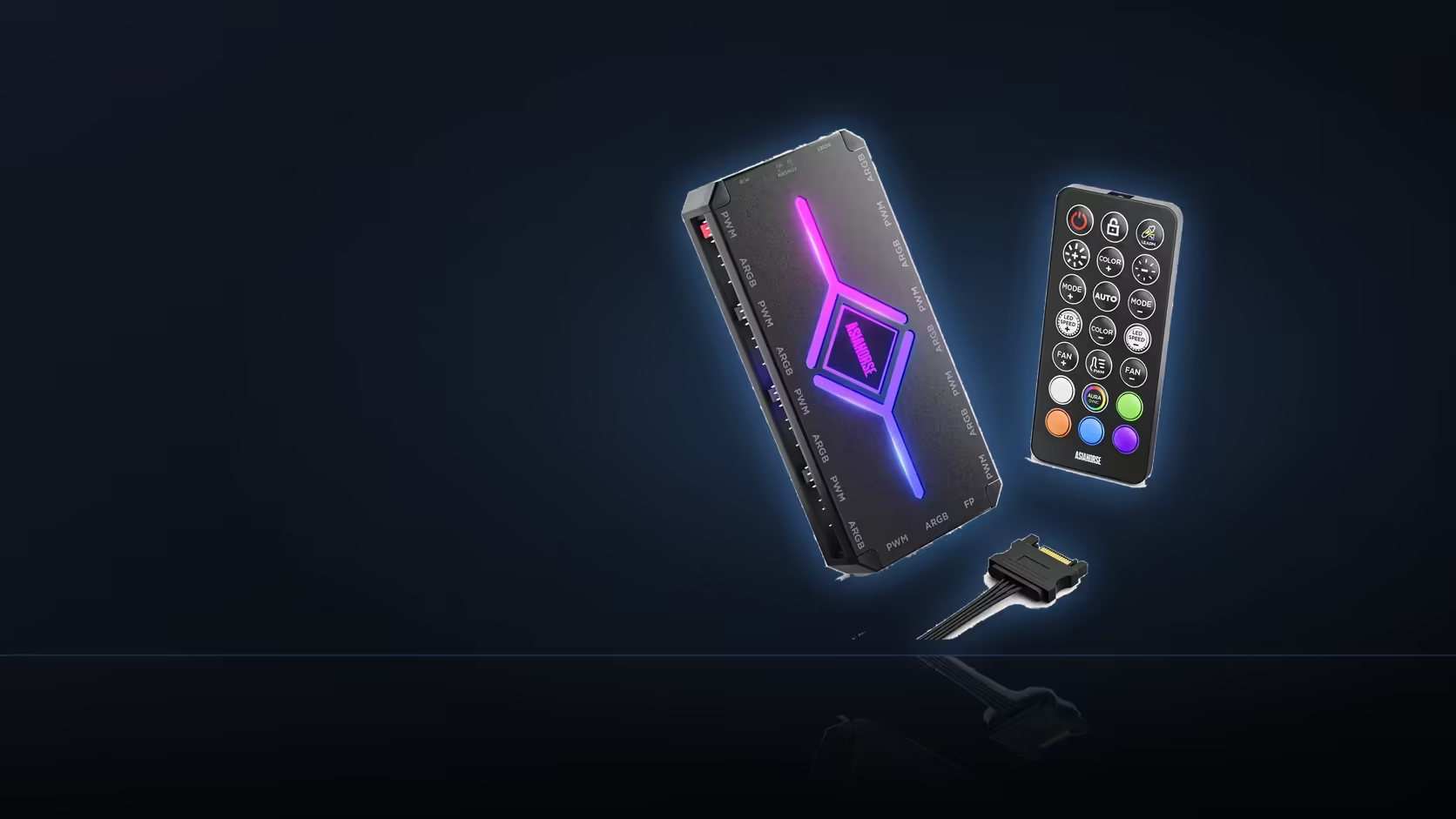
Independent per-fan monitoring is not listed among the ASH-S1's stated capabilities - the hub offers ten speed levels and an auto-temp mode for control purposes, which is genuine control rather than the same thing as individual reporting for each connected fan.
⚠️ Why this matters more than it sounds
A fan that stops turning while still connected to a shared header or splitter port may not register in monitoring software at all, since the reported reading continues to reflect whatever the other fans on that connection are doing. In practice, that means a stopped fan can sit unnoticed for weeks unless something else prompts a closer look.
👀 The reliable way to actually check
Visual confirmation with the case panel off remains the only truly reliable way to confirm every fan in a shared group is genuinely turning, since it does not depend on what any single header happens to report back to the board. Worth doing at commissioning, and again as part of routine case cleaning, since dust buildup is often noticed at the same time a stopped fan would be.
Where individual monitoring genuinely matters
A fan connected to its own dedicated header reports individually and accurately, which is why particularly critical positions in a build - directly over the processor, for instance - sometimes justify a dedicated connection over a shared splitter or hub port. Cable options for dedicated fan runs are in the cable solutions range, and hub and case hardware sits in the case accessories category.
Frequently Asked Questions
What does a splitter usually report to the motherboard?
Typically one fan's speed, since the header itself only receives a single signal, meaning other fans on that split are driven without individual reporting.
Does the ASH-S1 claim to monitor every fan independently?
No - independent per-fan monitoring is not among the hub's stated capabilities, which control ten speed levels rather than individual reporting.
Why does this actually matter in practice?
A stopped fan on a shared connection can go unnoticed in monitoring software, since the reported reading continues reflecting the other fans on that connection.
How should fans genuinely be checked then?
Visually, with the case panel off, which is the only reliable way to confirm every fan in a shared group is actually turning.
When is it worth doing this visual check?
At commissioning when a build is first assembled, and again as a routine part of periodic case cleaning.
Does the hub still control fan speed properly despite this?
Yes - ten speed levels and an auto-temp mode are genuine control, which is a separate thing from individual per-fan speed reporting.
Is direct connection ever worth it for monitoring purposes?
For a critical position such as directly over the processor, a dedicated header that reports individually can be worth the extra connection.
Setting up monitoring for a multi-fan build?
Browse hubs and mounts in the case accessories range and dedicated fan cables in the cable solutions category.