Speed and accuracy sound like a trade-off until you separate a print into its two kinds of motion. 3D printer accuracy at 600mm/s does not fail evenly across a model, it fails in specific places, and knowing which ones lets you judge a fast machine fairly instead of by its top number alone.
Quick Answer
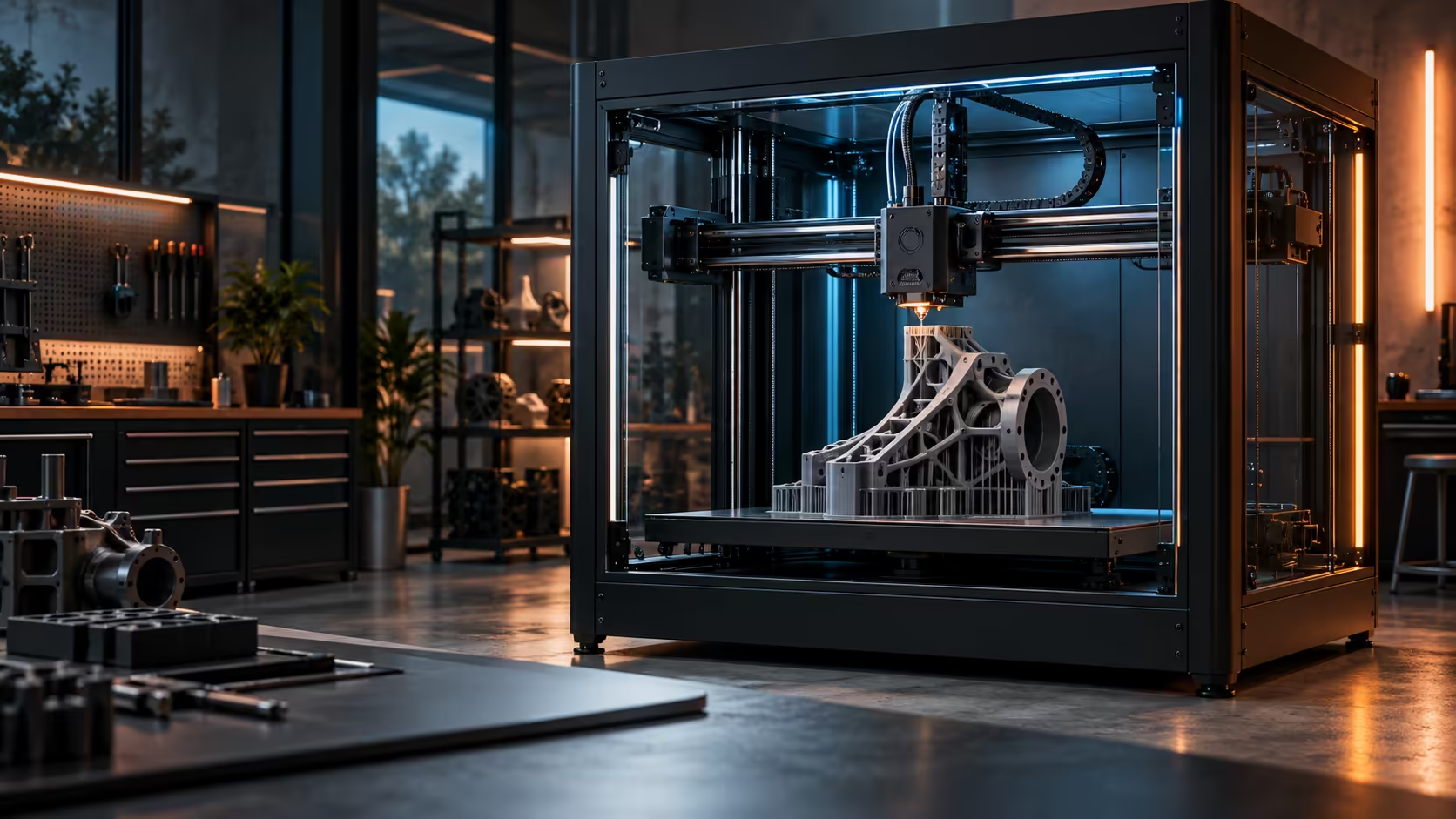
Travel moves and infill hold their line at 600mm/s because nobody measures a bridge inside a part with callipers. Outer walls and small radii are where error actually shows up, because those are the moves that load the belts hardest through a direction change. The Creality K1 Max, at R13,999, keeps 20000mm/s2 of acceleration for exactly the moves nobody sees, and slows down for the ones a customer will run a finger over.
📏 Where dimensional error actually comes from
A print is not one speed, it is dozens of different moves stitched together. Long straight infill lines and travel moves between sections can run flat out because there is nothing to bump into and no corner to round off.
The moves that decide whether a part measures correctly are short ones: outer wall segments, small holes, and any radius under about 5mm. Each of those asks the toolhead to change direction while still laying plastic, and a direction change at speed is exactly where a CoreXY's belts and the model's own momentum fight each other.
🎯 Measure the right feature, not the biggest one
Before trusting a machine's accuracy claim, print a test piece with a 20mm outer cube, a 10mm hole through the middle, and a 3mm fillet on one corner. Measure all three with callipers rather than eyeballing the print.
The cube will usually read within 0.1 to 0.2mm regardless of speed, because its walls are long and straight. The hole and the fillet are where a poorly tuned machine drifts, sometimes by half a millimetre, because those features live entirely inside the corner-heavy part of the print where speed and direction change collide.
⚙️ What a well-tuned CoreXY does differently
A CoreXY keeps the heavy motors fixed to the frame and moves only a light toolhead, which is what lets 20000mm/s2 of acceleration exist without shaking the whole machine. That headroom gets spent on the boring parts of a print, long straight sections, rather than on corners, which is usually slowed deliberately in the firmware regardless of what the top speed reads.
If a print comes out oversized specifically at holes and rounded corners, look at outer wall speed and cornering settings before blaming the machine's top-line 600mm/s figure, and check the filament too, since a slightly damp spool changes flow enough to move a measured hole by a tenth of a millimetre. The wider 3D printer range is worth comparing on exactly this point before assuming a headline speed figure tells you anything about real accuracy.
Frequently Asked Questions
Does 600mm/s make small holes come out undersized?
Usually the opposite: holes tend to print slightly small because the nozzle rounds off the corner instead of tracing it exactly, and that error grows with speed rather than shrinking.
Is infill accuracy worth checking at all?
No, infill sits inside the part and nobody measures it, so spending time tuning for infill accuracy is wasted effort.
What is the fastest way to test a printer's real accuracy?
Print a small piece with a hole and a tight radius, then measure both with callipers rather than judging the print by eye.
Does resin printing avoid this problem entirely?
Resin machines measure accuracy differently since there is no belt-driven gantry involved; a resin printer trades build volume and speed for a different kind of precision suited to small, detailed parts.
Want a printer that holds its numbers under real testing?
Check the machine range and measure the features that actually matter before judging any speed claim.