Quick Answer
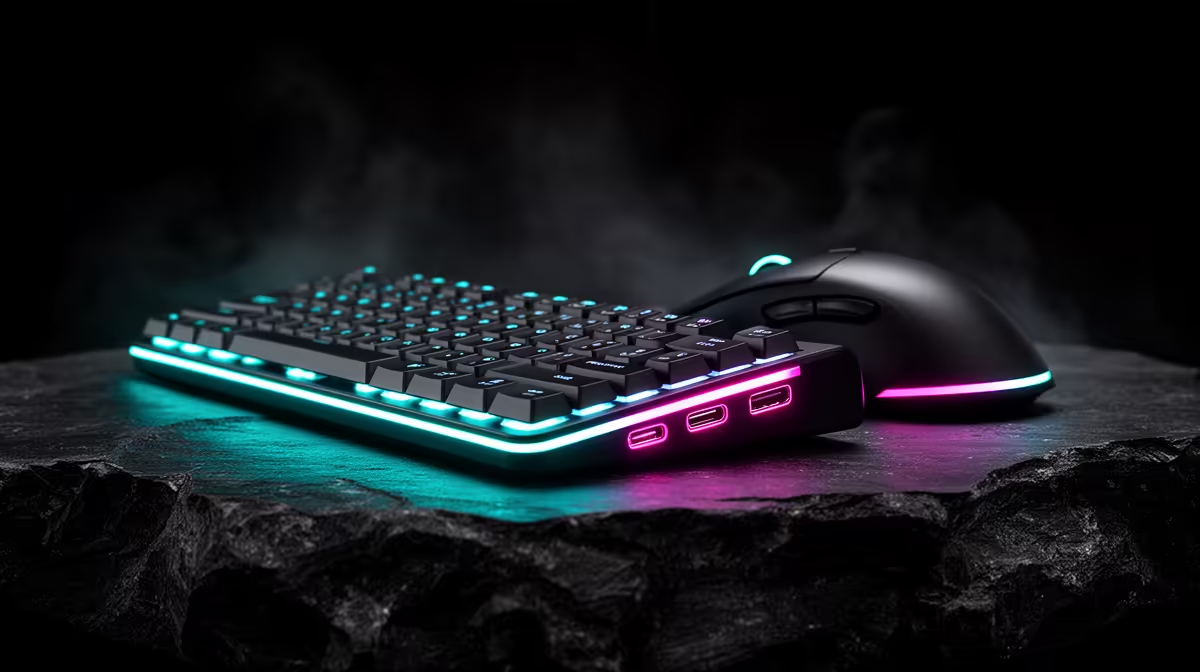
USB-C charging matters for SA peripheral setups because it reduces cable clutter and makes keyboards, mice, headsets and controllers easier to maintain from one charger. It is most useful when the device also supports reliable wired mode while charging. Buyers should still check polling rate, battery life and connector placement instead of assuming every USB-C peripheral is premium.
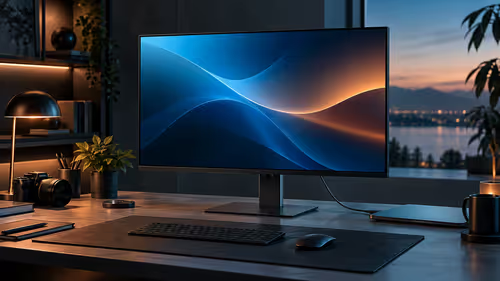
What it fixes on a gaming desk
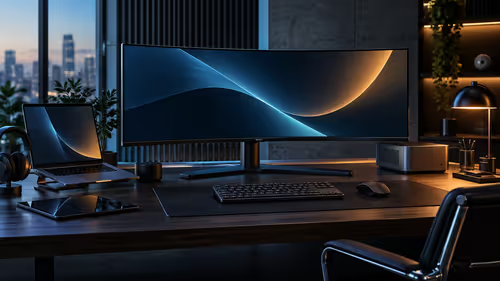
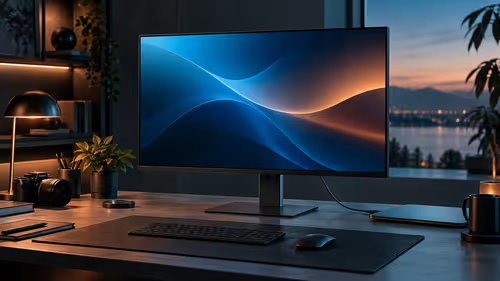
A single USB-C cable can charge a wireless mouse, low-profile keyboard, controller and headset without keeping several older cables around. That helps small desks in flats, student rooms and shared homes. It also makes travel easier because one 65W laptop charger can often cover the notebook and accessories, as long as the device accepts standard USB-C charging.
Specs still matter
For mice, check 1,000Hz to 4,000Hz practical polling before chasing bigger numbers. For keyboards, look at switch feel, wireless latency and whether the cable exits cleanly behind the desk. For headsets, a 20-40 hour battery range is more useful than a connector change if the mic and comfort are weak.
Avoid the neat-cable trap
USB-C is convenient, but a poor peripheral is still poor. A R900-R2,500 mouse or keyboard can be great value if the sensor, switches and software are solid. Spend for the device you touch daily, then use cable standardisation as the tidy bonus.
FAQ
Does USB-C mean faster peripheral performance?
No. USB-C is the connector, while sensor quality, polling rate, wireless implementation and firmware decide performance.
Can I charge all peripherals from one cable?
Often yes, but check each product charging requirements. Some devices charge slowly from certain hubs or cables.
Is USB-C worth paying extra for?
It is worth a small premium when it cleans up the desk and works in wired mode. It is not worth sacrificing switch feel, sensor quality or comfort.
Cable check
Buy one short desk cable and one longer travel cable so USB-C convenience works at home and in a laptop bag.