Resolution is not what qualifies a camera for face sign-in, which is why a sharp webcam and a Windows Hello webcam are not automatically the same thing. Windows runs a depth check before it will unlock an account, and that check needs an infrared sensor alongside the colour lens. Knowing which part of the puzzle you already have takes about thirty seconds in Windows, and it saves buying hardware you did not need.
Quick Answer
Open Settings, Accounts, then Sign-in options, and look for Facial recognition. If Windows says it is not available on this device, the camera in front of you has no infrared sensor and no setting will change that. The 5MP module on the R7,999 AOC CU34E4CW is built for sharp video calls, and that sign-in options screen is what tells you whether Face is offered on your machine.
👤 What Windows Hello is actually checking
Face sign-in is not photo matching. If it were, a printed picture would open your laptop.
Windows Hello builds a depth map of a face using an infrared sensor, which sees heat rather than visible light. It measures the shape of a face rather than its appearance, which is why it works in a dark room and why it does not unlock for a photograph held up to the lens.
That is the whole reason a high-resolution colour camera cannot stand in. A 5MP figure describes how much detail the colour sensor captures. It says nothing about whether a second, infrared sensor exists beside it, and it is that second sensor Windows requires. Enrolment takes about 30 seconds once a compatible sensor is present, which is why the check in Settings is worth doing before buying anything.
It is also why face sign-in works on some laptops and not others with visually identical cameras. The difference sits behind the glass.
🔍 Checking what you have in thirty seconds
Open Settings, then Accounts, then Sign-in options. That screen lists every method Windows can offer on this specific machine.
If Facial recognition appears and can be set up, you have a compatible sensor and the enrolment takes under a minute. If it appears greyed out with a line saying it is not available on this device, the hardware is not there.
Two things trip people up here. A camera that is disabled in Device Manager or blocked by a privacy shutter will report as unavailable even when the sensor exists, so check the shutter and the camera privacy setting first. And on a desktop with more than one camera connected, Windows uses the one it recognises as Hello-capable, not the one with the better picture.
💼 Why this comes up on a shared desk
The question almost always arrives with a second machine on the desk.
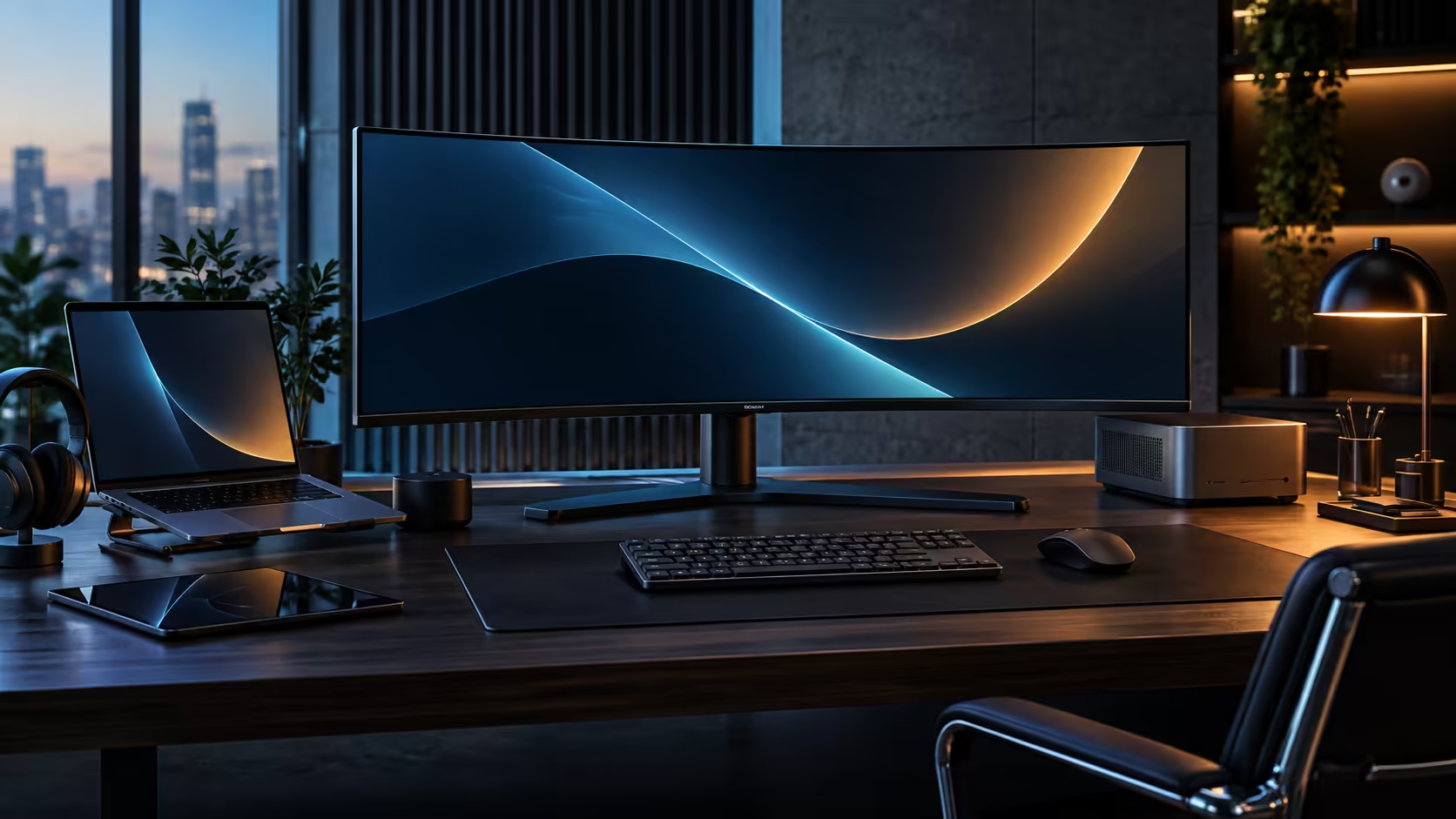
A common South African home-office setup is one screen serving a company laptop during the week and a personal PC after hours. The CU34E4CW is built for exactly that: one USB-C cable carries video, data and up to 90W of charging to the laptop, the built-in KVM switches one keyboard and mouse between two computers, and an RJ45 port puts the notebook on wired Ethernet instead of household Wi-Fi. Its 5MP Windows Hello webcam and two 5W speakers cover the calls that desk exists for.
That last part matters more than the sign-in method on most days. On a fibre line shared with the rest of the house, a video call competes with everything else, and upload is the slower half of almost every SA package. Moving the work machine onto the monitor's wired port takes it out of that contention entirely, which does more for call quality than any camera upgrade.
Where a company laptop is involved, sign-in policy is usually set by IT rather than by the hardware, so check with them before changing how you log in. If face sign-in is not available on your setup, a PIN and a fingerprint reader are both Windows Hello methods and both skip the password.
If the camera itself is what you want to improve, the webcam range lists infrared support against models that have it, and monitor accessories covers the mounts and leads a two-machine desk usually needs. Panel options for that kind of desk sit in the office monitor range.
Frequently Asked Questions
Does a higher resolution webcam improve face sign-in?
No. Windows Hello needs an infrared sensor for its depth check. Colour resolution affects how you look on a call and nothing about whether sign-in is offered.
Why is Facial recognition greyed out in Windows?
Either the machine has no infrared sensor, or the camera is disabled by a privacy shutter, a privacy setting, or in Device Manager. Check those three before concluding anything.
Can I add face sign-in to a desktop PC?
Only with a camera that includes an infrared sensor. Windows will list it under Sign-in options once one is connected and recognised.
Is a PIN less secure than face sign-in?
A Windows Hello PIN is tied to that one device rather than to your account online, so it does not travel the way a password does. Both are Hello methods.
My work laptop will not let me change sign-in settings. Why?
Company devices usually have sign-in policy set centrally by IT. The hardware may be capable while the policy blocks the option.
Ready to sort out how you sign in and how you show up on calls?
Check Sign-in options first to see what your machine already supports, then decide whether the camera is what needs upgrading.