




X870E vs X670E for Video Editing in 4K in SA
X870E vs X670E for video editing in 4k should be judged by fit, not a single winner. Compare compatibility, latency, capacity, upgrade path, cost planning, and South African setup needs.
Read moreWi-Fi 6E vs Wi-Fi 6 for Streaming on Twitch and YouTube comes down to router support, latency, client devices, band support, and home network layout. SA buyers should match the choice to their setup instead of assuming one option always wins.
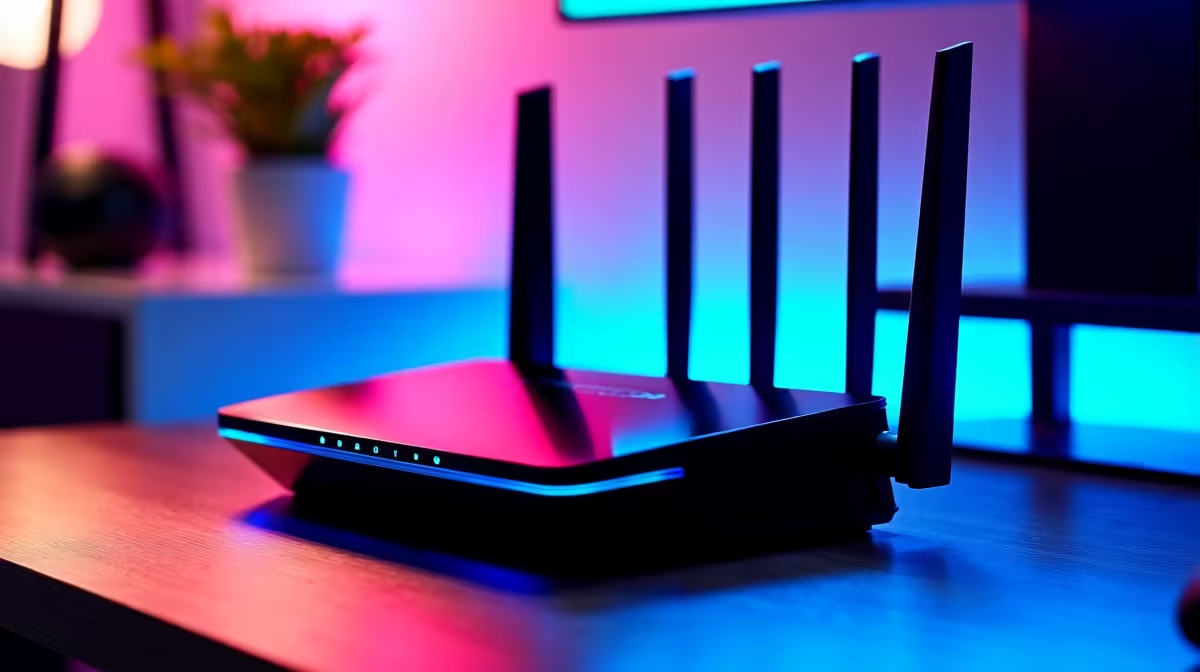
Wi-Fi 6E is better when you can use the cleaner 6GHz band, while Wi-Fi 6 remains the practical value choice for many SA homes. For streaming on Twitch and YouTube, choose the newer standard only when your router, PC, phone, and home layout can use it; otherwise spend on placement, Ethernet, or a stronger GPU first.
Wi-Fi 6 uses 2.4GHz and 5GHz, while Wi-Fi 6E adds 6GHz with wider, cleaner channels for compatible devices. Those wider channels can reduce congestion and improve large downloads, but they do not automatically lower every game's ping.
Wi-Fi 6 routers can sit around R1,000 to R3,000, while Wi-Fi 6E models usually cost more because of the extra band. That gap matters for SA buyers because many homes still have mixed devices, older laptops, and router placement limits. A good Wi-Fi 6 router in the right spot can beat a premium router hidden behind concrete walls.
For streaming, upload stability matters. Fibre from networks such as Vumatel or Openserve can still perform poorly if the home router is badly placed or overloaded. A 100Mbps to 200Mbps fibre line already has enough raw speed for gaming; latency, jitter, and signal quality are the usual pain points.
If the PC is in a study, bedroom, or lounge far from the ONT, test signal strength before replacing hardware. Sometimes a short Ethernet run or mesh placement fixes more than a new standard.
You need support on both ends. A Wi-Fi 7 router paired with a Wi-Fi 5 laptop will fall back to what the laptop supports. The same applies to Wi-Fi 6E and 6GHz: if the PC adapter cannot use 6GHz, the extra band does not help.
Check motherboard Wi-Fi specs, antenna placement, and driver support. Desktops often perform badly when antennas are left behind the case against a wall.
It can be worth it for cleaner wireless and faster downloads, but it does not replace Ethernet for serious competitive play. Buy it when your devices support the standard and your home layout can use it.
No. A router can improve latency, downloads, and streaming stability, but fps comes from the CPU, GPU, RAM, and game settings.
Check fibre speed, router placement, PC adapter support, and whether walls block the signal. Fixing those basics often improves Wi-Fi more than chasing the newest label.
router or mesh node where the gaming PC can see a cleaner signal, then test ping and jitter before judging the upgrade.
X870E vs X670E for video editing in 4k should be judged by fit, not a single winner. Compare compatibility, latency, capacity, upgrade path, cost planning, and South African setup needs.
Read more
RX 9060 XT pros, cons, and SA-specific gotchas start with VRAM choices, PSU fit, case airflow, and monitor targets. This keeps SA upgrade decisions grounded in the whole PC, not just the graphics card name.
Read more
RTX 5060 for South African PC builders should be judged against the full PC, not the GPU alone. Compare real pros and cons across PSU capacity, case airflow, CPU pairing, monitor goals, storage needs, and room for future upgrades.
Read more
Three smarter alternatives to the RTX 4090 should solve the exact workload without overbuying. Compare nearby options by GPU tier, VRAM, cooling, and PSU headroom, local warranty path, and total build balance before moving to a product page.
Read more
Handheld gaming PCs for South African PC builders are best seen as portable companions to a main rig. Compare docked play, controller comfort, storage, Windows libraries, battery limits, and whether the category fills a real gap.
Read more
ATX case delivery and pickup in Polokwane should be shortlisted around the job it must do. South African buyers should compare airflow, clearance, noise, and upgrade room, warranty path, and upgrade room before treating any pick as best.
Read more
Steam content servers unreachable needs a download-path check, not an immediate reinstall of every game. Restart the client, inspect download settings and compare another connection when practical. Clearing the download cache is separate from deleting installed games.

Keychron G6 HE has built-in and swappable battery versions with different weights. The product brief lists 42g and 46g respectively, each with a 3g tolerance. Choose by grip and battery preference before treating one headline weight as universal.

Corsair HS80 v2 MAX supports 2.4GHz wireless and Bluetooth. Its maximum battery figures use RGB-off conditions and differ by connection. Check microphone routing, comfort and the exact device support before assuming every wireless mode behaves alike.

Windows taskbar notification badges can be shown or hidden in Taskbar behaviours. This changes the small app indicators, not the underlying messages. Choose a calmer desktop while keeping a deliberate routine for checking important conversations and app updates.

Windows title bar window shake can minimise other open windows when you shake the active window by its title bar. Inspect the Multitasking setting and switch it off if that gesture interrupts your work. The preference costs R0 and does not require new hardware.

Windows Print Screen opens Snipping Tool when its keyboard preference is enabled. Change the option under Accessibility, Keyboard to choose another workflow. Test whether you need a clipboard image or a saved file.

Windows desktop icons missing may be a visibility setting. Right-click the desktop, choose View and inspect Show desktop icons. If only system icons are absent, use Desktop icon settings. Check the Desktop folder before assuming files were deleted.

Windows set time zone automatically greyed out calls for a location and device-policy check. Automatic time-zone selection relies on location services. A manual time-zone choice is separate from synchronising the clock; check both before replacing hardware.

Is it worth it to buy a prebuilt or build a needs a balanced parts plan, not a random basket. Map the CPU, GPU, RAM, SSD, cooling, and monitor target to the budget so SA builders know where to spend first.

Wi-Fi 6E vs Wi-Fi 6 for Streaming on Twitch and YouTube comes down to router support, latency, client devices, band support, and home network layout. SA buyers should match the choice to their setup instead of assuming one option always wins.

Ryzen 5 9600X + RTX 5060 value needs more than one FPS-per-Rand view. Compare resolution, component balance, cooling, upgrade path, and SA pricing movement before ranking build value.
X870E vs X670E for video editing in 4k should be judged by fit, not a single winner. Compare compatibility, latency, capacity, upgrade path, cost planning, and South African setup needs.