Quick Answer
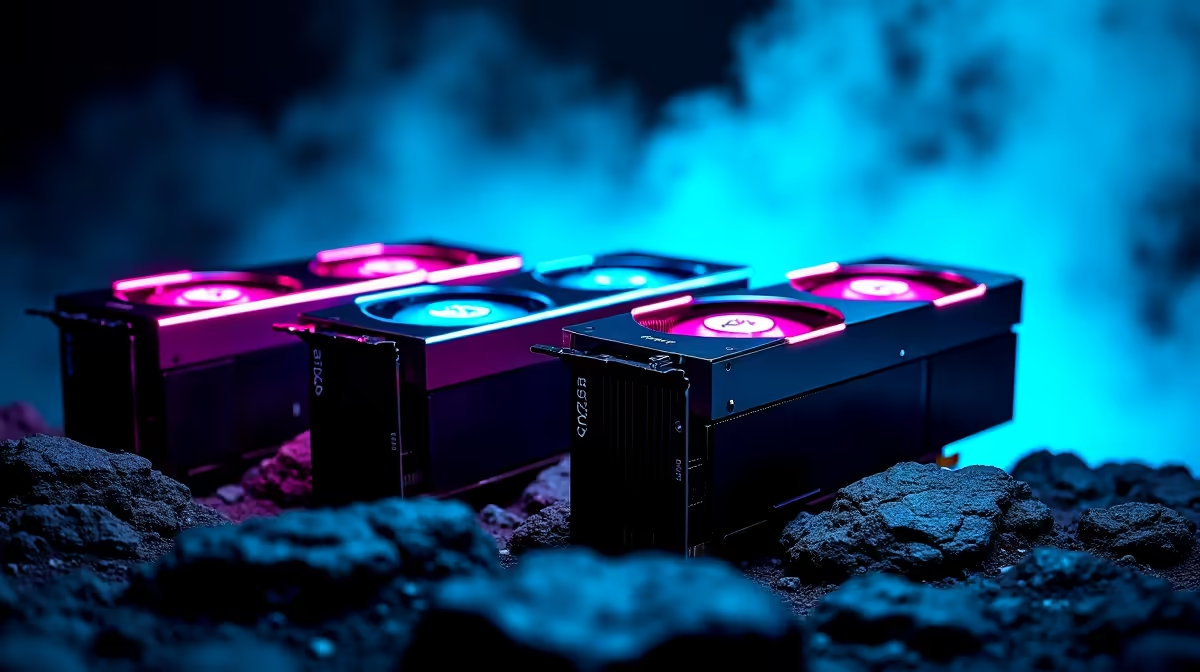
For SA local AI work the three smarter 4090 alternatives are the RTX 5080 16GB, the RTX 5090 32GB and a used RTX 4090 24GB. VRAM sets the ceiling: 24GB to 32GB runs larger language models and heavy image batches, with the RTX 5090's 32GB the standout for serious local AI at Evetech.
VRAM Capacity Defines What You Can Run
Local AI is bound almost entirely by VRAM. A 24GB card runs quantised 30B language models and large Stable Diffusion batches; 32GB stretches to bigger contexts and lighter quantisation. CUDA support also matters, since most AI tooling targets NVIDIA, so the shortlist stays GeForce. Compute speed affects how fast tokens or images generate, but capacity decides what fits at all.
Picking By Workload Scale
For mid-size models and SDXL, the RTX 5080 16GB around R26,000 to R32,000 is the entry point, though 16GB limits the largest models. For serious work the RTX 5090 32GB is the clear pick, handling 30B-class models and large batches with room to spare. A used RTX 4090 24GB is a strong value if one appears locally with warranty. Match VRAM to your biggest model, then judge speed.
FAQ
How much VRAM do I need to run a 30B language model locally?
A 4-bit quantised 30B model needs roughly 18 to 22GB, so a 24GB or 32GB card is the practical floor. The RTX 5090's 32GB leaves room for larger context windows and other apps.
Is the RTX 5090 worth it for local AI?
If you run large models or batch image generation daily, yes; its 32GB and high compute shorten runs noticeably. For smaller models, a used 4090 24GB or 5080 16GB may be enough.
Can a 16GB card handle local AI?
It runs 7B to 13B models and SDXL well but forces heavy quantisation on bigger models. For 30B-class work or large batches, step up to 24GB or 32GB of VRAM.
Size your AI GPU to your largest model.
Compare 24GB and 32GB GeForce cards in the Evetech range so your local models and image batches stay entirely in VRAM.