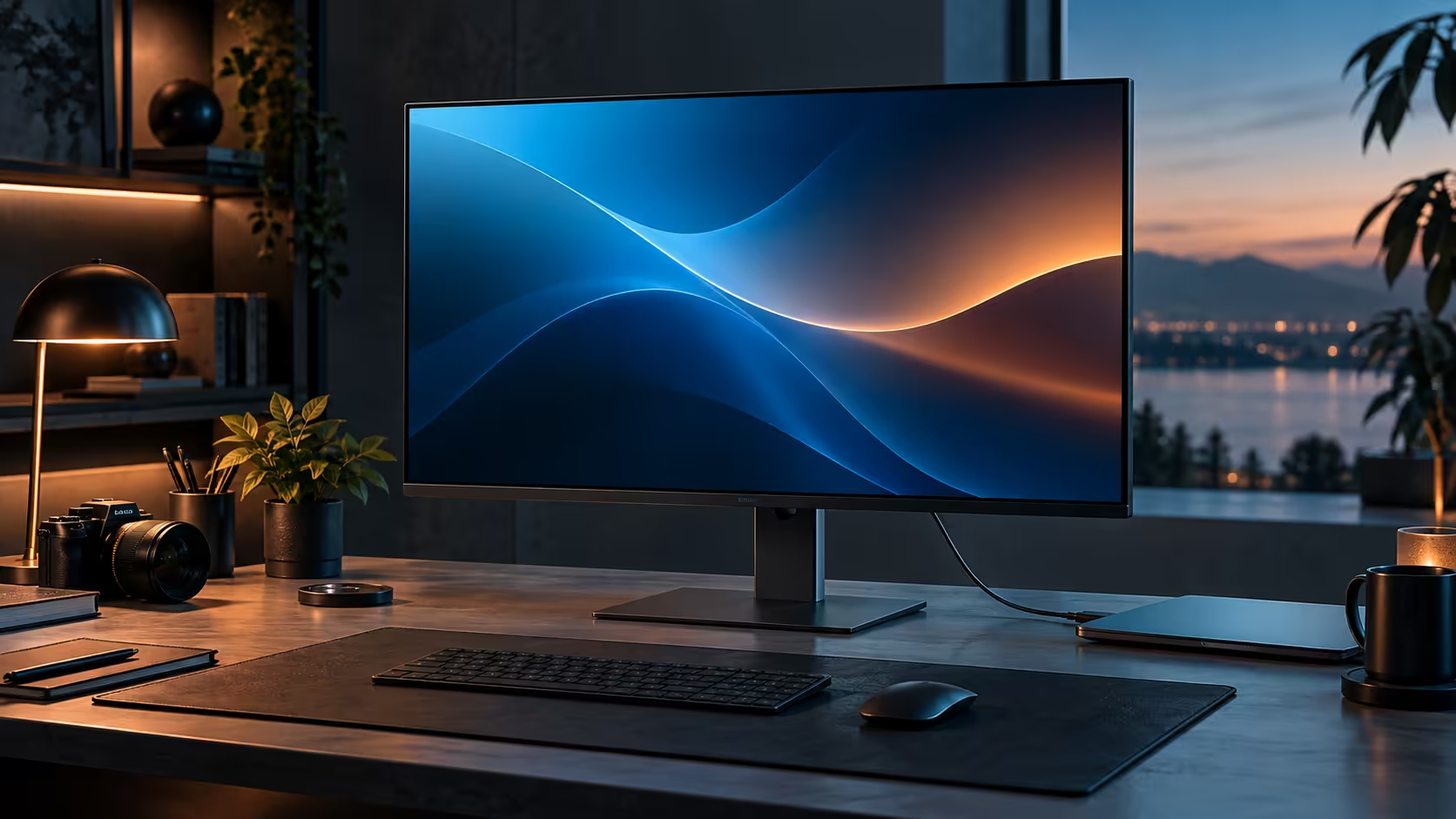
Colour numbers are easy to skim past on a listing, but 99% sRGB and 1.07 billion colours describe two different things, and only one of them tells you whether a photo will look right when someone else opens it. For a South African creator whose work leaves their own desk, both are worth understanding before they show up as a line item on a R8,799 monitor like the Dell Pro 32 Plus P3225DE.
Quick Answer
They matter once your work leaves your own screen, less so for internal documents nobody else will view on a different monitor. 99% sRGB coverage means the panel reproduces almost the entire standard colour space, and 1.07 billion colours means smoother gradients with less visible banding. The Dell Pro 32 Plus P3225DE is rated for both, at R8,799.
🎨 What 99% sRGB coverage actually promises
Coverage and accuracy are two separate claims, and mixing them up leads to disappointment.
sRGB is the standard colour space most web browsers, social platforms and everyday displays assume content was made for. A panel rated at 99% sRGB coverage can physically produce almost every colour inside that space, which is the "can it show the range" question. It says nothing on its own about calibration accuracy, meaning how precisely a specific shade of red matches what the file actually specifies; that is a separate, harder claim that needs a colourimeter to verify, not a single printed figure.
For most creators, coverage is the more practical number day to day: a panel that cannot physically show 99% of sRGB will visibly clip or shift colours near the edges of the space, regardless of how well calibrated it is inside its narrower range. Dell rates the Pro 32 Plus P3225DE at 99% sRGB, alongside 350 nits of brightness.
🌈 Why 1.07 billion colours reduces banding
This number solves a specific, visible problem rather than being a general quality marker.
A standard 8-bit panel displays roughly 16.7 million colours. A panel rated for 1.07 billion, typically through 10-bit colour or 8-bit plus dithering, has far finer steps between shades. The practical result shows up in smooth gradients: a sunset photo, a soft-shadow render or a subtle background blur can show visible stepped bands on a lower colour-depth panel, where the same image on a higher-depth screen shows a continuous, smooth transition. The Dell Pro 32 Plus P3225DE displays 1.07 billion colours.
Video calls, spreadsheets and most web browsing show no visible difference either way, since that content rarely contains the kind of smooth gradient where banding becomes obvious.
🖥️ How the panel actually reaches that colour depth
Two different routes get to the same on-screen result, and it is worth knowing which one a given monitor uses before comparing spec sheets between models.
A true 10-bit panel processes and displays 1.07 billion colours natively, with each of the three colour channels carrying 1,024 possible values instead of the 256 an 8-bit panel offers. A cheaper route to the same headline number is 8-bit plus FRC, short for frame rate control, which rapidly alternates between two close shades to simulate a colour the panel cannot produce directly. Both methods are marketed with the same 1.07 billion figure, and the visible result for everyday gradients is close enough that most people cannot tell them apart without test patterns, though a genuine 10-bit panel is the more consistent of the two under demanding colour work.
This is also why that headline figure is a claim about the display pipeline rather than a guarantee that every application will feed it 10-bit data. Windows, the graphics driver and the software producing the image all have to support the higher bit depth for the full benefit to show up; a document or spreadsheet was never carrying that much colour information to begin with, so the panel's ceiling is simply unused rather than wasted. Photo and video editing software is where the setting is worth checking directly, since some applications default to an 8-bit preview pipeline even when the panel and graphics card underneath both support more.
🇿🇦 Why this matters more once a South African creator ships work outward
The stakes change the moment the file leaves your machine.
A local designer, photographer or content creator working for clients elsewhere in South Africa or abroad is judged on how the finished file looks on someone else's screen, not on the monitor it was made on. Wide sRGB coverage reduces the chance that a colour looking correct on your panel prints, streams or displays with a visible shift for the client. That risk barely exists for internal reports, spreadsheets or documents that never leave the building; the colour depth argument applies almost entirely to visual work headed outward.
Before buying on colour specs alone, check what the work actually needs: video editors and photographers benefit meaningfully, while a monitor bought mainly for spreadsheets and video calls gains little from either number. Buying locally also keeps a straightforward warranty claim available if a panel's colour output ever drifts, rather than relying on an imported unit's overseas support process. Compare panels in the office monitor range, the wider Dell monitor lineup, and monitor accessories if you also need a hood or calibration tool.
Frequently Asked Questions
Does 99% sRGB mean the colours are perfectly accurate?
No. Coverage describes how much of the colour space a panel can physically reproduce; accuracy is a separate calibration question that needs dedicated measurement tools to confirm.
What is the practical benefit of 1.07 billion colours over 16.7 million?
Smoother gradients with less visible banding, most noticeable in photos, video and rendered graphics with soft transitions between shades.
Do I need wide colour coverage for spreadsheets and email?
Not meaningfully. The benefit is concentrated in visual work that leaves the machine and gets judged on another screen or in print.
Can software fix a monitor with narrower colour coverage?
Only partially. Software can correct some colour accuracy, but it cannot make a panel physically display colours outside its actual coverage range.
Does the operating system need special settings enabled for wide colour to display correctly?
Generally no for sRGB content, since it is the default assumption for most software. Working in a wider space like Adobe RGB does need the application and, in some cases, the graphics driver configured to match.
Ready to check whether your work actually needs wide colour coverage?
Weigh up whether your files leave your desk before paying extra for colour specs you may not use.