Adding another controller to a crowded PC can create more planning work than it removes. The Lian Li EDGE Hub ADV brings USB expansion, PWM fan connections and GPU connector temperature monitoring into one accessory. Its appeal depends on the connections your build needs, the power supply you already own and whether you will actually use the monitoring functions.
Quick Answer
Treat EDGE Hub ADV as a connection and monitoring accessory, not a replacement power supply or a repair for damaged hardware. Evetech listed the Gamdias HELIOS M1-450B at R599 on 26 September 2026, but that entry-level PSU is only a local price reference, not a recommendation for a powerful graphics build. Match power and cables to the whole PC before budgeting for a hub.
🔌 Draw the connection map first
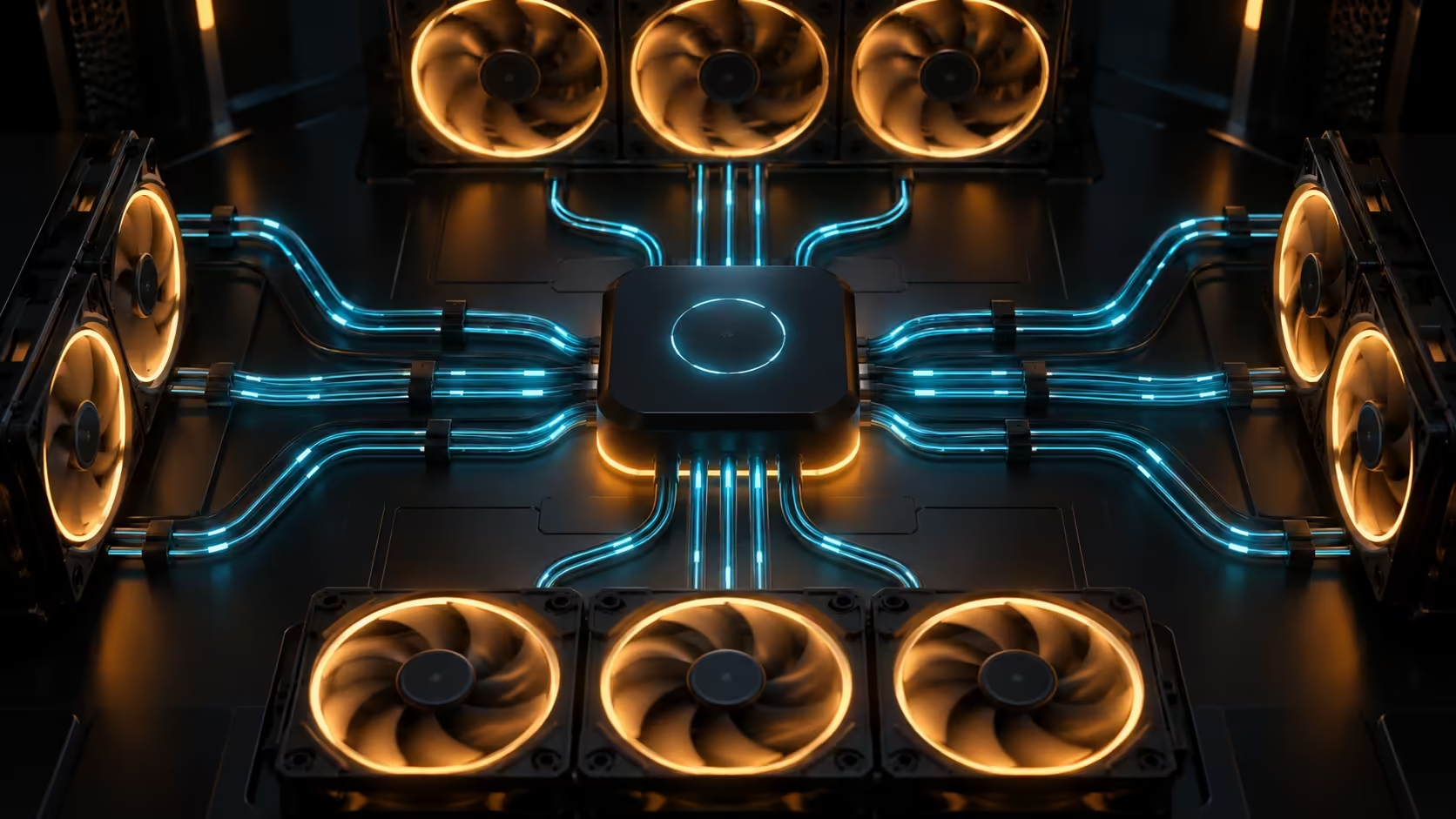
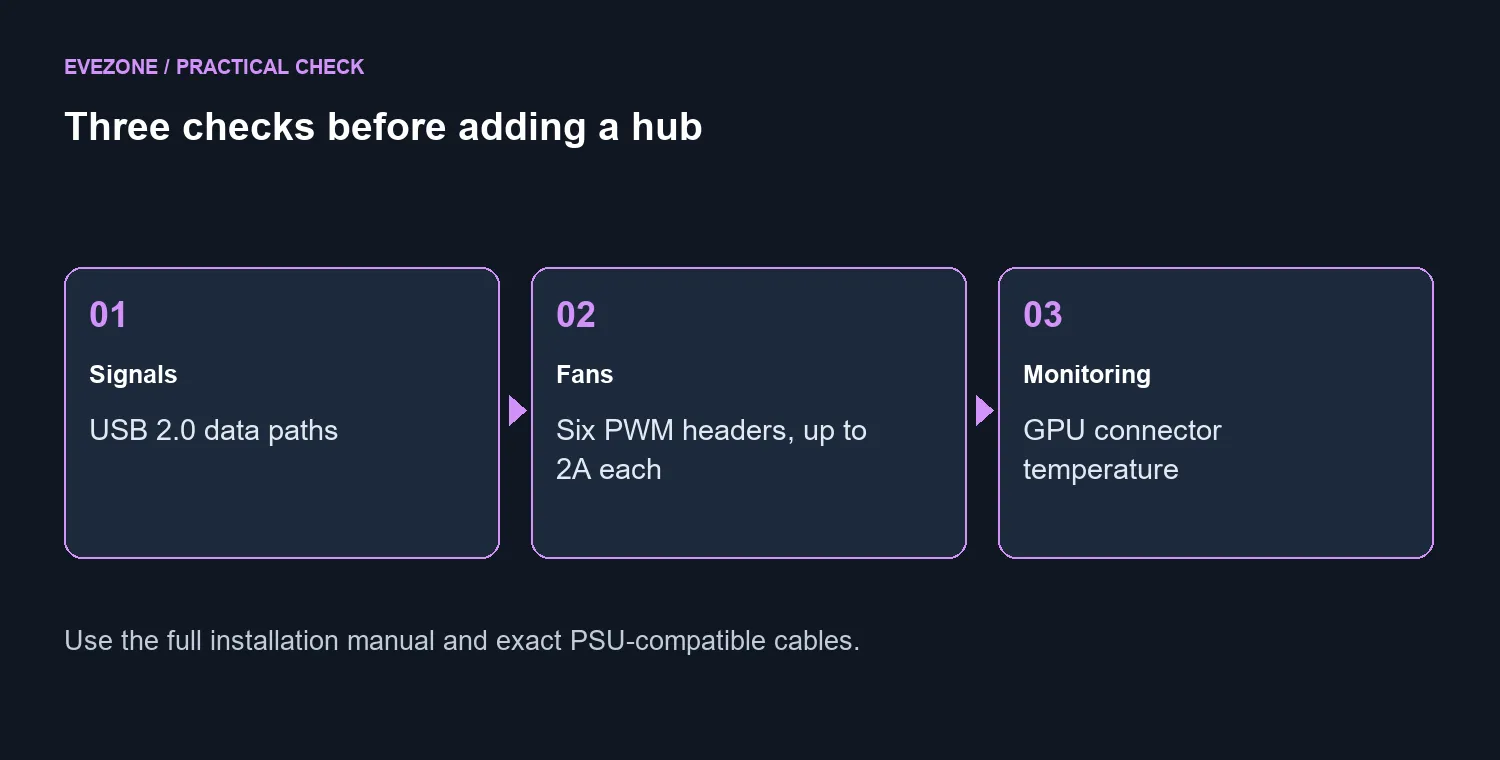
Lian Li specifies two hub chips, four USB headers carrying seven downstream signals and six PWM fan headers rated up to 2A each. One channel is reserved for GPU connector temperature monitoring. Count the actual devices in your PC before assuming that the number of sockets equals the number of independent connections available to you.
The motherboard connection is especially easy to misread. The design can use a USB 3.0 header while carrying USB 2.0 signals. The larger header therefore does not turn every connected device into a USB 3-speed device. Check whether that header is already needed for your case connection before assigning it to another accessory.
Make a small table of the motherboard headers, fan leads and existing controllers. Mark what is already occupied and what the new hub would replace. If you cannot identify a plug confidently, use the motherboard and hub manuals rather than matching connectors only by appearance.
🌡️ Separate an alert from a guarantee
The specified thermal features include connector temperature monitoring, customisable alerts and automatic shutdown functionality through the supported setup. These are useful information and response features. They are not proof that every cable fault will be prevented, nor permission to keep using a connector that shows damage.
Installation deserves more attention than a tidy photograph. Confirm the exact supplied cable, supported PSU connection and software requirements. Do not assume modular PSU cables are interchangeable between models. For a builder unsure about compatibility, an experienced technician checking the full installation is more useful than a guess about whether a plug seems to fit.
When considering power supplies, start with the system requirements and the manufacturer's compatibility information. A new monitoring accessory does not change the graphics card's power requirements. It also does not make a low-cost unit the right choice for every build.
🧩 Buy for a real expansion problem
A multi-controller build may benefit from centralising connections. A simple PC with spare headers may have little reason to add another device and its software. List the problem you expect the hub to solve: missing connections, difficult fan wiring or a desire for supported temperature monitoring.
Then check the practical details together. Where will it mount? Can cables reach without pulling against their connectors? Which header remains available for future changes? The cable solutions range is useful for planning, but buy only cables explicitly suitable for the device and connection concerned.
There is no verified local EDGE Hub ADV price in this guide. Compare a future local listing against the cost of solving your actual expansion need, rather than treating monitoring features as compulsory for every PC. Keep the final wiring map with your build notes so later upgrades do not turn a clear plan into guesswork.
Frequently Asked Questions
How many fan headers are specified?
Six 4-pin PWM headers, each rated up to 2A. Check the full hub and connected-fan limits in the manual.
Does its USB 3.0 header mean USB 3 data speeds?
No. Lian Li describes USB 2.0 signalling through that motherboard connection.
What does the thermal feature monitor?
The supplied sensor arrangement monitors GPU connector temperature and supports alerts and automatic shutdown functions.
Can a hub repair a damaged power connector?
No. Stop using damaged hardware and arrange inspection; monitoring cannot repair a connector or cable.
Does it replace the power supply?
No. It is a hub accessory with its own connection requirements, not a substitute for a correctly sized PSU.
Should I buy a cheap PSU just to power this hub?
No. Match the PSU to the entire system. A R599 entry-level unit is a price reference, not a high-end GPU recommendation.
Planning a PC with several controllers?
Check Evetech power supplies and compatible cable options after you have mapped every header and device in the build.