A camera can record far more detail than your next meeting will ever show. The Razer Kiyo V2 Pro makes that gap worth thinking about: its new 4K 60fps mode is attractive for creators, but the sensible purchase starts with what you publish. A small face window beside a game and a full-screen product demonstration ask different things of a webcam.
Quick Answer
Choose the Kiyo V2 Pro for a workflow that can use its capture and framing features, rather than for the biggest number alone. For a local budget comparison, Evetech listed the Winx Do Simple 1080p 30fps webcam at R449 on 26 September 2026. That is an existing entry-level alternative, not a South African price for the new Razer model.
🎥 Start with the picture people receive
The September announcement specifies 4K capture at 60fps, a Sony STARVIS 2 sensor and an 86-degree lens. Those are camera capabilities. They do not promise that a conferencing app will transmit the same resolution or frame rate, or that your audience will see the extra detail on a small screen.
Write down your main output before shopping. If it is a recorded tutorial, check the recording resolution and frame rate you intend to keep. If it is a live stream, decide how large the camera appears in the finished scene. For everyday calls, test the current camera in the actual service you use rather than judging only its local preview.
Browse Evetech webcams with that output in mind. Compare a usable image at your normal seating distance, not an unfamiliar demonstration with different lighting. An expensive camera also deserves a deliberate position: looking up from below the monitor is still an awkward angle, whatever the capture resolution.
🖼️ Decide whether the frame should move
Auto-framing follows the creator, while the pivoting mount supports monitor or tripod placement. These options address different needs. A presenter moving around a desk may welcome tracking; someone holding a small component in one corner may prefer to keep the composition still.
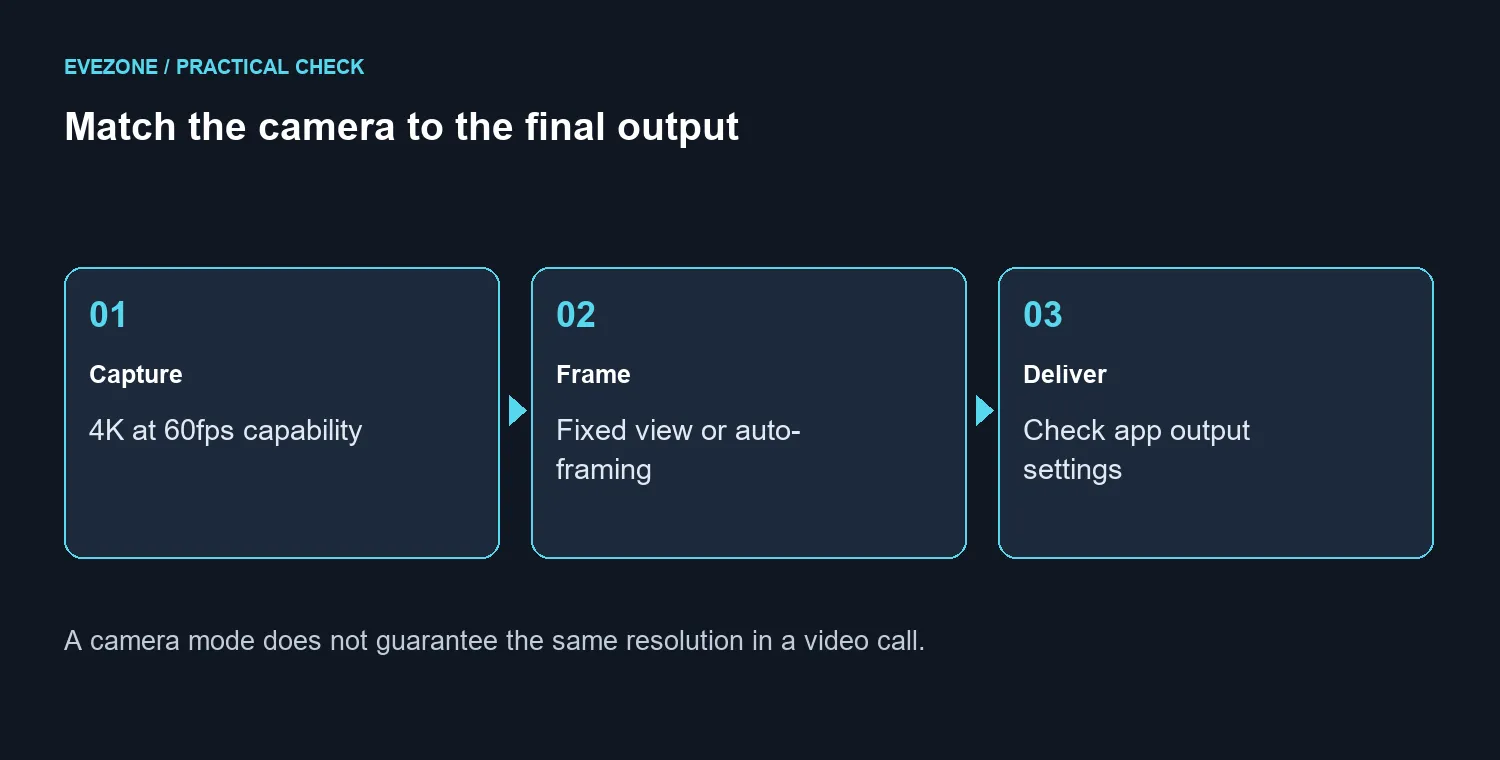
Make a short rehearsal in the way you actually work. Sit forward, reach for an object and return to your normal position. Watch whether the framing helps the explanation or distracts from it. This is an evaluation method, not a claim that any particular tracking mode will fail.
If your finished video is mostly screen capture, consider how often the webcam really needs to move. A fixed shot can be easier to match between takes. If you film demonstrations, leave enough room for the object and your hands rather than composing only around your face.
🎙️ Budget for the whole recording
The product page describes a twist privacy shutter and Camo Studio features, including a lifetime Pro licence. Check the current software terms and platform requirements when purchasing, especially if the camera will move between a personal PC and a managed work laptop.
Audio deserves a separate test. Record a sentence at your normal speaking distance and listen back before deciding which part of the setup needs money. The microphone range provides a separate comparison if speech quality, rather than the picture, is what limits the recording.
For a South African home office, it helps to separate the camera budget from lighting, mounting and audio. Do not assume an overseas announcement establishes local stock or support terms. Compare the complete local offer when it appears, and keep your current working setup until the upgrade solves a specific recording problem.
Frequently Asked Questions
What is the headline capture mode?
Razer specifies 4K video at 60fps. Your chosen application and recording settings still determine the output you actually use.
Does it include a physical privacy control?
Yes. The integrated privacy shutter closes with a twist; check it before assuming a blank preview means the camera is faulty.
Will every video call use 4K 60fps?
No. Camera capability does not set the calling service, application or connection limits.
What does auto-framing do?
It adjusts the framing as the creator moves. Test it against a fixed frame when showing small objects or desk work.
What is a local basic webcam comparison?
On 26 September 2026, the in-stock Winx Do Simple 1080p 30fps cost R449 at Evetech. It is a different product.
Is a South African launch price confirmed here?
No local Kiyo V2 Pro price is established. Compare current Evetech listings when choosing your budget.
Building a clearer creator setup?
Compare Evetech webcams around your final recording format, then choose audio and mounting to suit the same desk.