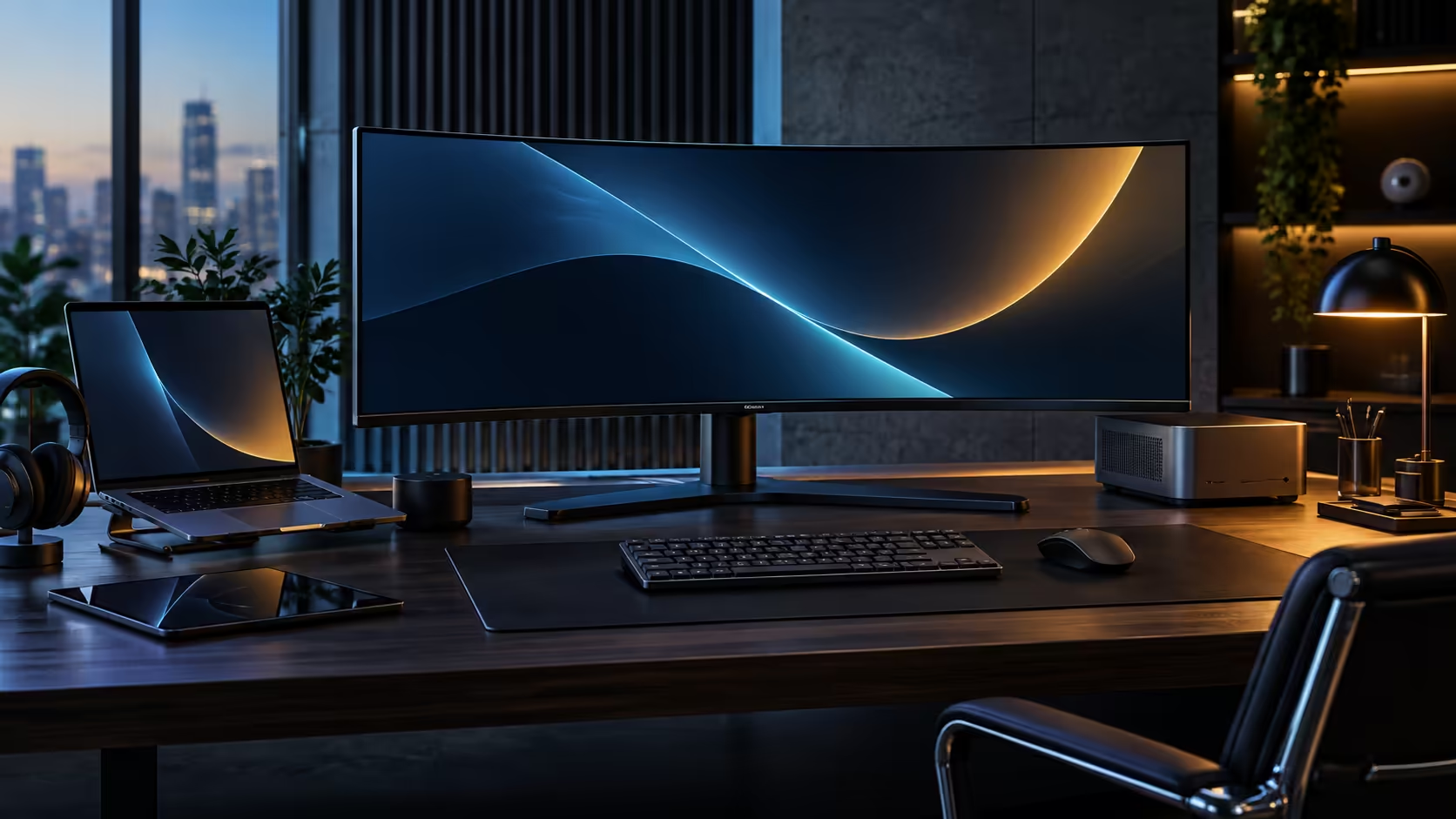
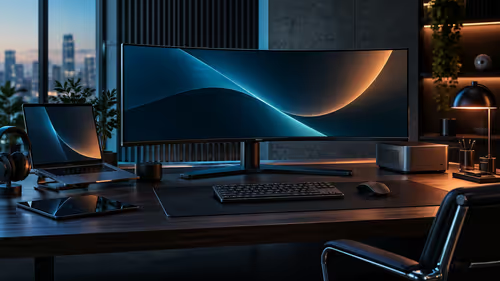
The pixel-count argument for two monitors sounds convincing until you actually total the cables. A 34-inch ultrawide loses on raw pixels against a pair of QHD screens, but it wins on almost everything a desk actually has to deal with day to day, and the gap is worth putting real numbers against instead of a gut feeling.
Quick Answer
One CU34E4CW panel gives you 3440x1440, roughly 4.95 million pixels, in one continuous view with no bezel down the middle. Two 2560x1440 monitors add up to 7.37 million pixels total, but they arrive as two separate video inputs, two power leads and a visible seam between them. At R7,999 the single ultrawide route also carries USB-C docking, a KVM and a network port that a bare second monitor does not.
📐 The pixel maths, and where it stops mattering
Two screens genuinely offer more total pixels, and that fact deserves a straight answer before making the case for one.
Two 2560x1440 monitors total 7.37 million pixels against the CU34E4CW's 4.95 million, a real 49% advantage in raw pixel count for the dual setup. Where that advantage shrinks is usable width for a single continuous task: the ultrawide's 3440 horizontal pixels flow as one uninterrupted line, while the dual setup's 5120 combined horizontal pixels are split by a bezel gap that no software can hide. A spreadsheet, a timeline, or a long document reads as one continuous surface on the ultrawide and as two half-surfaces divided by a visible seam on the pair.
For genuinely separate full-screen tasks, two screens still make sense, since each one can run a different app at native resolution with no compromise. The comparison flips depending on whether your work is one wide thing or two separate things.
🔌 Cabling and desk space, counted rather than guessed
This is where the numbers stop favouring two monitors outright.
A dual QHD setup needs two video cables, two power cables and, if both stands are the wide desktop kind, roughly 900mm to 1000mm of desk width once you allow gaps for airflow and cable routing. The CU34E4CW needs one video cable if it is receiving a laptop over USB-C, one power lead, and typically 800mm to 820mm of desk width for the panel itself, since a curved single unit sits more compactly than two flat panels side by side.
Depth matters as much as width here. Two monitors on separate stands often need 200mm to 250mm of desk depth each for stability, where a single curved ultrawide on one central stand needs roughly that once, not twice.
🛠️ What one screen adds that a bare second monitor does not
Buying a second QHD monitor gets you more pixels and nothing else, which is the part of the comparison that price-per-pixel calculators miss.
The CU34E4CW folds USB-C docking, a built-in KVM, an RJ45 network port and a 5MP webcam into the R7,999 price. Matching that with a second bare monitor means separately pricing a USB-C dock, possibly a KVM switch if you run two computers, a network adapter, and a webcam, each with its own cable and its own place to sit on the desk. Two QHD monitors without those extras is a cheaper way to add pixels; two QHD monitors with equivalent docking, KVM and camera features attached is rarely cheaper than the single ultrawide once every part is priced.
The honest trade-off is this: choose two monitors when your work genuinely needs two separate full-screen surfaces, and choose the ultrawide when your work is one wide canvas that currently gets forced into two windows out of necessity rather than preference.
🎮 Gaming and creative work tip the comparison further
Outside spreadsheets and documents, the two setups behave differently again, and it is worth naming that difference rather than leaving it out.
A game that supports 21:9 natively fills the CU34E4CW's full 3440x1440 canvas with one coherent field of view, where the same game spread across two monitors either runs on one screen with the second idle, or requires software that stretches the image across a visible bezel gap and rarely looks right doing it. For video editing and design work, a single wide timeline or canvas avoids the bezel interrupting a scrub bar or a ruler, which is a small annoyance that compounds over a long editing session.
Two monitors keep an advantage for one specific creative workflow: a dedicated colour-accurate reference panel sitting beside a general-purpose main screen, since that setup depends on two physically separate displays with different calibration rather than one continuous surface. If that describes your work, two monitors remain the better structural choice regardless of the pixel-count argument above.
Multi-monitor gaming setups also carry a graphics card cost that a single ultrawide avoids entirely. Driving three separate 1440p panels at a playable frame rate demands considerably more from a GPU than driving one 3440x1440 panel at the same total pixel budget, because most engines render each connected display as its own viewport rather than sharing the work efficiently across them.
Compare the panel directly against AOC's monitor range and the wider monitor category before deciding, and check the office monitor range for other docking ultrawides at a different price point.
Frequently Asked Questions
Does a 34-inch ultrawide give me more screen space than two monitors?
No, two QHD monitors add up to more total pixels. What the ultrawide gives you is one uninterrupted surface instead of two surfaces divided by a bezel, which matters for wide single tasks rather than raw pixel count.
Is a single ultrawide cheaper than buying two monitors?
Only once you price in equivalent docking, KVM and camera features on the two-monitor side. Two bare QHD monitors without those extras can be the cheaper route to more total pixels.
Which setup is better for spreadsheets and timelines?
The single ultrawide, because the content runs as one continuous view rather than being split by a physical bezel between two separate screens.
Which setup is better for running two completely different full-screen apps?
Two monitors, since each screen can run its own app at native resolution without sharing space on one panel.
How much desk depth does a curved ultrawide need compared with two flat monitors?
Roughly the depth of one stand rather than two, since a single curved panel replaces two separate stands that each need their own footprint for stability.
Ready to see whether one wide screen suits your work better than two?
Measure your desk width and think about whether your daily tasks are one wide job or two separate ones before you decide.