A separate USB-C dock and a docking monitor solve the same problem in opposite ways: one adds a box to the desk, the other builds the box into a screen you needed anyway. Both get a laptop onto full-size peripherals over one cable, but the parts list, the failure points and the total cost land differently once you actually price each route out.
Quick Answer
A standalone USB-C dock typically costs somewhere between R1,500 and R3,500 depending on port count, and still needs a monitor bought entirely separately. The CU34E4CW folds an equivalent hub, an RJ45 socket and 90W charging into the panel itself for R7,999 total, which is usually cheaper than buying a comparable monitor plus a comparable dock as two purchases, and it removes one power brick and one extra box from the desk.
📦 What each route physically puts on your desk
Counting boxes and cables is the fastest way to see the real difference, rather than comparing spec sheets in isolation.
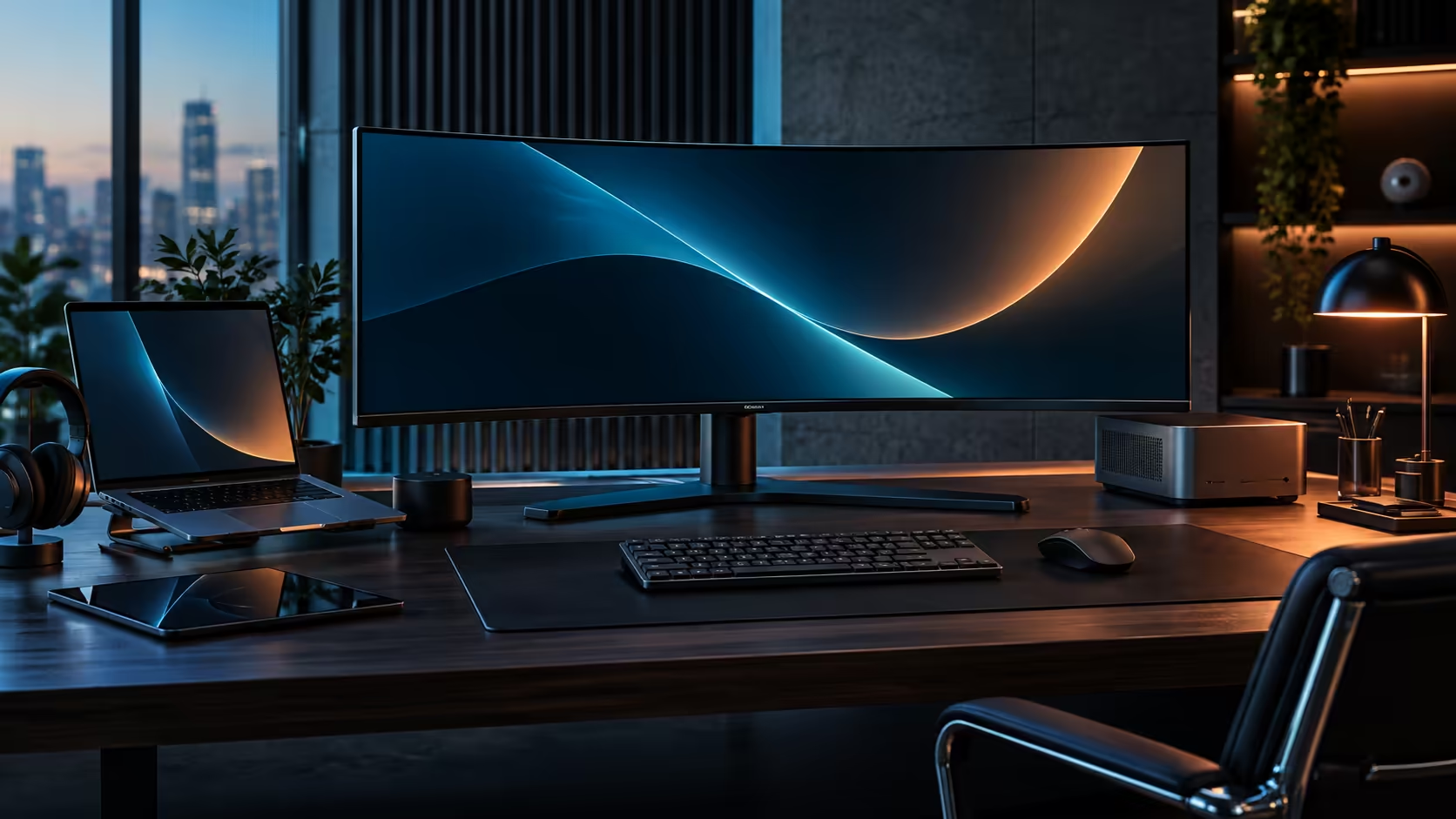
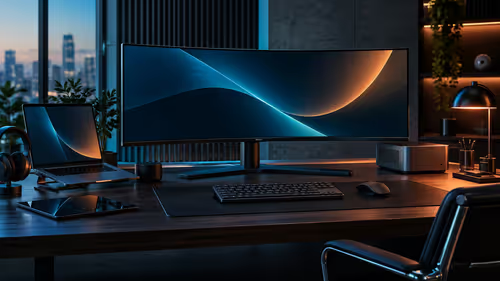
A separate dock sits on the desk as its own object, usually with its own power brick, its own USB-C cable to the laptop, and a further cable running from the dock to whatever monitor you already own or buy alongside it. That is two boxes, two power inputs and at least two cables before the peripherals are even connected. The CU34E4CW removes the dock as a physical object entirely: the hub, the network port and the charging circuit live inside the monitor's own housing, so the desk gains a single panel rather than a panel plus a hub.
For a desk that is already tight on space, or one where cable routing genuinely has to look tidy for video calls, that difference is not cosmetic. It is one fewer physical object competing for room behind the screen.
💰 Pricing the two routes honestly
The comparison only works if both sides are priced completely, not just on their headline number.
A capable USB-C dock with a network port, several USB-A ports and enough power delivery to charge a laptop generally lands in the R1,500 to R3,500 range on its own, before a monitor is added to the order. Pair that dock with a comparable 34-inch curved monitor bought separately, and the combined total typically lands close to or above the CU34E4CW's R7,999, since a similarly specified curved panel alone is not a budget purchase. Where the separate-dock route can come out ahead is if your existing screen still satisfies you and the dock is genuinely the only piece missing, in which case that standalone box is by far the smaller of the two purchases.
Neither route works on every laptop, and this is worth checking before pricing either option seriously. Video-over-USB-C depends on a specific signalling standard called DisplayPort Alt Mode riding alongside the data and power, and budget or older machines sometimes wire their USB-C port for charging and data transfer only, leaving that signalling out entirely. Look up your exact laptop model's own specification sheet rather than assuming any USB-C port qualifies, because a port missing DisplayPort Alt Mode will still charge the machine and move files through a dock or a docking monitor without complaint, while the screen itself simply stays blank.
⚠️ The failure points that differ between the two
Each approach fails differently when something goes wrong, and it is worth knowing which failure you would rather deal with.
A separate dock that stops working is a single component to test and replace: unplug it, connect the laptop directly to the monitor, and you have isolated the fault without touching the screen at all. A docking monitor that develops a hub or charging fault is harder to isolate, since the docking electronics and the display panel share one housing and one warranty claim, and a fault in one does not always mean the other is affected, but the repair or replacement path runs through the whole unit rather than a small standalone box.
Cable count during a fault also differs. Diagnosing a separate dock means checking cable by cable across two distinct devices; diagnosing the CU34E4CW's docking function generally starts and ends with the single USB-C cable and the monitor's own menu settings, usually within a few minutes rather than an extended troubleshooting session across multiple boxes.
If a standalone dock better suits how you want to isolate faults or reuse an existing monitor, the docking station range is worth comparing directly, alongside general cable solutions for the connections either route needs. The office monitor range is where the all-in-one option sits.
Frequently Asked Questions
Is a docking monitor cheaper than a separate dock and monitor?
Usually, once you total up a similarly specified screen plus a separate dock bought on their own. If you already own a monitor you like, adding a standalone dock alone can be the cheaper route.
What happens if the docking function on my monitor stops working?
You would generally need to service or replace the whole unit, since the docking electronics and the display share one housing. A separate dock, by contrast, can be swapped out without touching the monitor at all.
Is pairing a standalone dock with a docking monitor ever worthwhile?
Yes, though it is rarely necessary. Most people use one or the other rather than both, since a docking monitor already provides the ports a standalone dock would add.
Does a docking monitor need any software installed to work?
No. The hub, network port and charging function are handled by the monitor's own hardware and appear to the laptop as standard USB and Ethernet devices.
Which route is better if I frequently switch laptops?
A separate dock can be marginally more convenient to test against a new laptop in isolation, but a docking monitor works the same way for any laptop with a compatible USB-C port.
Does every laptop work with a USB-C docking monitor?
No. The laptop's USB-C port has to support DisplayPort Alt Mode specifically, a step beyond ordinary charging and file transfer. Look this up on the manufacturer's own listing for your exact model before assuming any USB-C port on any laptop will show a picture at all.
Ready to cut one box out of your desk setup?
Price a comparable dock and monitor separately, then weigh that total against a single docking ultrawide.